
Enhance Real Estate Photos with AI
Upload any property photo and let our AI improve it – lighting, sky, lawn, perspective, clutter, and small visual flaws – listing-ready results in 15-30 seconds.
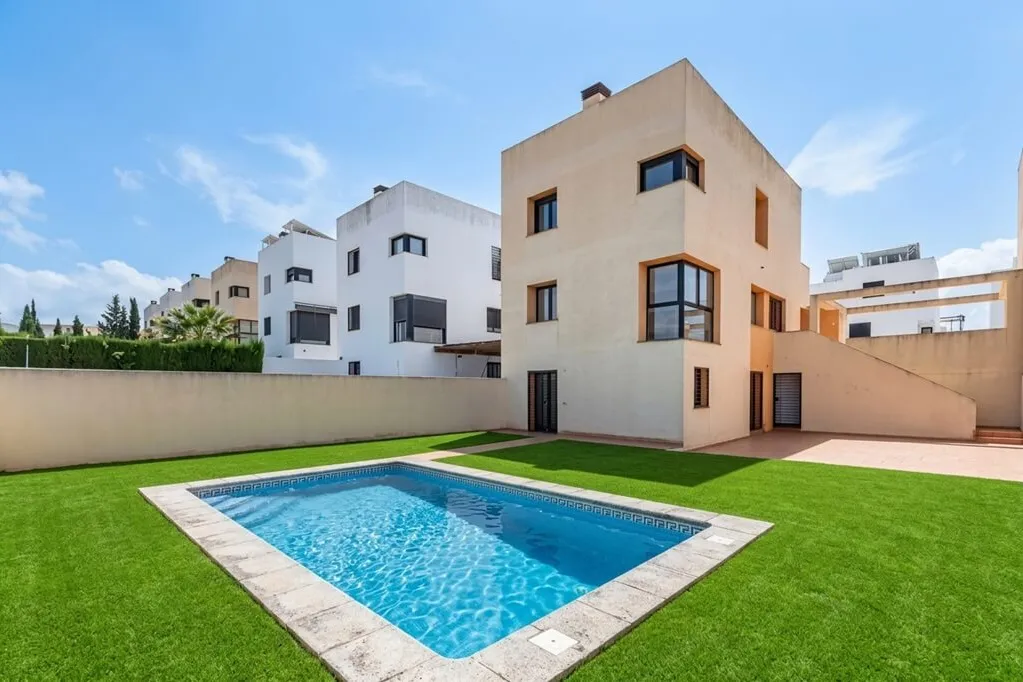
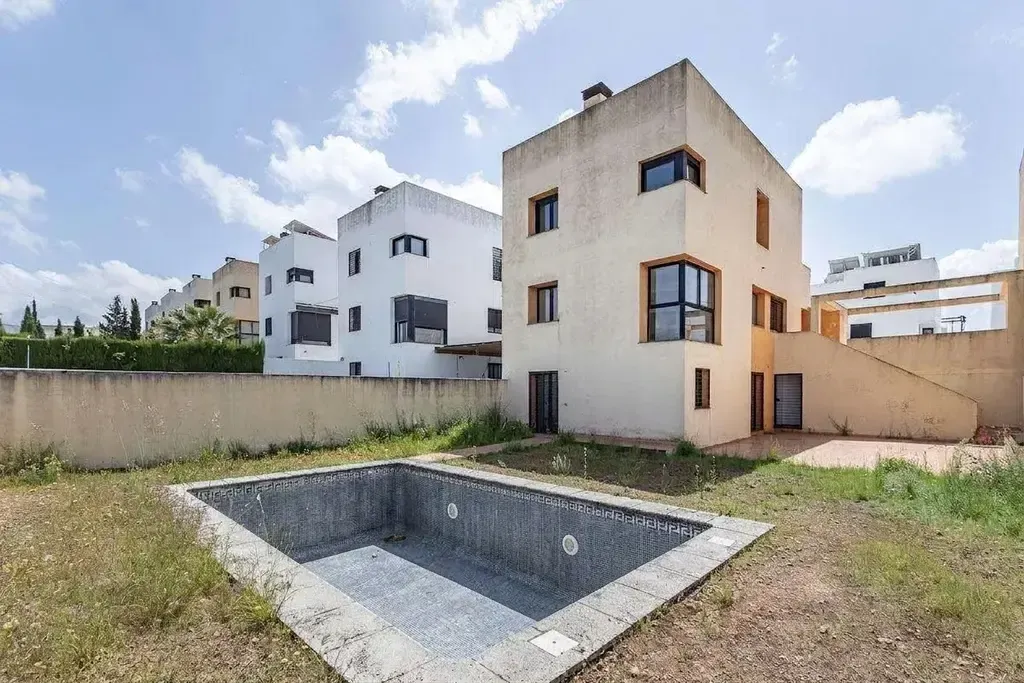


What you can improve with AI Image Enhancement
Improve the most important details in your property photos – from lighting and sky to clutter, lawn, and perspective.
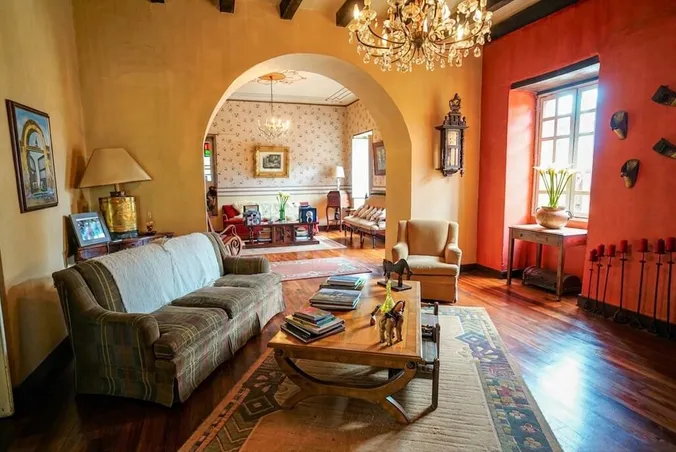
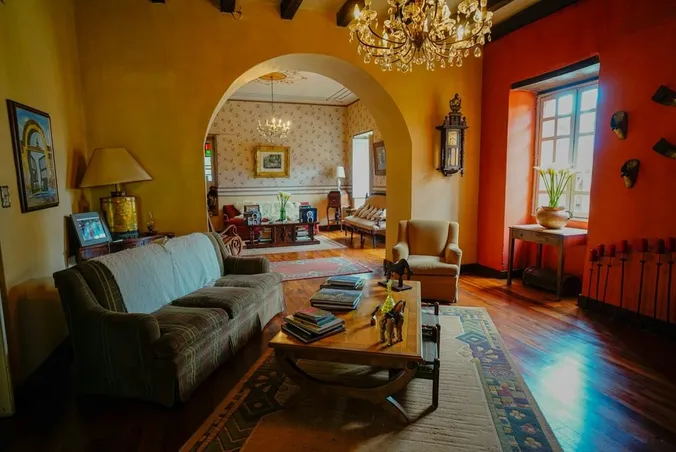
Lighting & Color Correction
Make dark rooms feel brighter, cleaner, or warmer with natural-looking light.
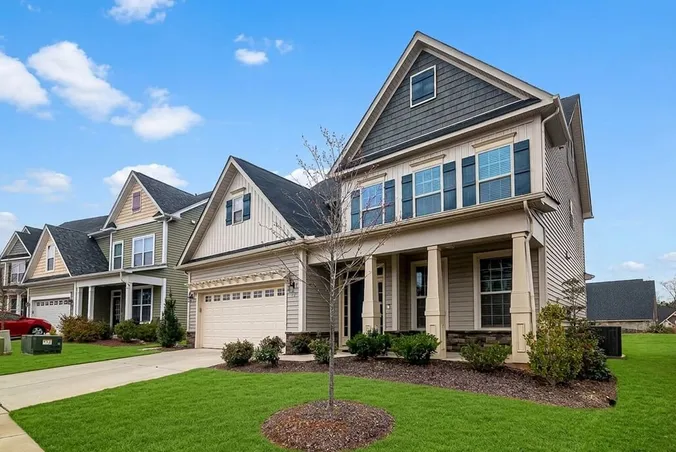
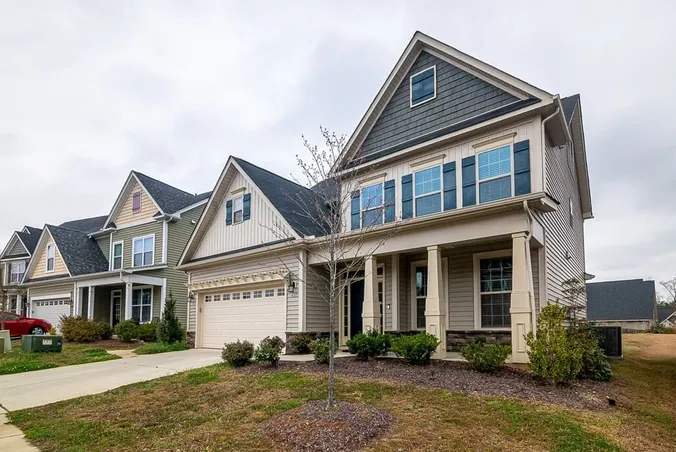
Sky Replacement
Replace gray, overcast skies with sunset, blue sky, golden hour, or twilight mood.
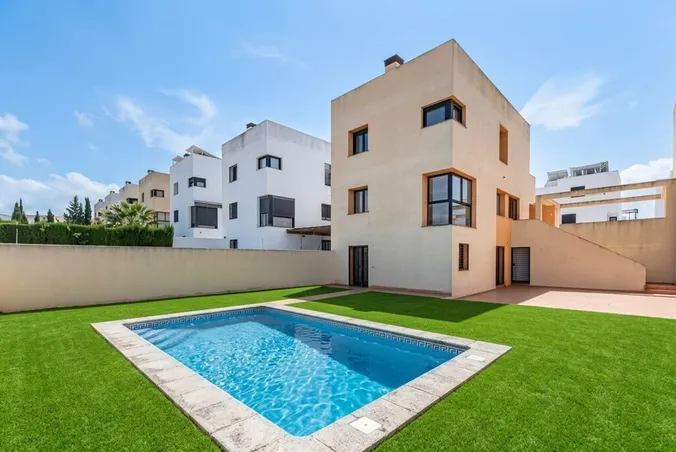
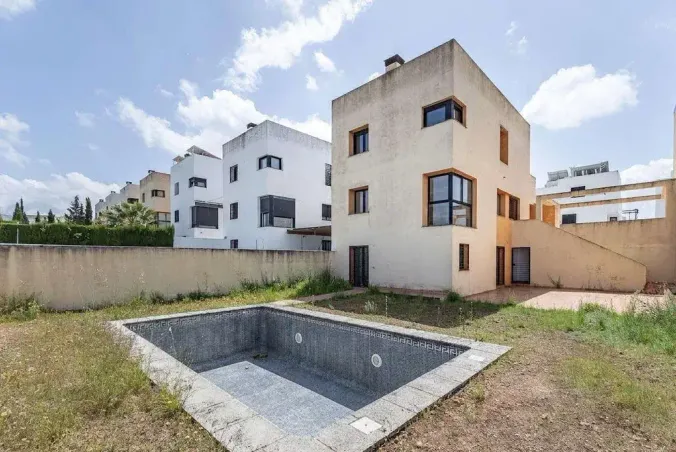
Lawn & Pool Replacement
Refresh overgrown grass or empty pools to make outdoor photos look cleaner and more tidy.
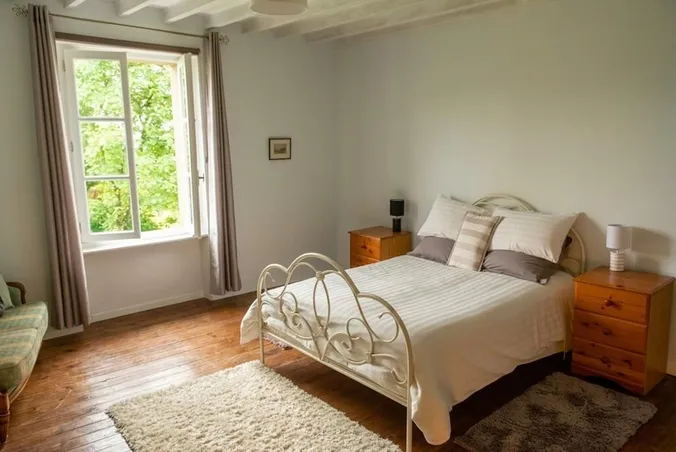
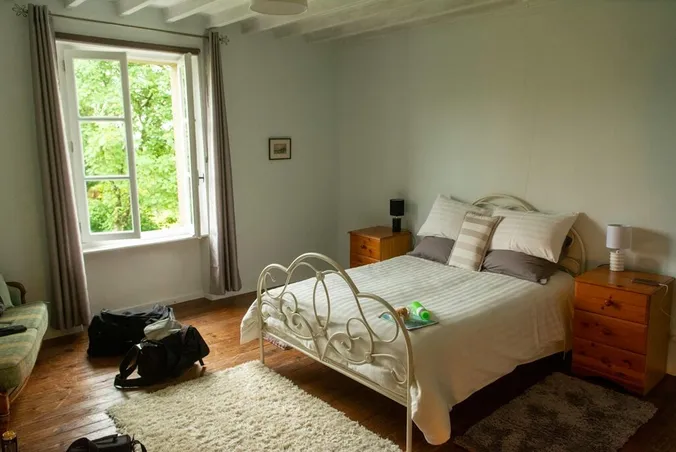
Remove Clutter & Objects
Remove clutter, personal items, and small distractions for a tidy listing photos.
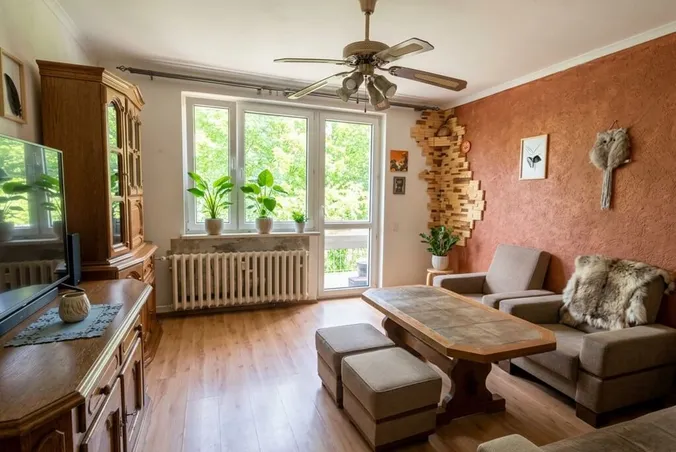
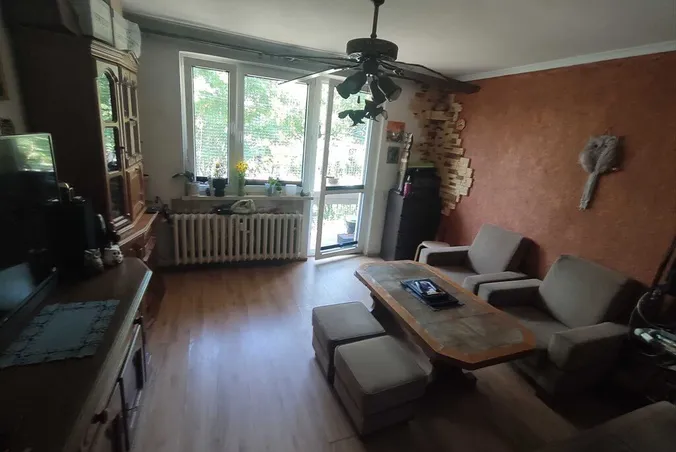
Perspective Correction
Straighten tilted walls and vertical lines for balanced, professional-looking photos.
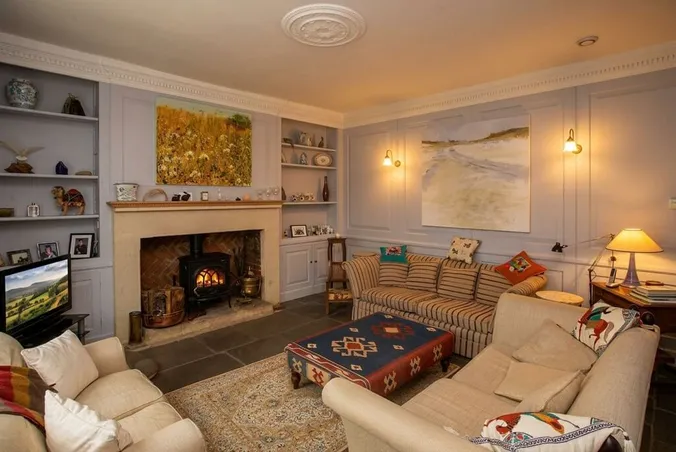
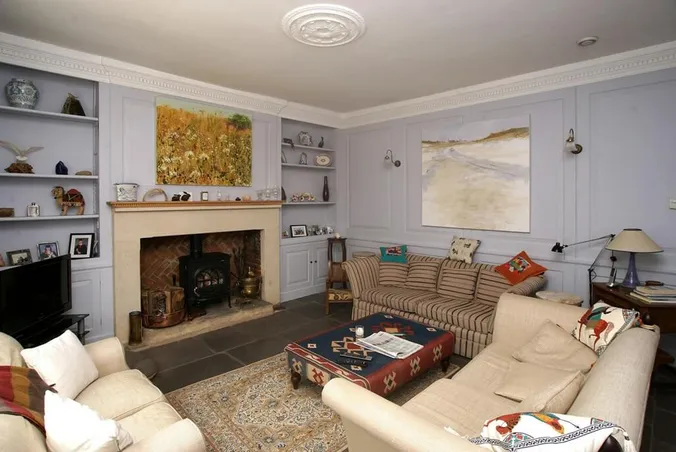
Fireplace & TV Details
Add realistic fire to the fireplace or a screen to the TV for a warm, cozy atmosphere.
How to edit your real estate photo
Just three simple steps to turn an ordinary property photo into a premium, listing-ready image.
Upload any indoor or outdoor property photo you want to improve.
Select what to improve: lighting, sky, lawn, clutter, photo perspective, and more.
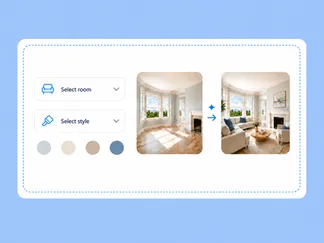
Download a clean, photorealistic enhanced images in 15-30 seconds.
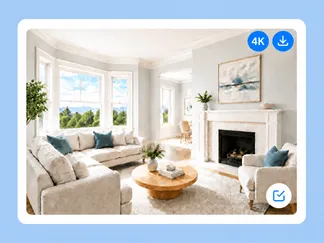
AI Image Enhancement Examples
Explore real-life examples of interior and exterior photos enhanced by users worldwide.
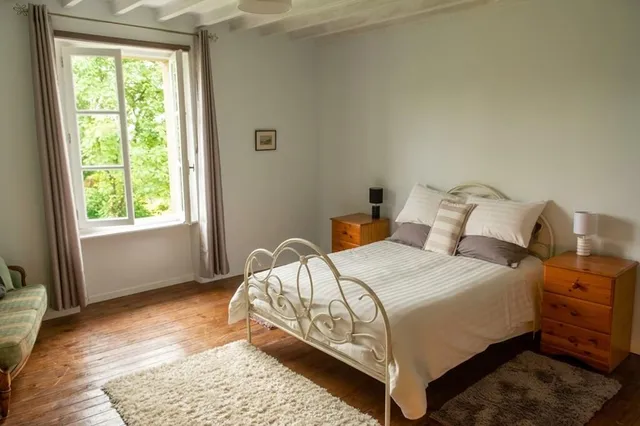
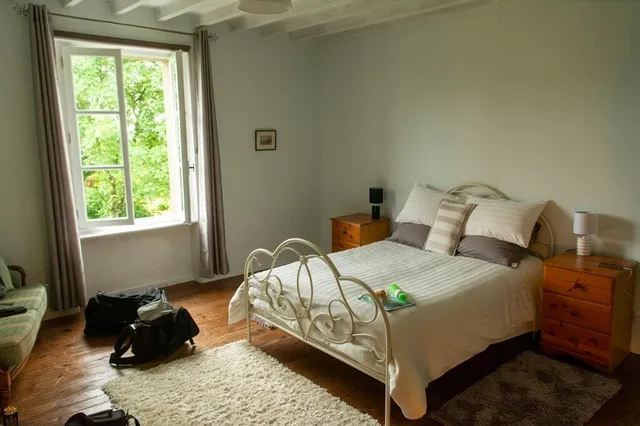
Decluttered Bedroom
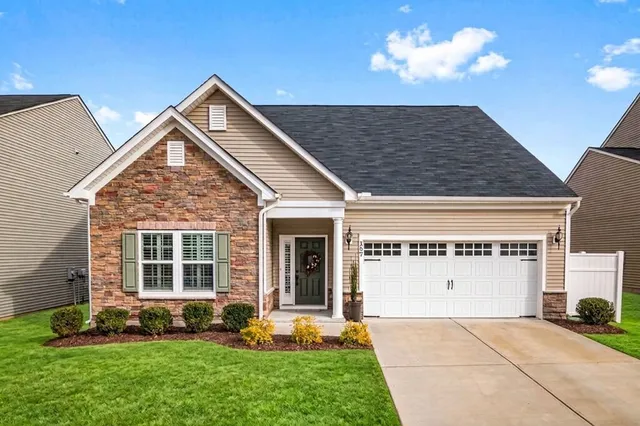
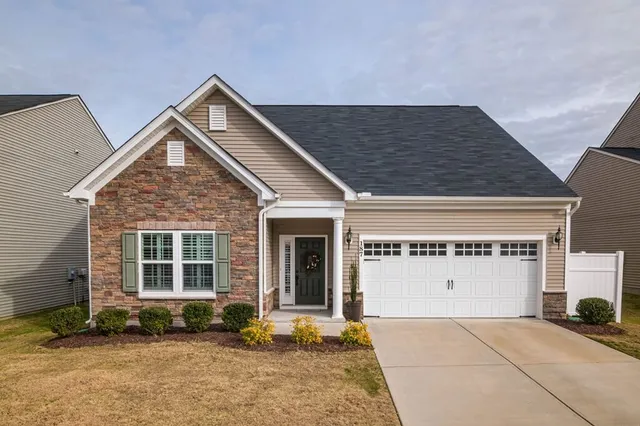
Clear Blue Sky
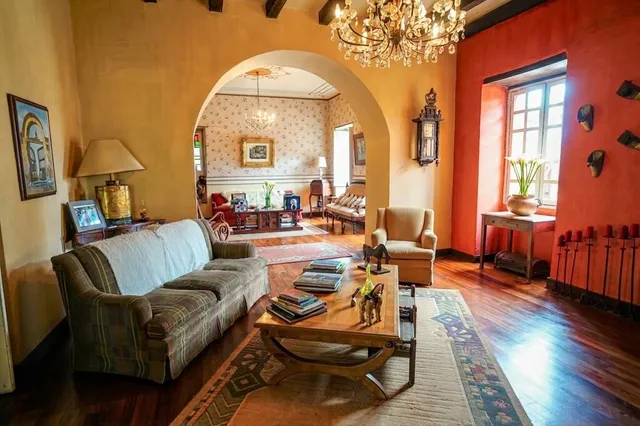
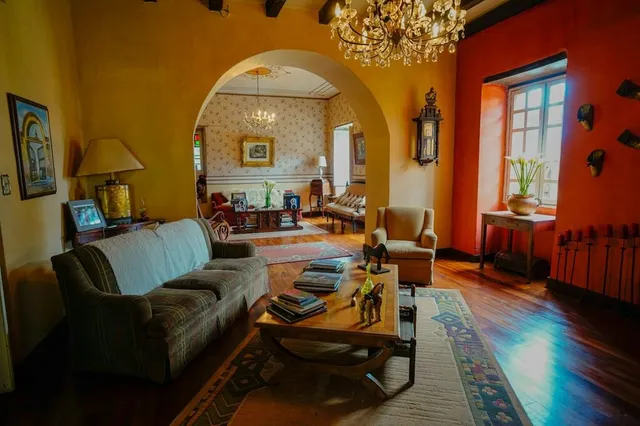
Brighter Living Room
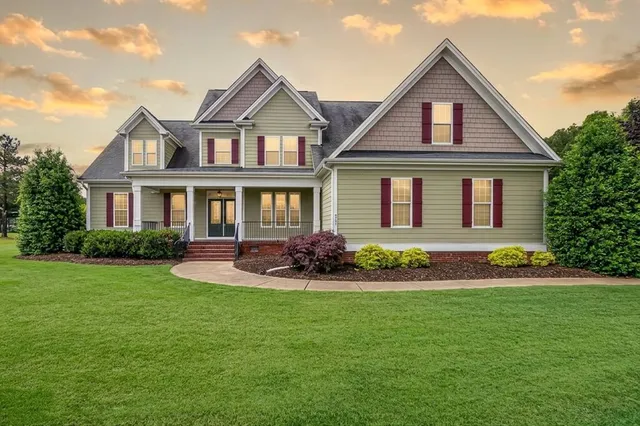
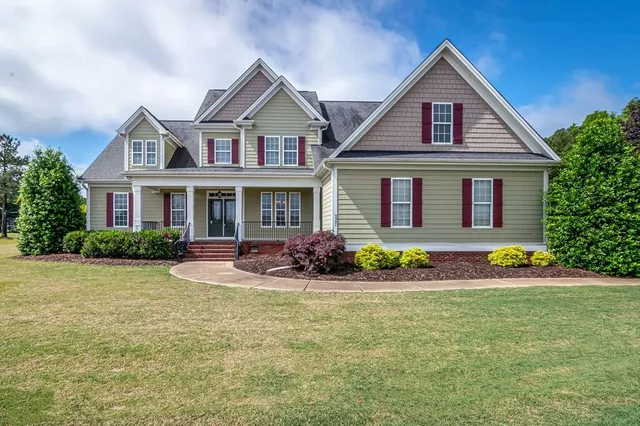
Golden Hour Sky
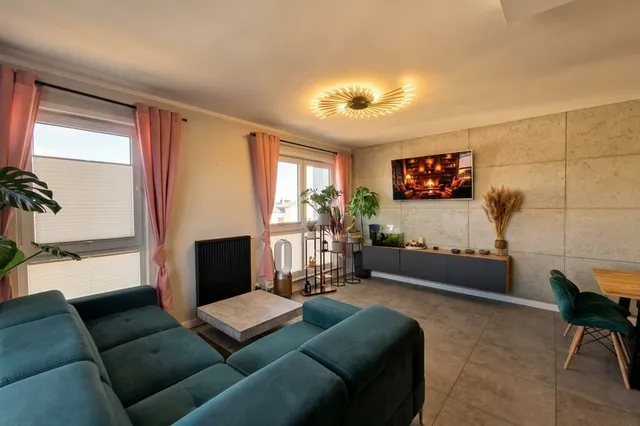
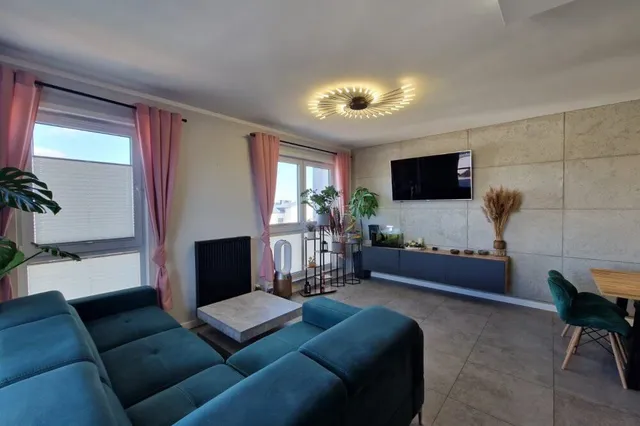
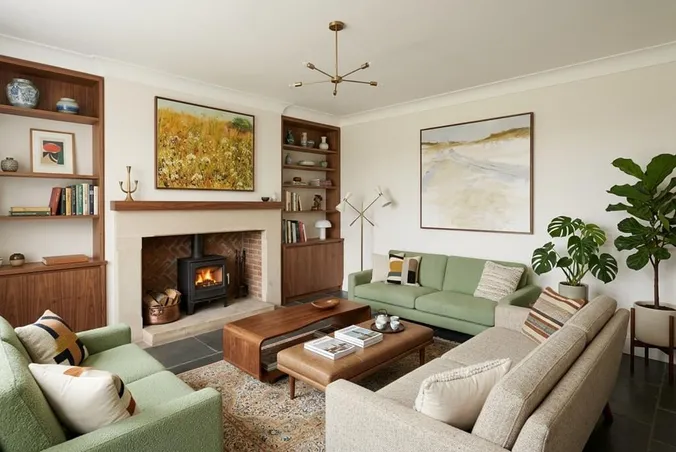
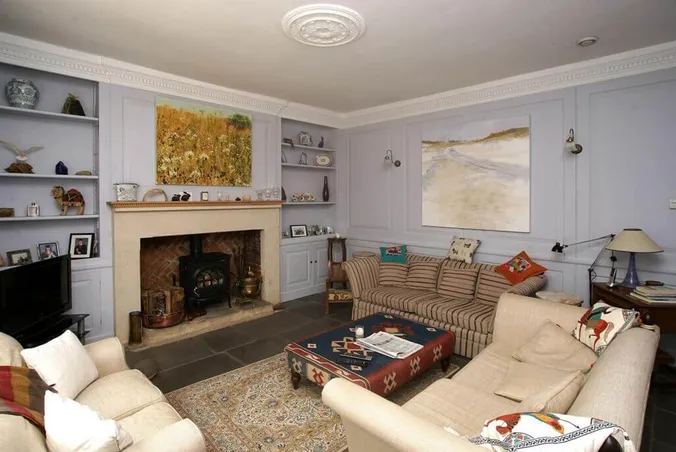
Cozy Living Room
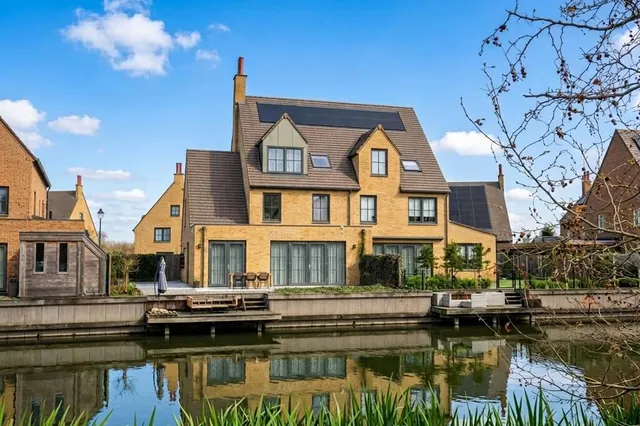
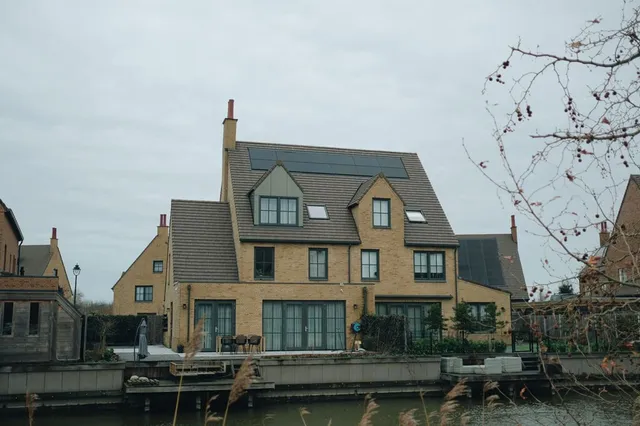
Straightened Perspective
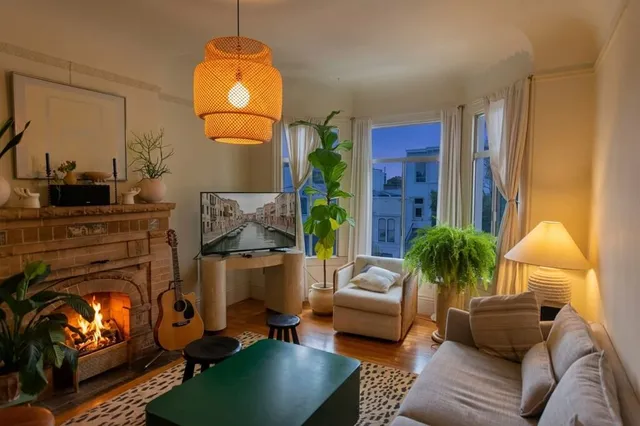
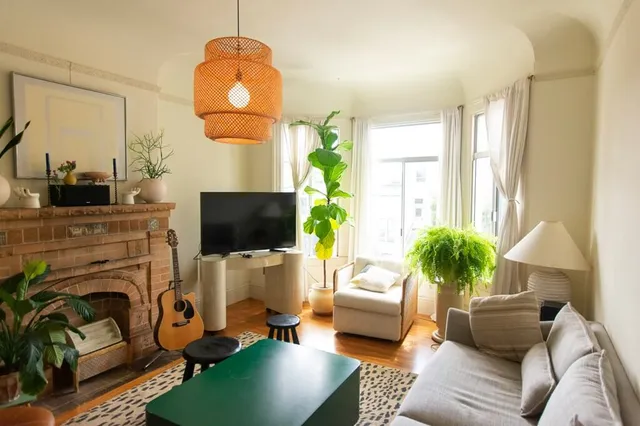
Twilight Living Room
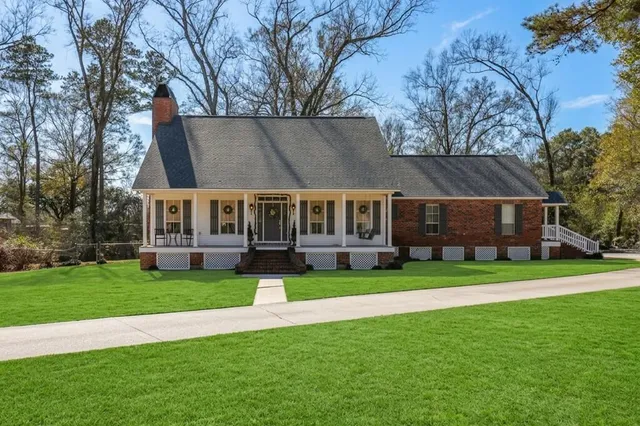
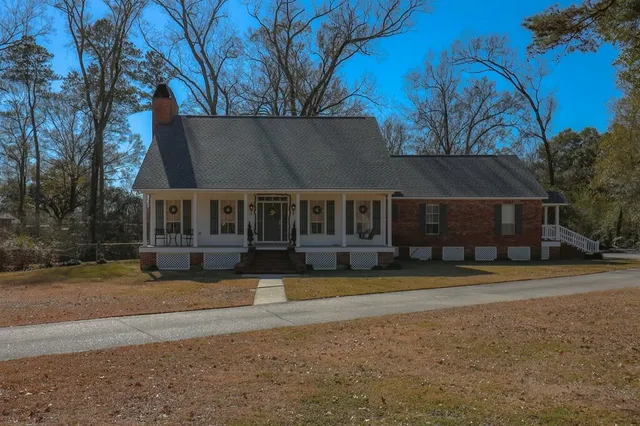
Revived Lawn
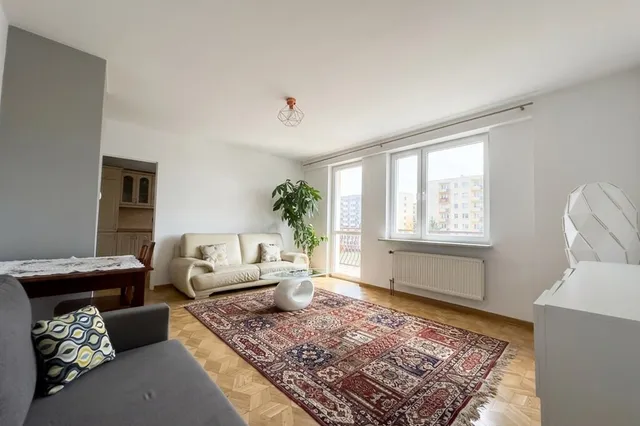
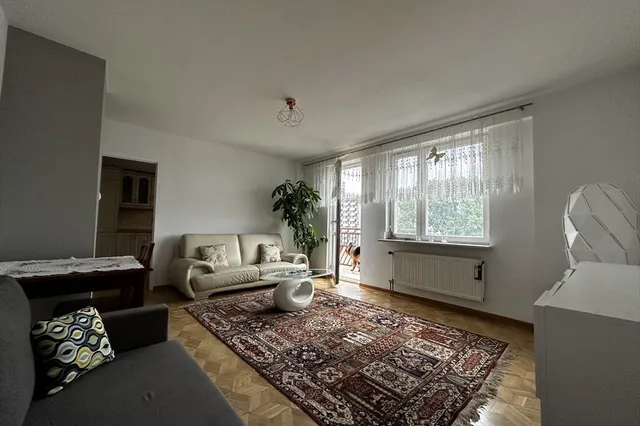
Tidy Living Room
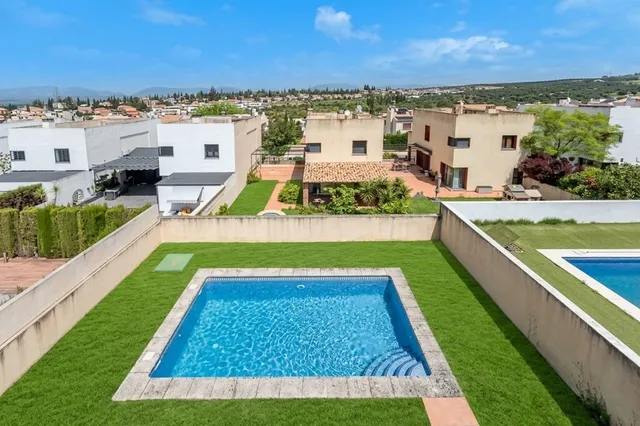
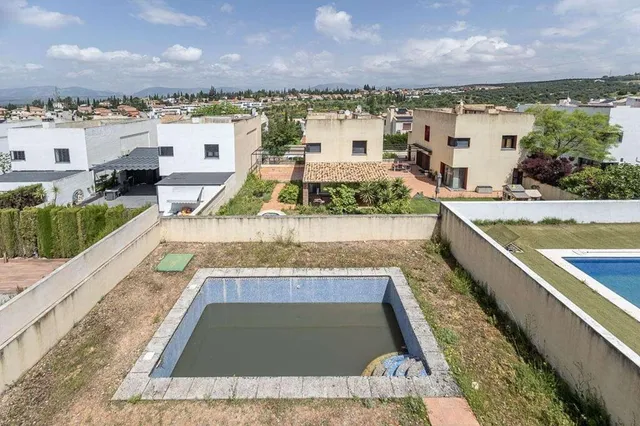
Refreshed Pool & Lawn
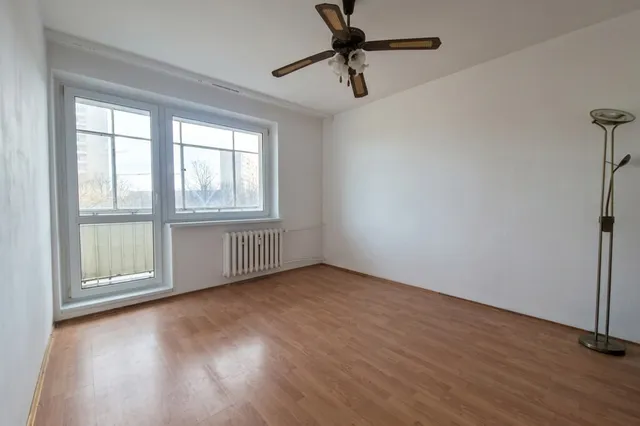
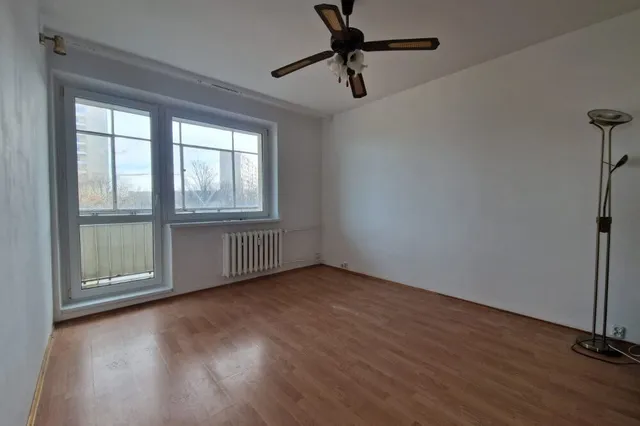
Bright Living Room
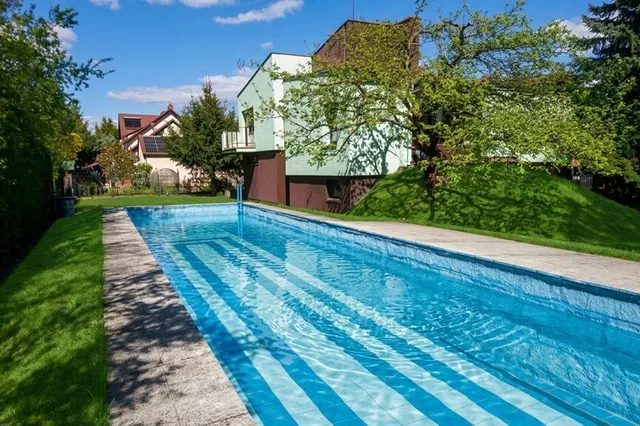
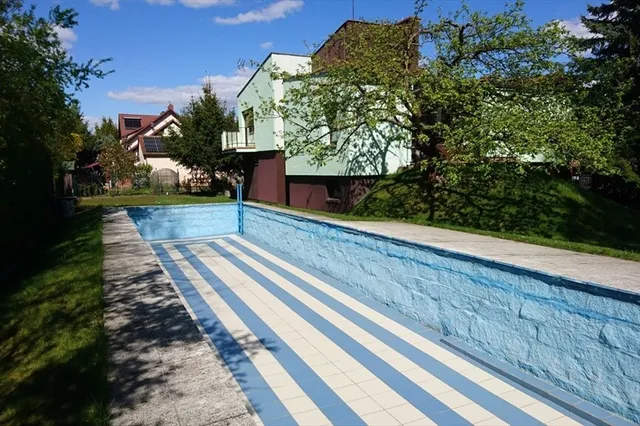
Sparkling Pool Water
AI Image Enhancement Features
Everything you need for real estate photo editing – turn ordinary property photos into listing-ready shots
Architecture stays intact
Walls, windows, doors, and the original layout remain intact while the photo’s overall presentation improves.
Natural lighting and skies
Brighter interiors, warmer lighting, and clear or twilight skies, with natural colors and shadows.
Match the season of your listing
Season replacement updates snow, foliage, and outdoor scenery to match the listing season, without another photoshoot.
Multiple enhancements at once
Lighting adjustments, clutter removal, and lawn or pool improvements combined in a single photo editing.
Indoor and outdoor modes
Dedicated enhancement options for interiors, exteriors, gardens, and pool photos.
Photorealistic results
Natural textures and realistic details give photos a polished finish for listings, marketing, and client presentations.
Why Choose Our AI Image Enhancement Tool?
A faster way to improve property photos before publishing them on listings.
Trusted by Users Worldwide
See what 10,000+ professionals and creators are saying about RoomStaging.
Good app for meeting people
Perfect...
It looks ok, the 3 staging images look very similar.
The render speed was what first attracted my attention, and I can confirm it is accurate. I have found a handful of styles that work consistently for my projects, and the results are clean and professional. The free trial allows one to verify the quality before any financial commitment, which is entirely how it should be. I use it regularly and have no intention of stopping.
Awesome work! Love the staging idea!
I am pleased to say this service performed very well when staging several vacant apartments before listing. The difference in buyer engagement was clearly noticeable. Results are photorealistic and the selection of over fifty styles gives meaningful choice for different property types
Explore related AI tools
Got questions?
Find answers to the most frequently asked questions about enhancing real estate photos with AI.
What is AI image enhancement?
AI image enhancement automatically fixes the most common problems in property photos: dark interiors, dull or gray skies, patchy lawns, tilted lines, and clutter. Instead of reshooting or editing manually, you select the fix you need and our AI applies it automatically, keeping the rest of the photo untouched.
Which enhancements can I apply to my photos?
For interiors you can choose a lighting style, add fire to a fireplace, add a screen to a blank TV, remove clutter and personal items, and correct the perspective. For exteriors you can replace the sky, change the season (summer, autumn, winter, or spring), replace a patchy lawn with green grass, add water to an empty pool, remove clutter like bins and cars, and straighten the perspective. You can combine several enhancements in a single generation – no need to process the photo twice.
Can I try it before I buy?
Yes! You get 3 free credits after registration – no credit card required. This is enough to generate 3 photos, so you can test the quality and see if it is right for you before upgrading to a paid plan.
How realistic are the enhanced images?
Incredibly realistic. Our AI analyzes the existing light, shadow direction, and overall color balance, so every enhancement blends smoothly into the image instead of looking artificially added.
Does it keep the property structure the same?
Yes. Walls, windows, furniture, layout, and architecture stay exactly as photographed. The AI only corrects presentation issues – lighting, sky, lawn, clutter, and photo geometry.
What if I don't like the enhanced result? Can I make changes?
Yes! Simply click "Regenerate" to get a new variation, or choose different enhancement options. For example, you can try a different sky style, lighting style, or remove fewer or more distracting elements.
How quickly will I receive my enhanced images?
Image enhancement takes just 15-30 seconds. Upload, select what you want to improve, and get a high-resolution, corrected image.
How much does AI Image Enhancement cost?
Image Enhancement is included in the Standard plan and higher, from $21/month (billed yearly), and every enhanced photo costs 1 credit. Plans start at just $0.07 per photo (billed yearly on the Enterprise plan). You can also try it for free with the 3 credits you get after registration. No hidden fees, no contracts – cancel anytime.
Can I use the enhanced images in MLS listings and marketing materials?
Yes! All enhanced images come with a commercial license for use on listing platforms, real estate websites, social media, presentations, marketing materials, brochures, and more.
Ready to Improve Your Property Photos?
Join thousands of real estate professionals creating clean, professional, listing-ready images with AI.
- No credit card required
- Results in 15-30 seconds
- Professional quality