
Clear Cluttered Rooms with AI Object Removal
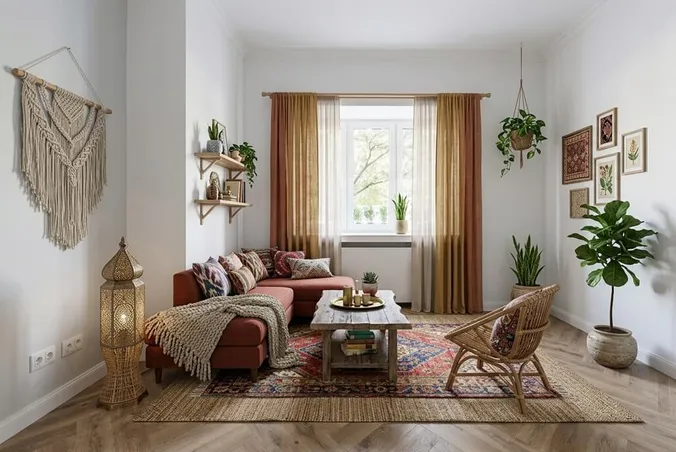
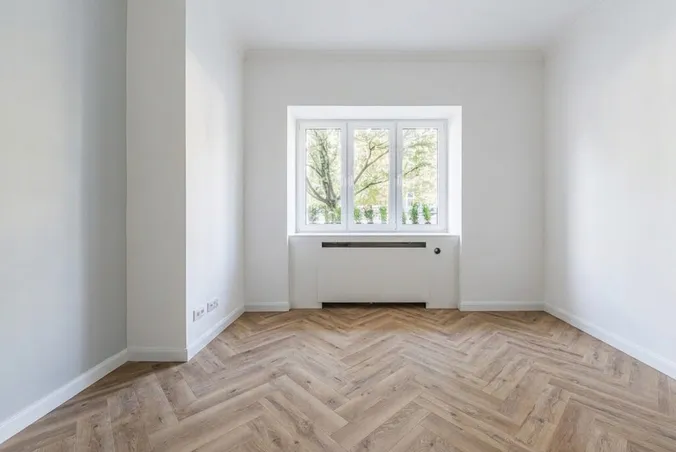
Upload a photo of any furnished room and let our AI remove all furniture, clutter, and decor – leaving a clean, photorealistic empty space in 15-30 seconds.


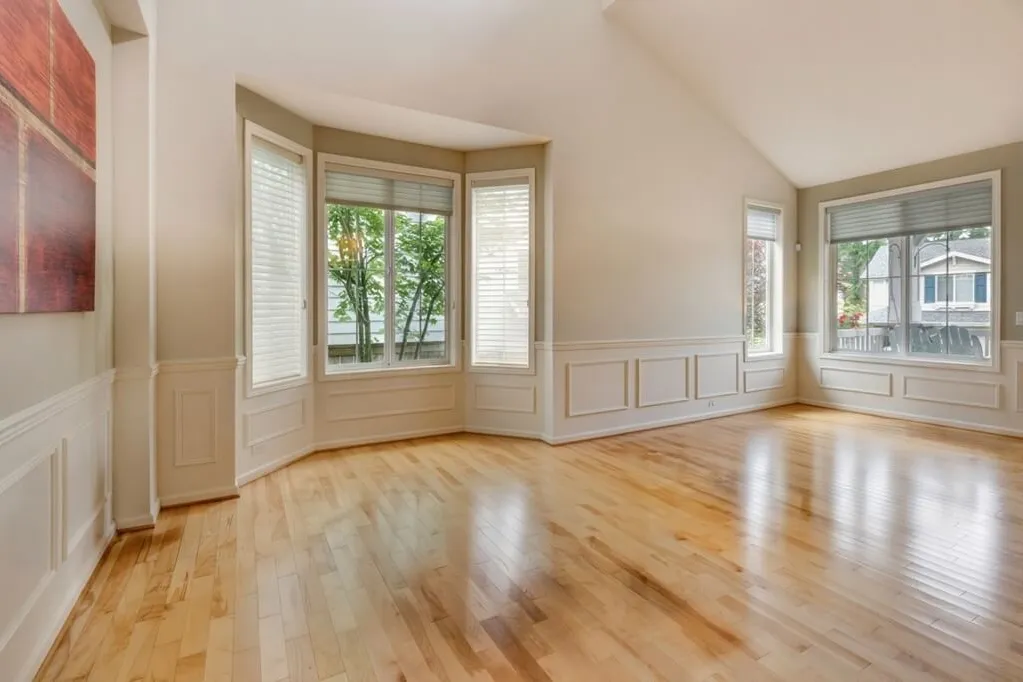
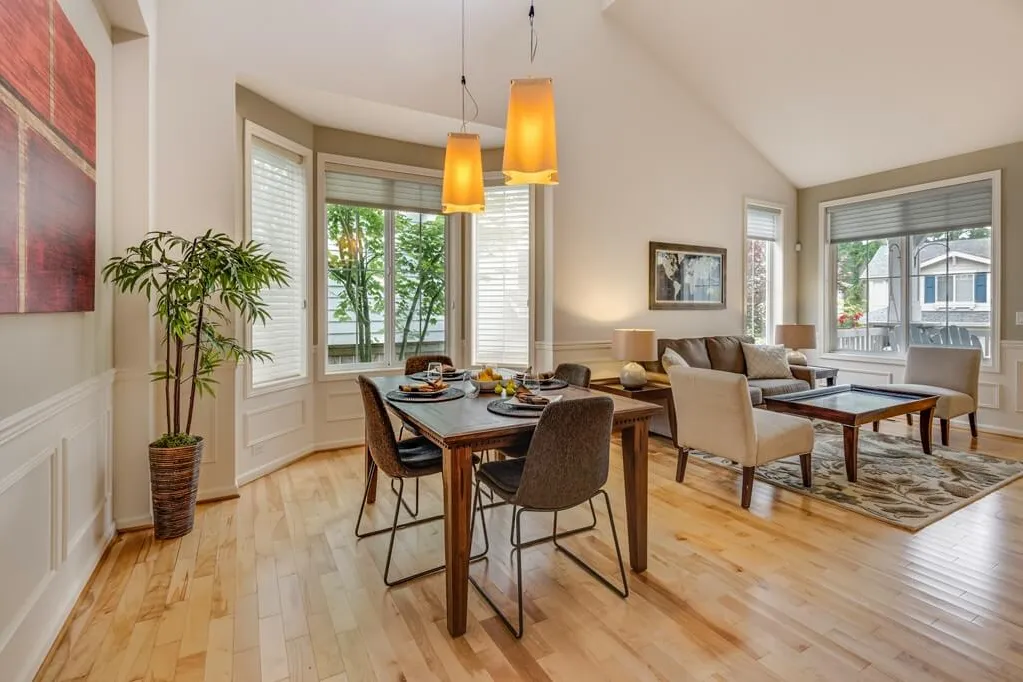




- Layout stays intact
- Realistic results
- Powered by smarter AI
Built for anyone decluttering a space
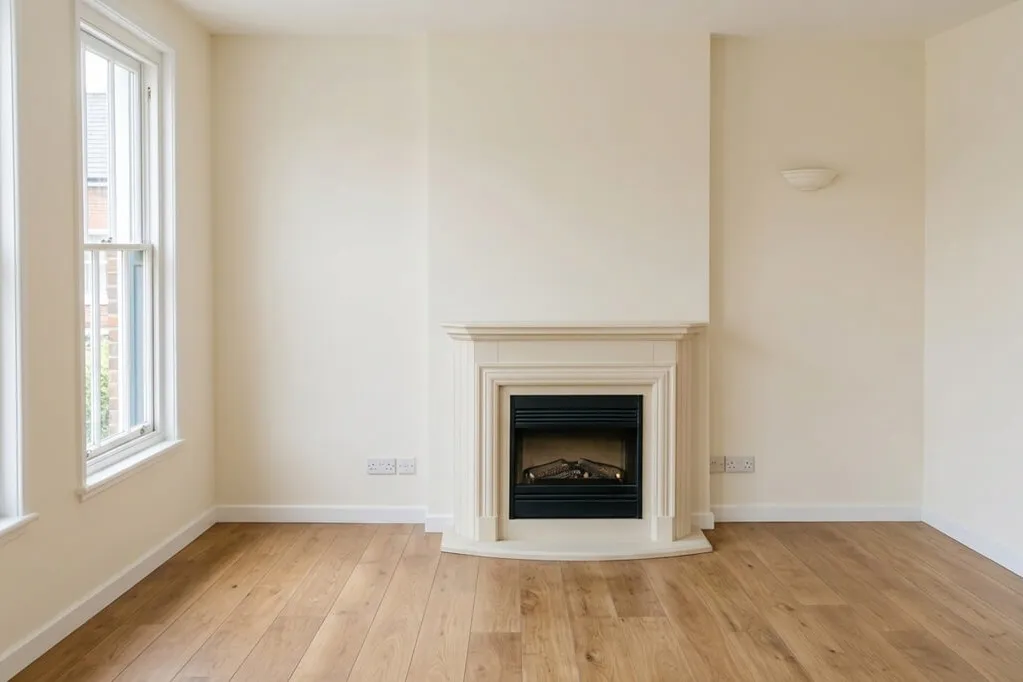
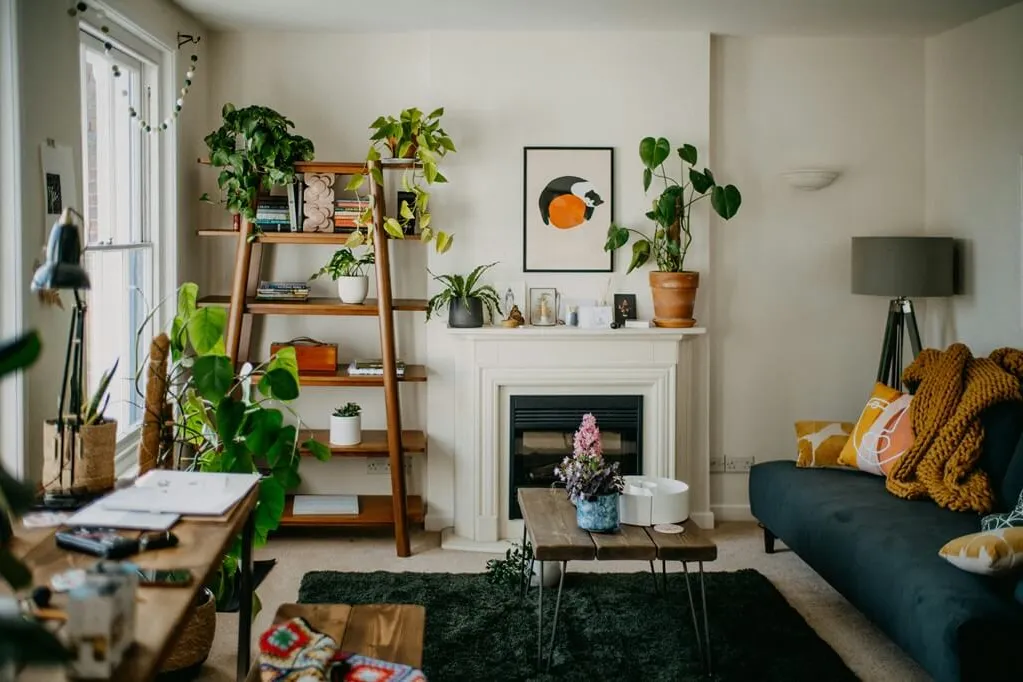
Turn cluttered photos into clean listings
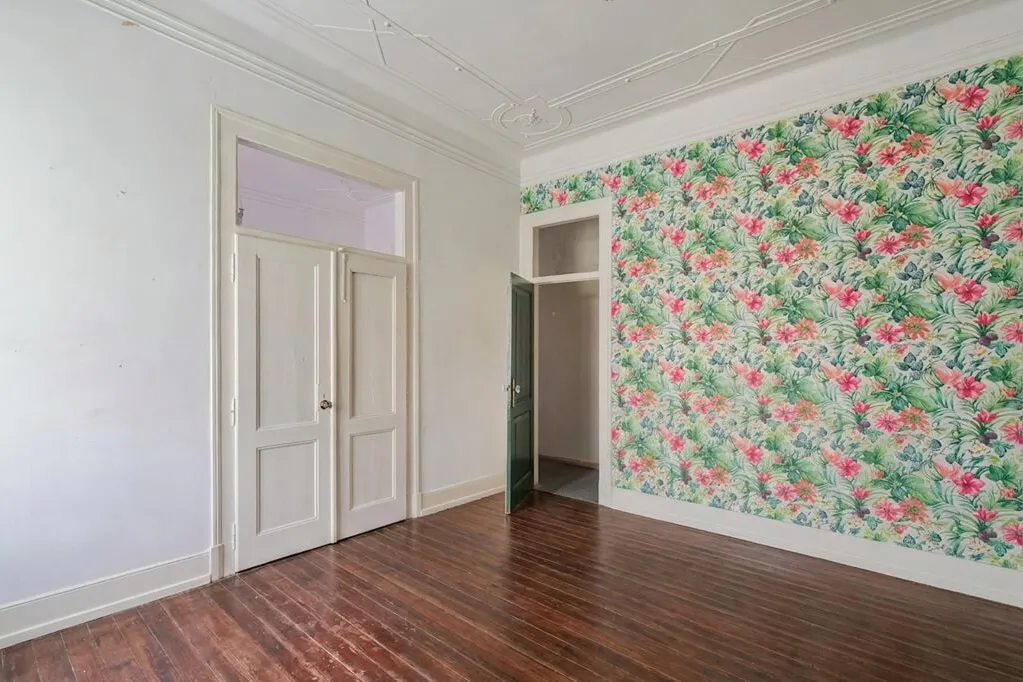
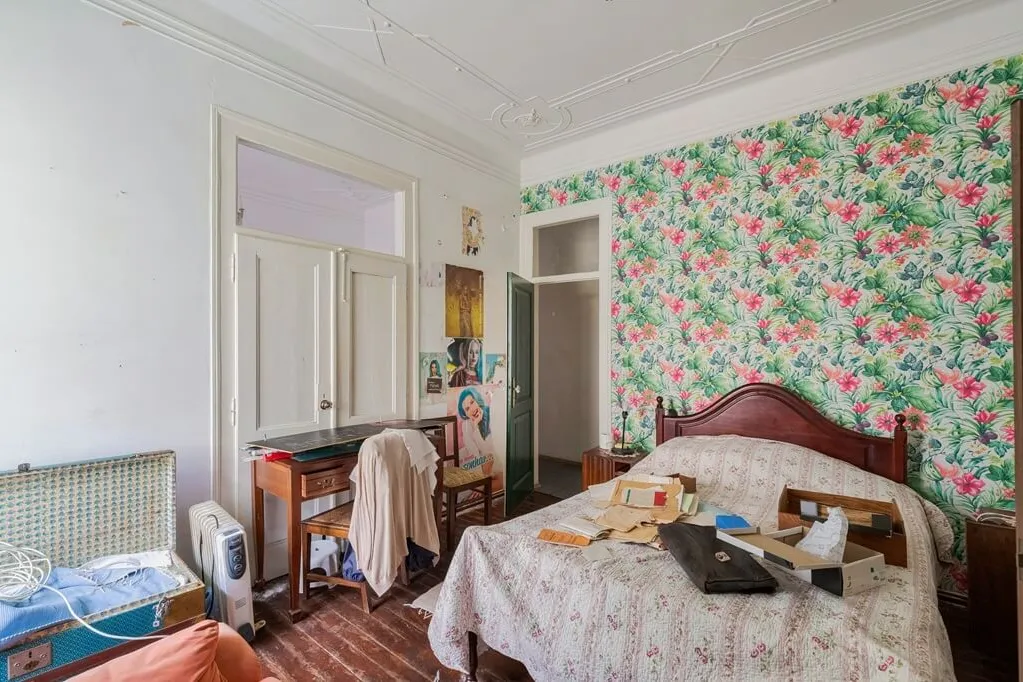
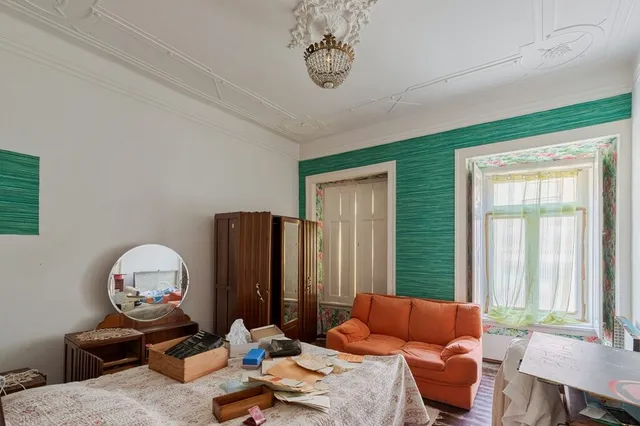
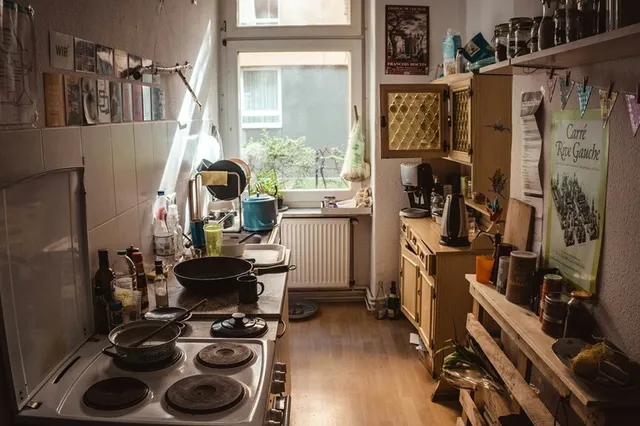
Remove old furniture, tenant belongings, and visual clutter before publishing a property online. Show buyers the real room, not the mess inside it.
- Remove tenant belongings and outdated furniture
- Make the room cleaner and more spacious
- Show buyers the room, not the mess
How It Works
Just three simple steps to transform a cluttered room into a clean, empty space.
Upload your image
Upload any photo of a furnished or cluttered room.
Select your preferences
Select the room type and any specific instructions for the AI.
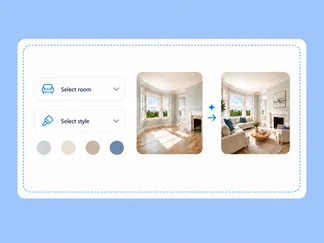
Get your empty room image
Download photorealistic, furniture-free image in 15-30 seconds.

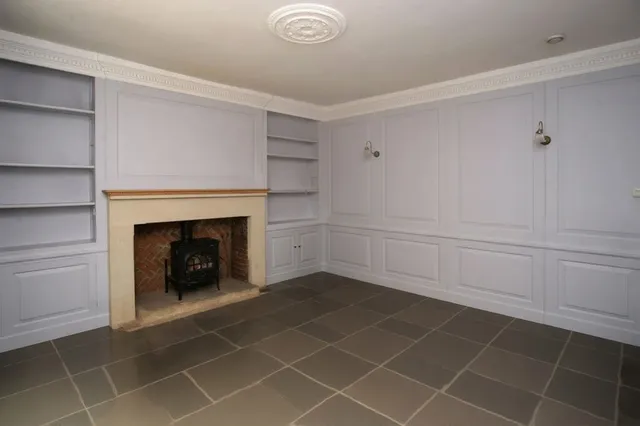
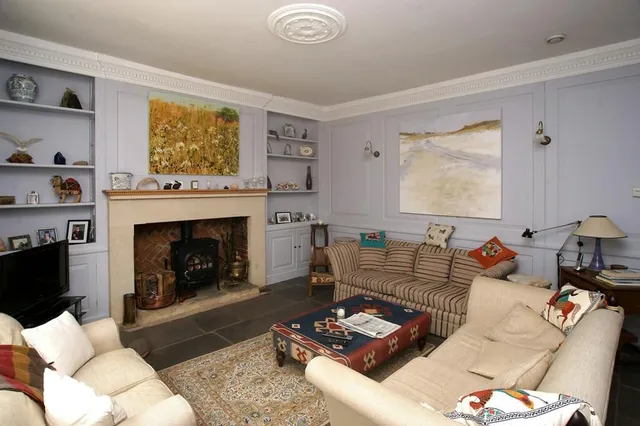
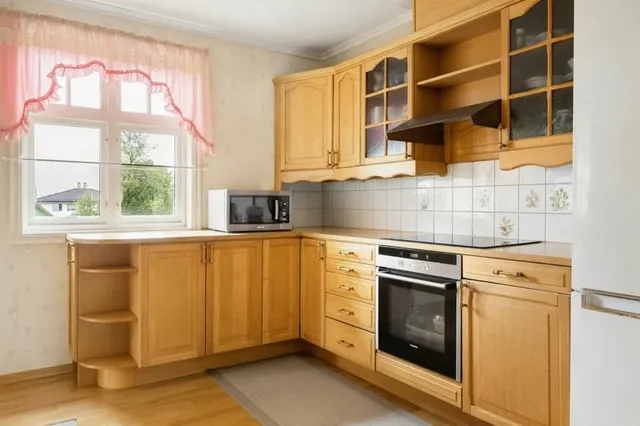
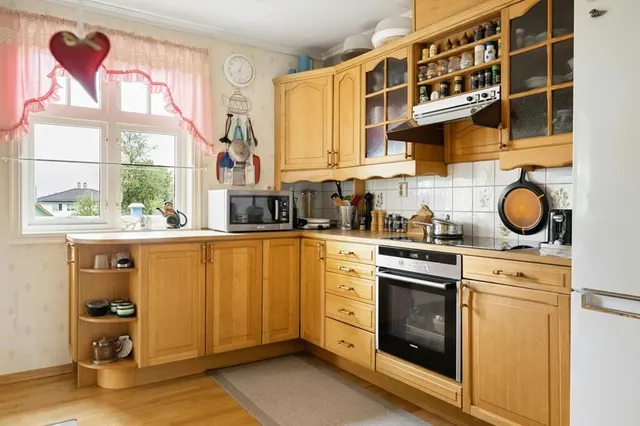
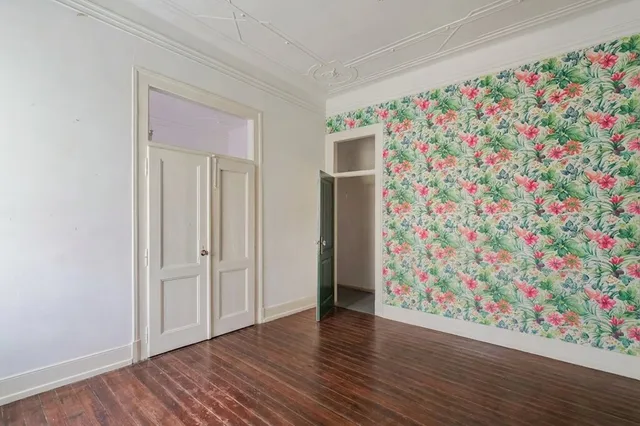
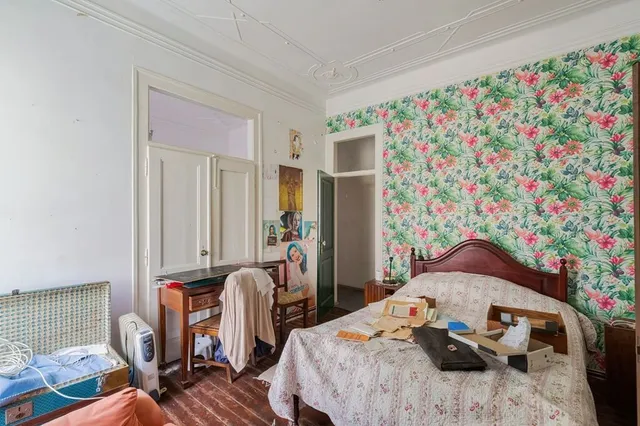
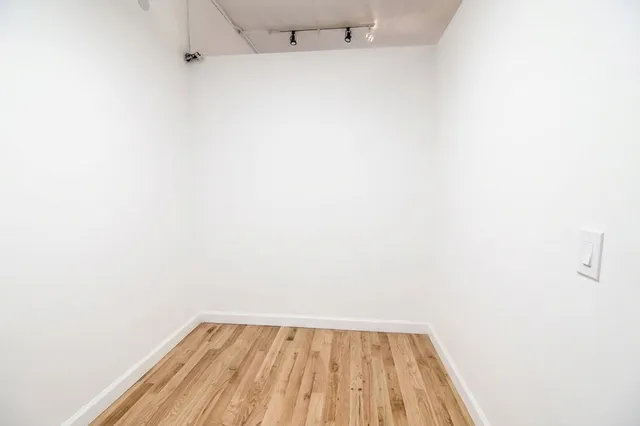
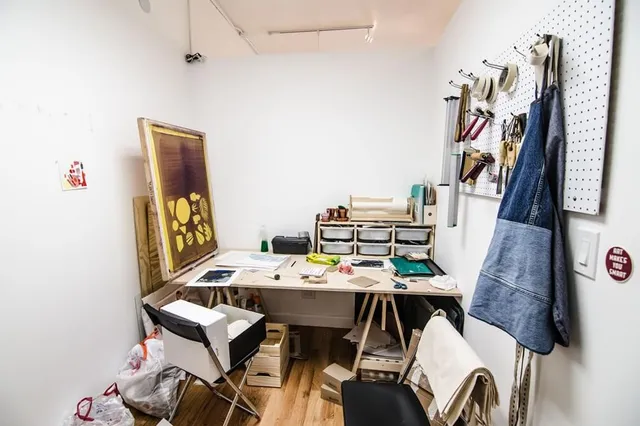
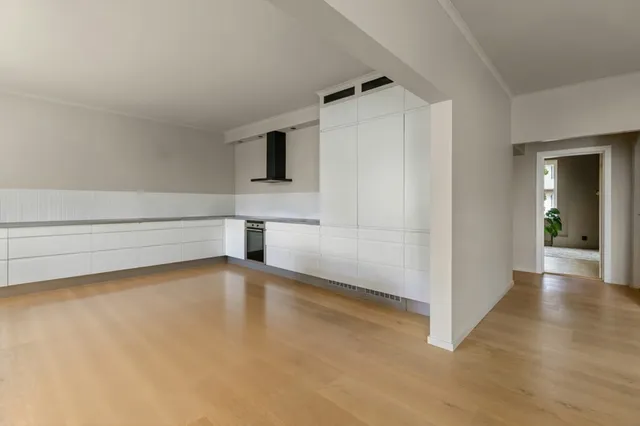
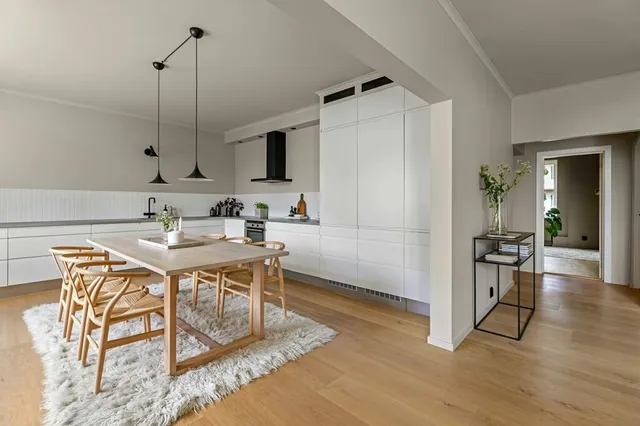
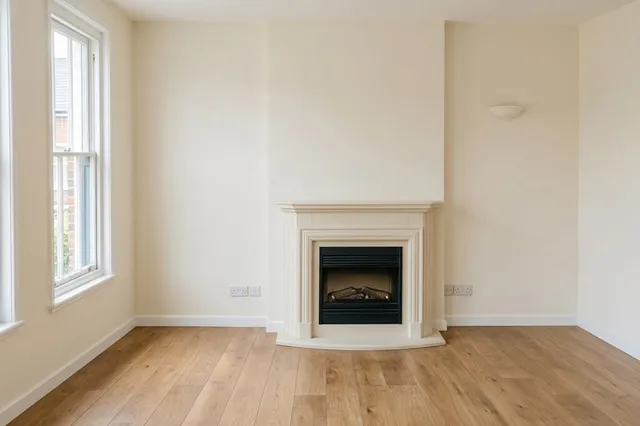
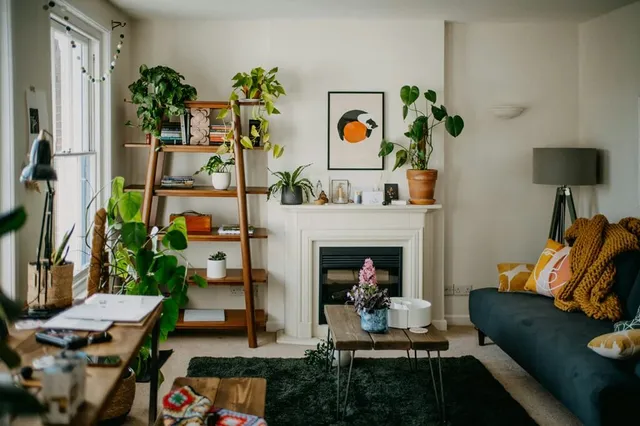
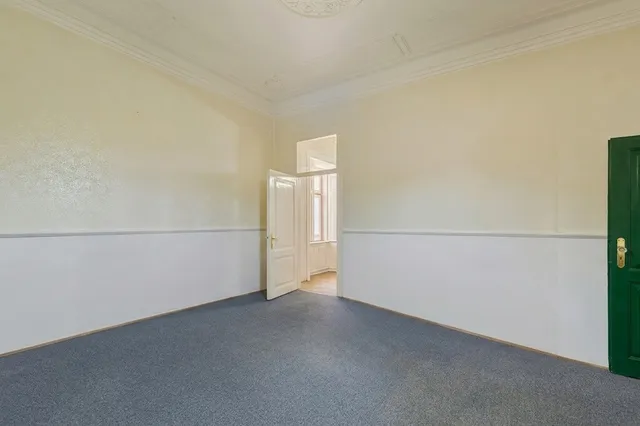
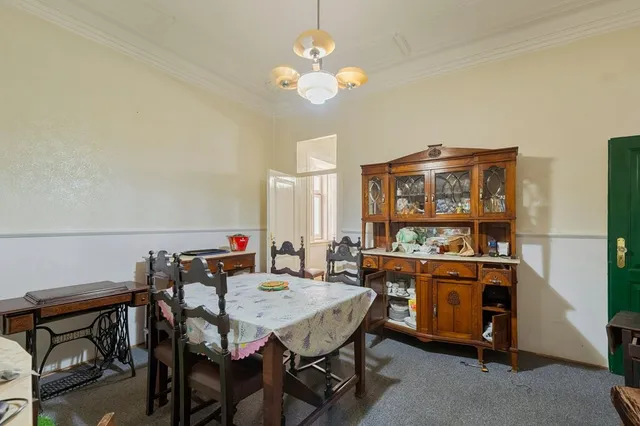
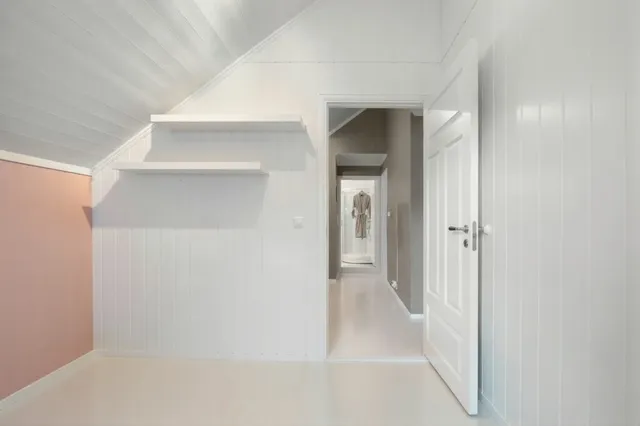
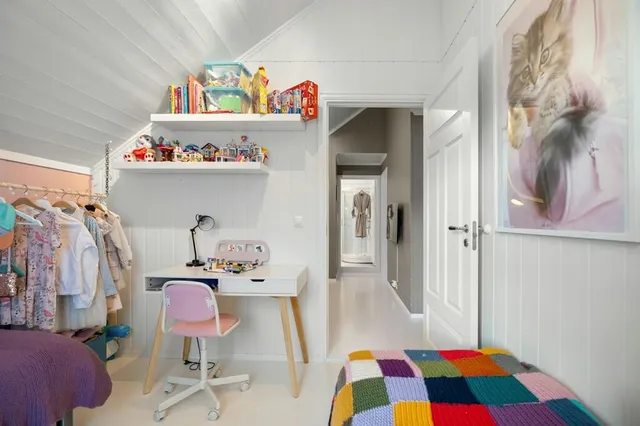
AI Object Removal Examples
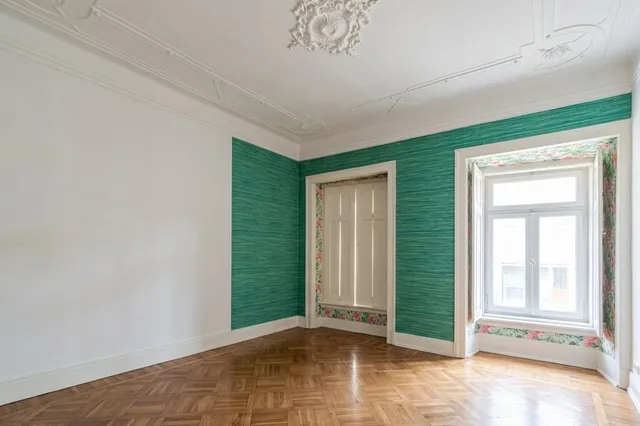
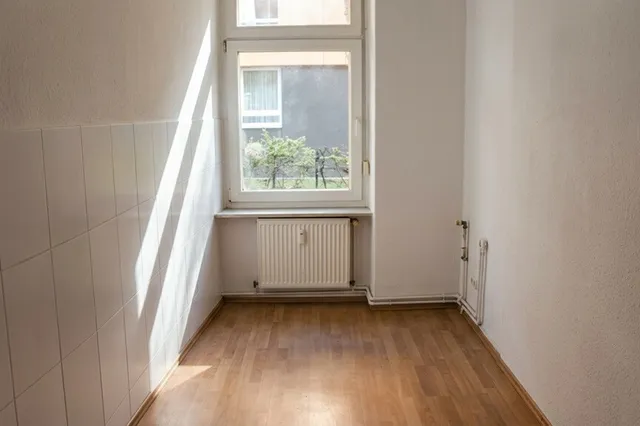
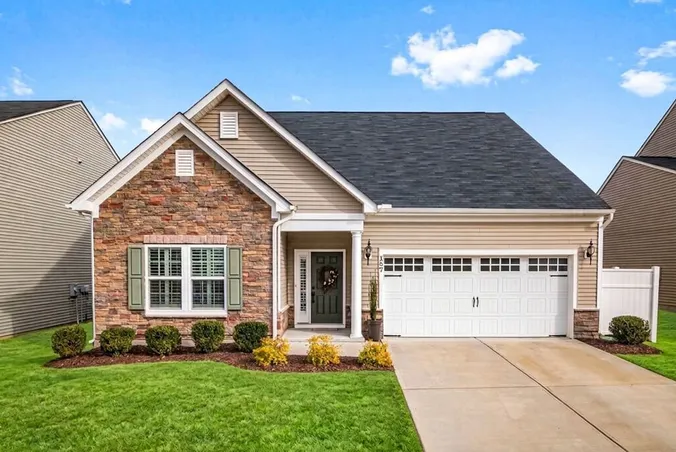
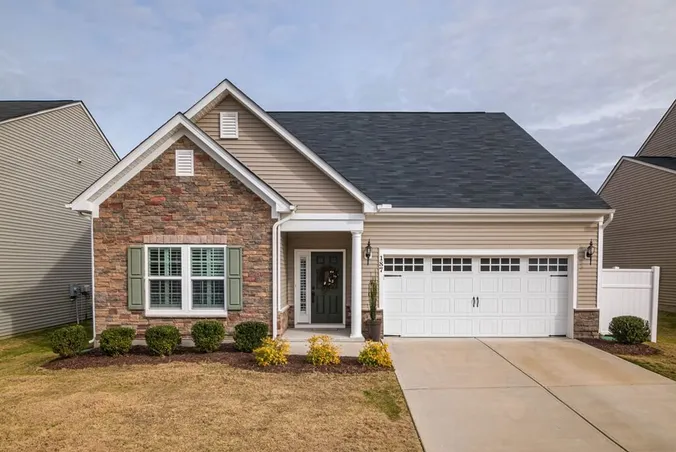
Explore real examples of furnished and cluttered rooms transformed into clean, empty spaces using AI.
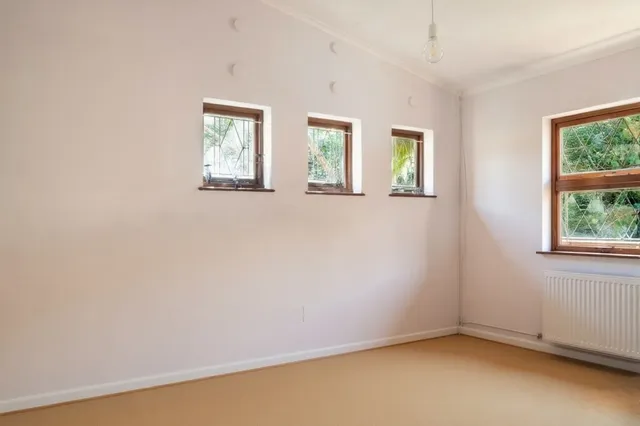
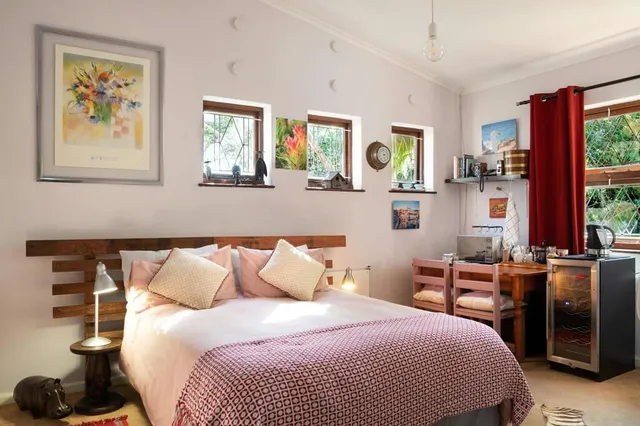
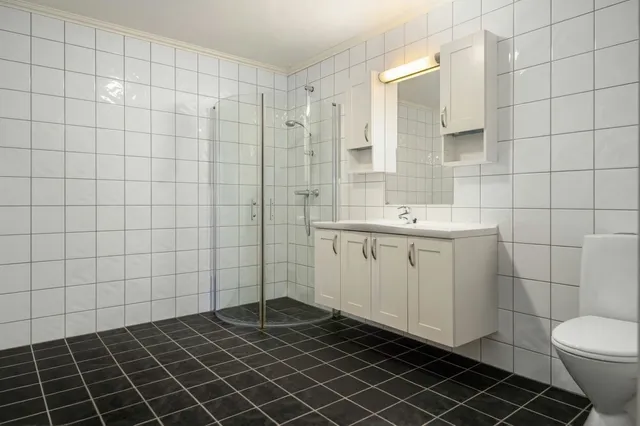
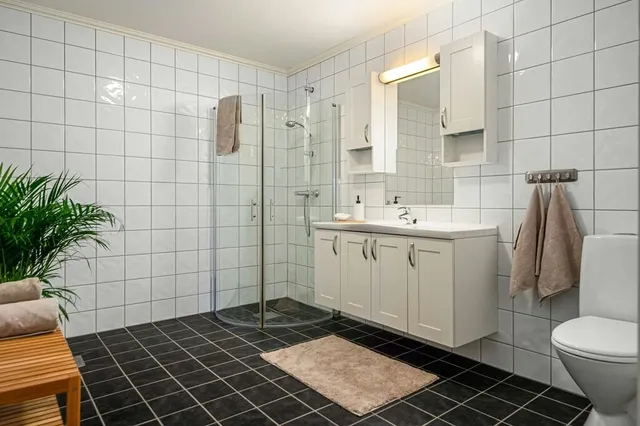
Why People Choose Us?
A fast and realistic way to remove furniture, clean up room photos, and prepare empty spaces for staging or redesign.
Trusted by Users Worldwide
See what 10,000+ professionals and creators are saying about RoomStaging.
Is very beautyfull app
Good app for meeting people
Perfect...
It looks ok, the 3 staging images look very similar.
The render speed was what first attracted my attention, and I can confirm it is accurate. I have found a handful of styles that work consistently for my projects, and the results are clean and professional. The free trial allows one to verify the quality before any financial commitment, which is entirely how it should be. I use it regularly and have no intention of stopping.
Awesome work! Love the staging idea!
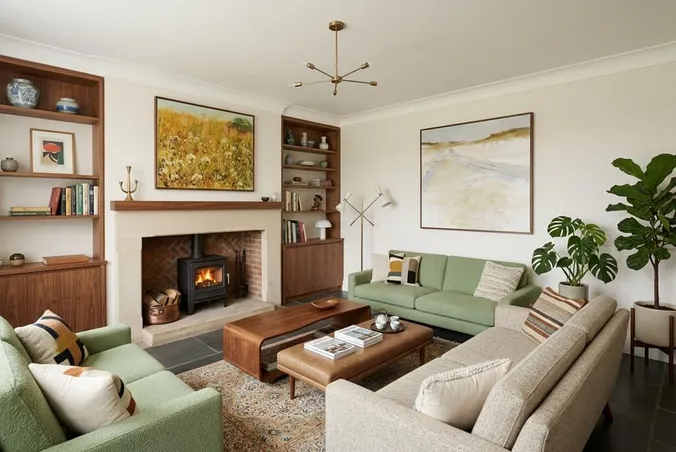
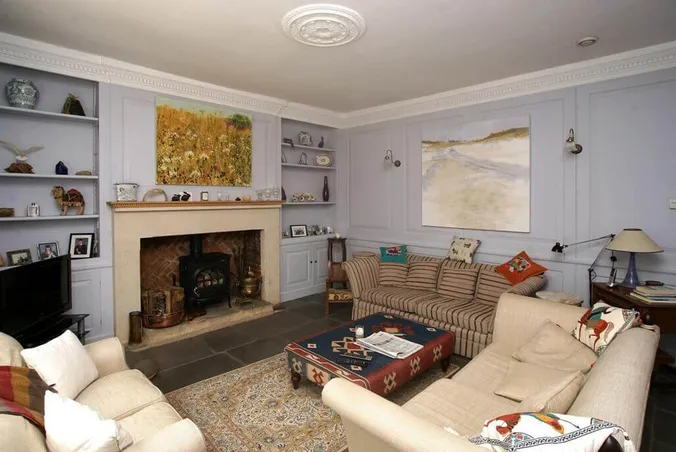
Got questions?
Find answers to the most frequently asked questions about removing furniture and clutter from room photos using AI.
What is AI object removal?
AI object removal is a fast way to remove furniture, decor, clutter, and personal items from room photos using artificial intelligence. This is useful for real estate listings, interior redesign, renovation planning, and preparing photos for virtual staging.
How is AI object removal different from AI virtual staging?
AI object removal clears the room. It removes existing furniture, clutter, and movable objects so you can see the space empty. AI virtual staging does the opposite – it adds new furniture and decor to an empty room. Many users start with object removal first, then use AI virtual staging to furnish the clean room in a new style.
Can I try it before I buy?
Yes! You get 3 free credits after registration – no credit card required. This is enough to generate 3 photos, so you can test the quality and see if it is right for you before upgrading to a paid plan.
How realistic are the results?
Incredibly realistic. Our AI removes furniture and rebuilds the hidden parts of the room using matching wall, floor, and lighting details. The goal is to make the final image look like a real empty room photo, not an obvious edit.
What makes RoomStaging.net different from other AI object removal tools?
Most tools erase furniture and leave a blurred patch behind. Our architecture-aware AI reconstructs the real floor, wall, and shadow underneath – so the result looks genuinely empty, not edited. We also offer high-quality results at a much lower cost than other AI tools.
Does it keep the room structure the same?
Yes. The AI keeps the original walls, windows, doors, floors, ceiling, perspective, and room proportions as close to the original photo as possible.
What if I don't like the result? Can I make changes?
Yes! Simply click "Regenerate" to get a new variation with different changes until you're satisfied. No extra waiting, no complicated process. Want to remove different items or keep something specific? Adjust your selection and generate again – it's that easy.
How quickly will I receive my furniture-free images?
Image generation takes just 15-30 seconds. Upload your photo, select preferences, click generate, and receive a high-resolution empty-room image in seconds.
How much does AI object removal cost?
Plans start at just $0.07 per photo (billed yearly on the Enterprise plan). Monthly subscriptions range from $12 (billed yearly) to $149 (billed monthly). No hidden fees, no per-revision charges, no contracts – cancel anytime.
Can I use the images commercially?
Yes! All images come with a commercial license for use on real estate listings, marketing materials, social media, presentations, and more.
Ready to Clear the Room?
Remove furniture, clutter, and distractions from your photos in seconds. Create clean empty spaces for listings, redesigns, and virtual staging.
- 3 free credits
- No credit card required
- Results in 15-30 seconds