Homeowners
Before buying furniture
See how a new style or color palette could look in your room before you shop.
- Compare styles on your own room
- Plan renovations visually
- Decide what's worth buying

Upload a room photo and let our AI redesign the interior with new furniture, colors and decor. Get photorealistic results in 15-30 seconds.
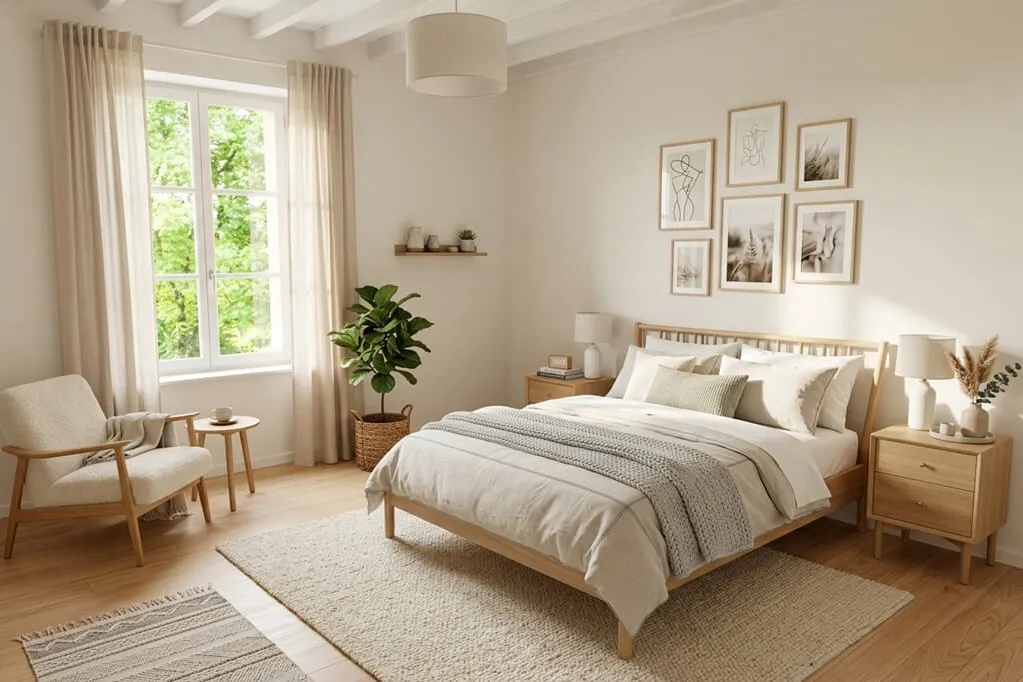
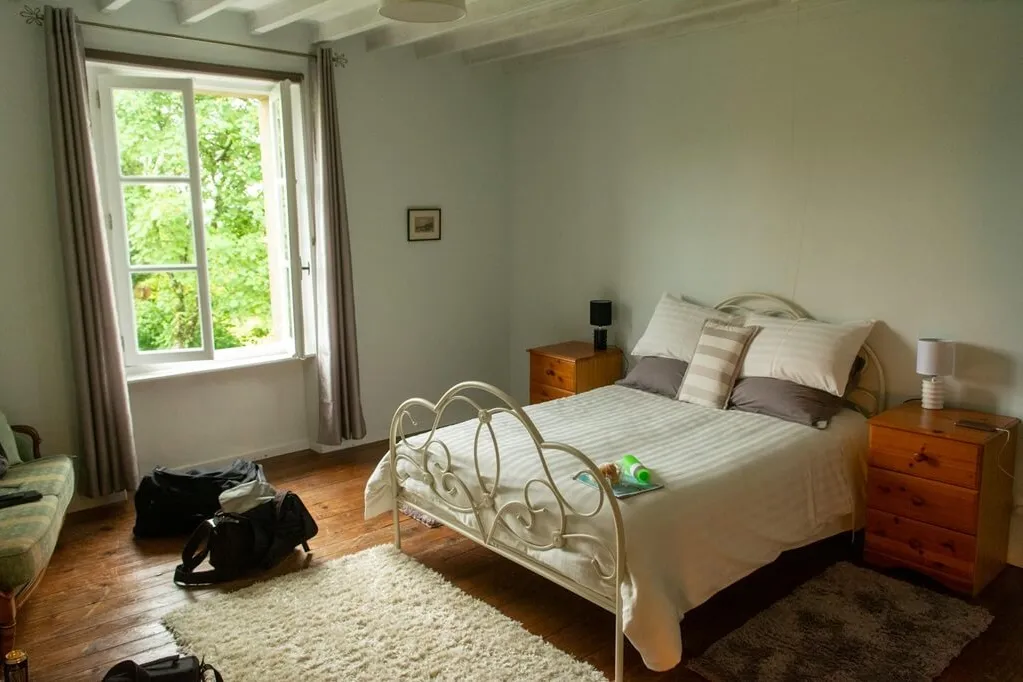


Try new furniture, colors, materials and lighting on a photo of your room.
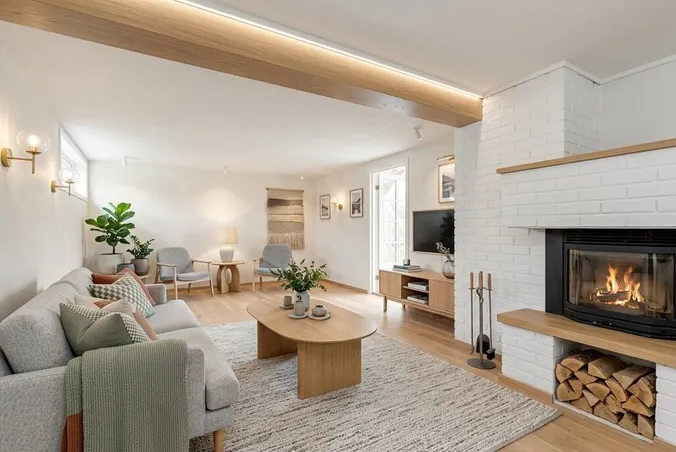
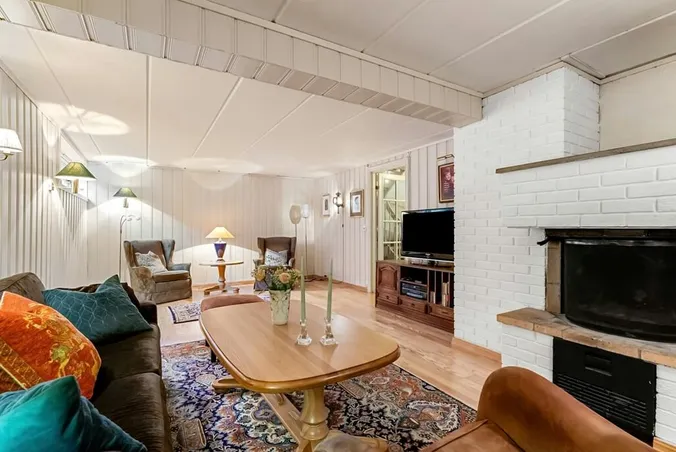
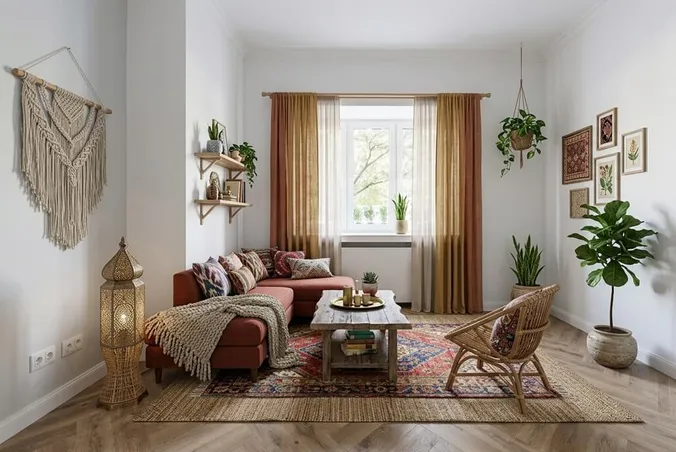
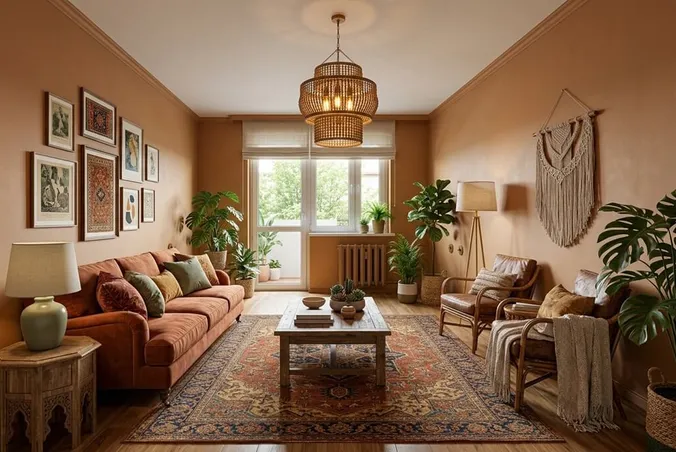
See your room in Modern, Scandinavian or Mid-Century style.
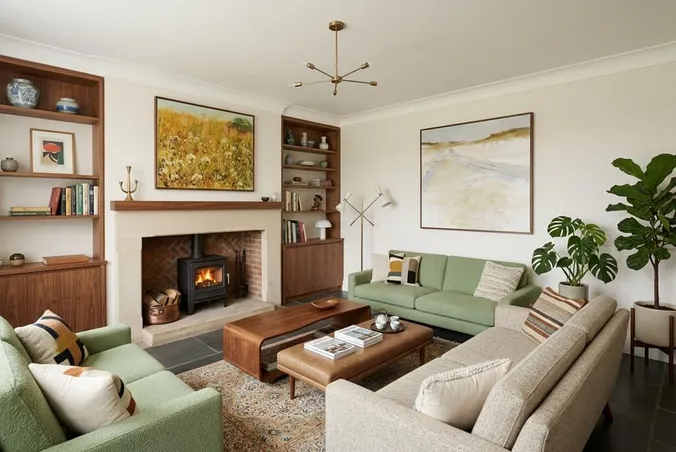
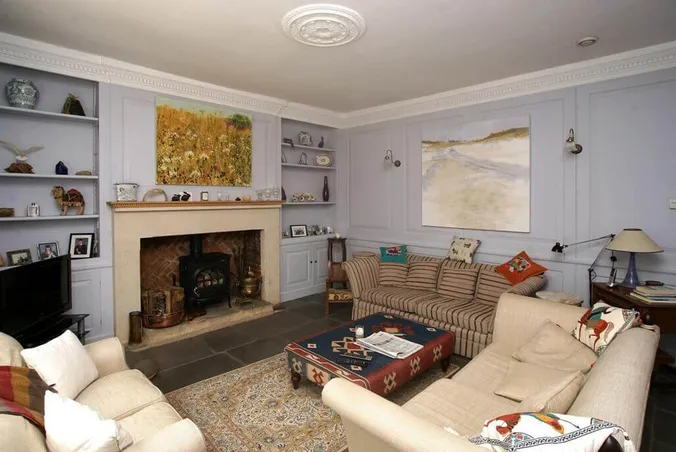
Test a beige sofa, darker accents or a new color palette on your room photo.
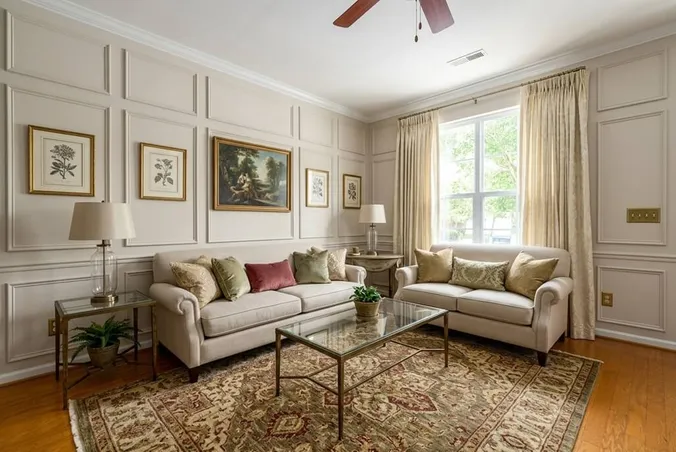
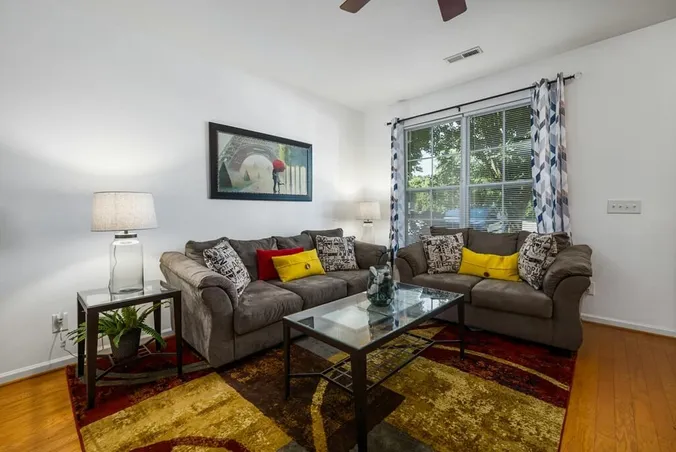
Try light wood, leather or soft fabrics to see how different finishes look together.
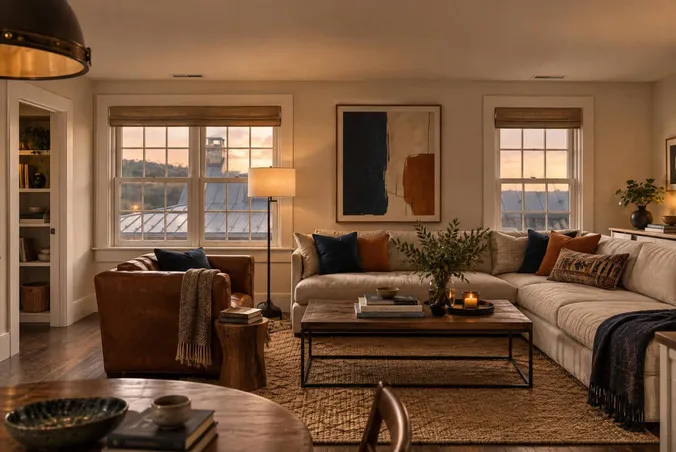
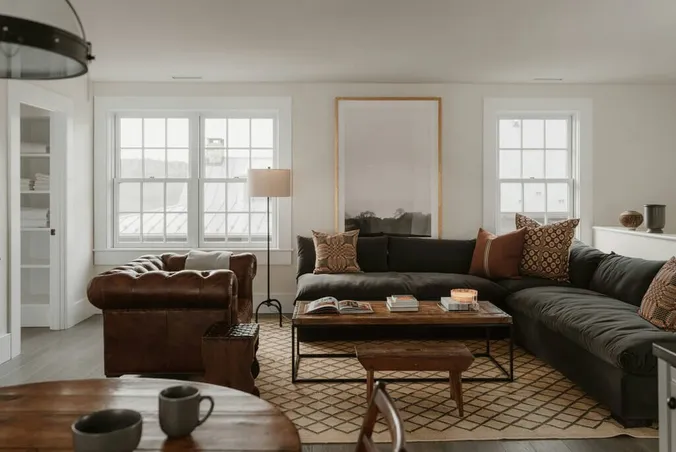
Choose Daylight, Warm & cozy or Bright & Clean for a different atmosphere.
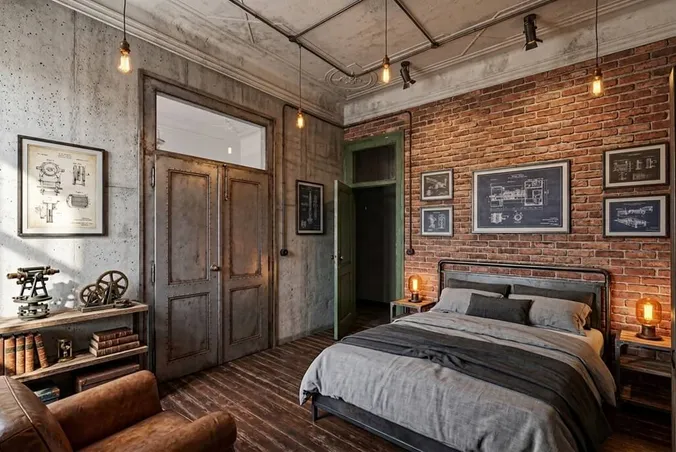
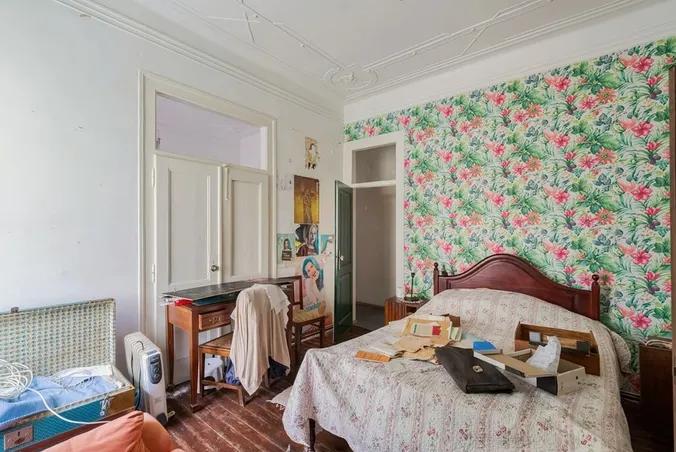
Add instructions for a cream rug, cushions or decorative details to complete the room.
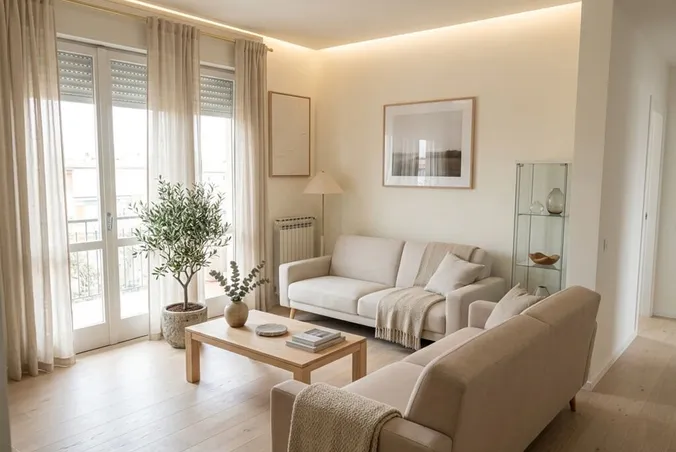
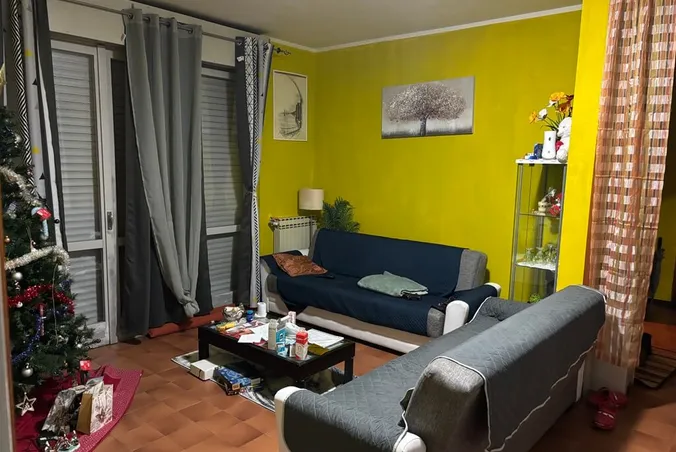
Generate 1-4 images at a time from the same room photo and choose the look you prefer.
3 simple steps to turn your room photo into a beautifully redesigned interior.
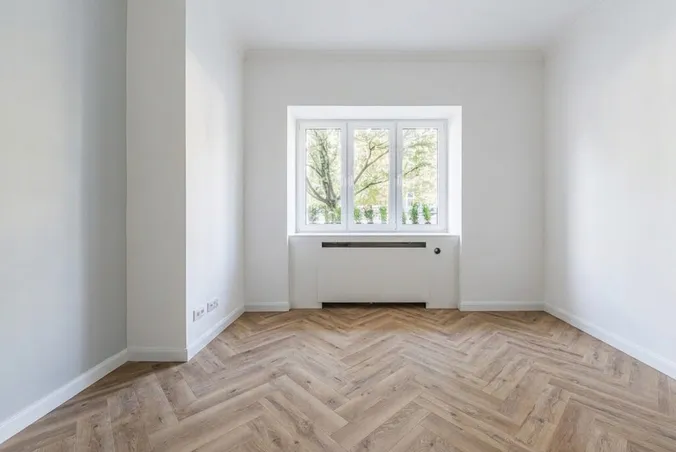
Upload a clear photo of the room you want to redesign.
Choose the room type, furniture style, lighting, and any specific instructions for the AI.
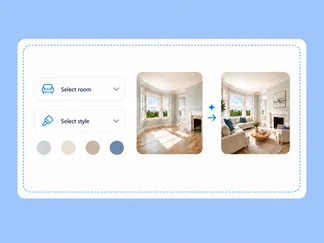
Generate your redesigned room in 15-30 seconds, then download the image.
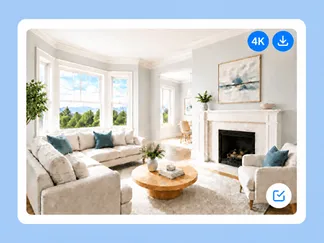
See how living rooms, bedrooms and other spaces look after an AI redesign.
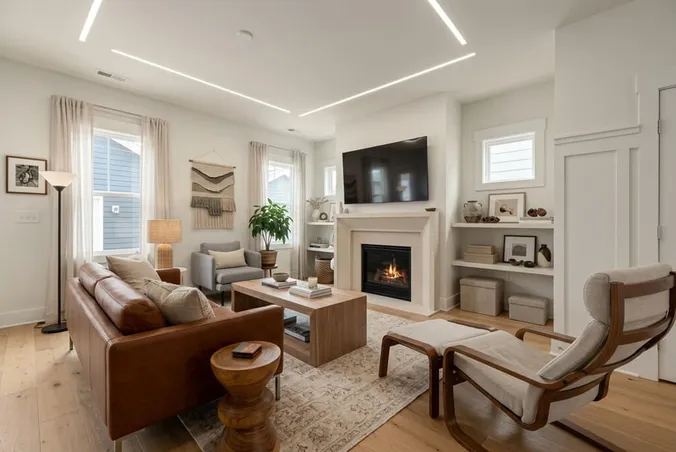
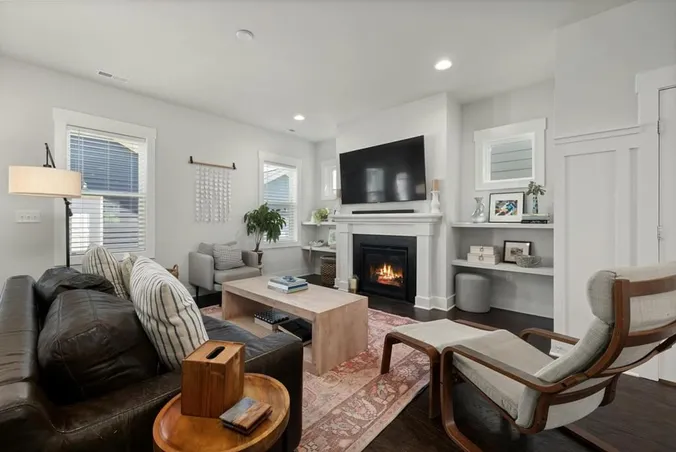
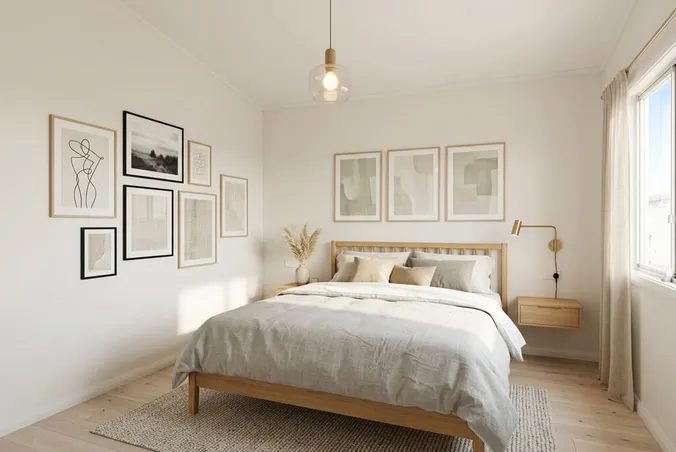
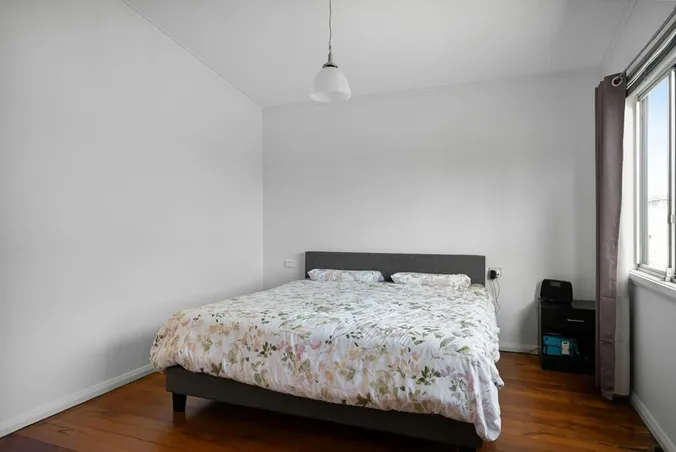
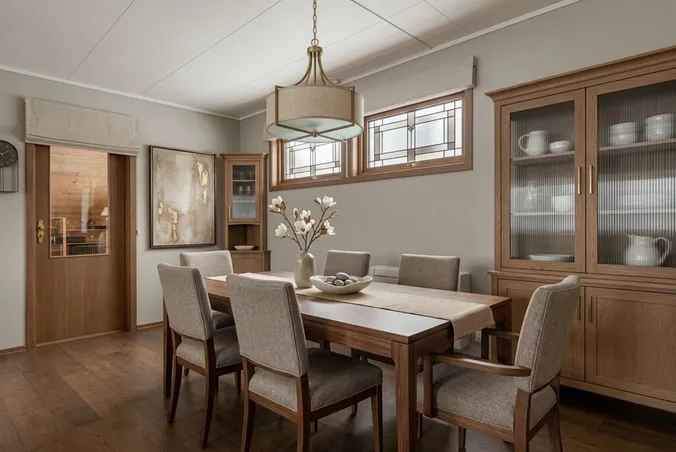
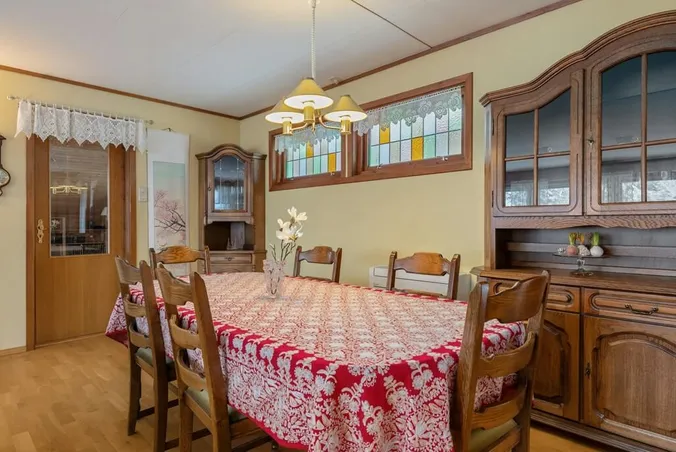
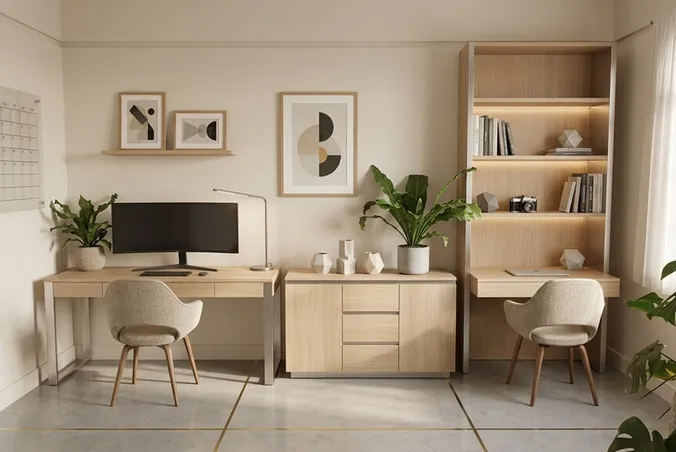
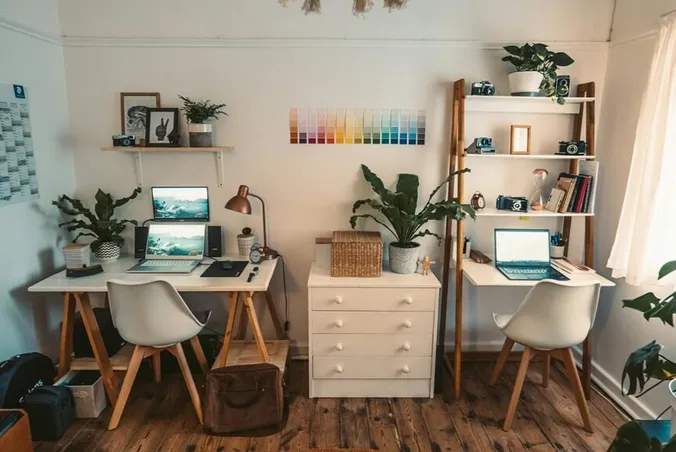
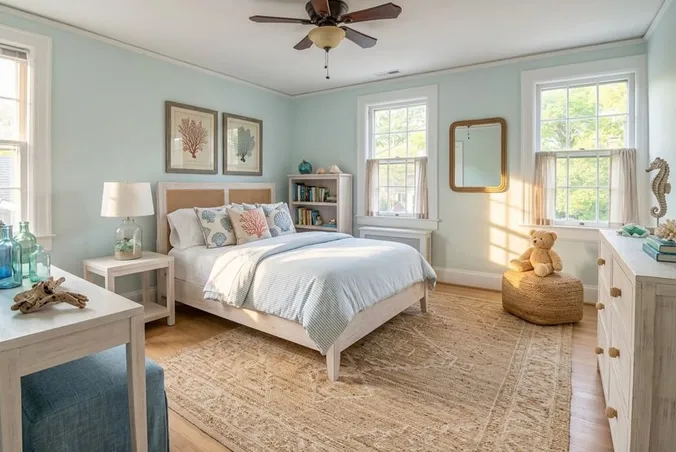
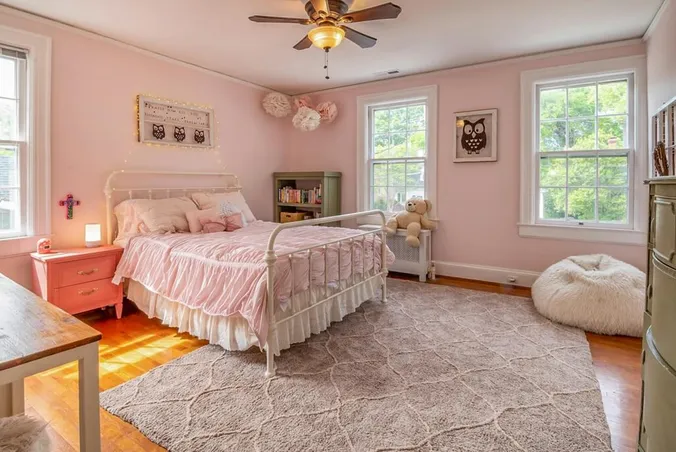
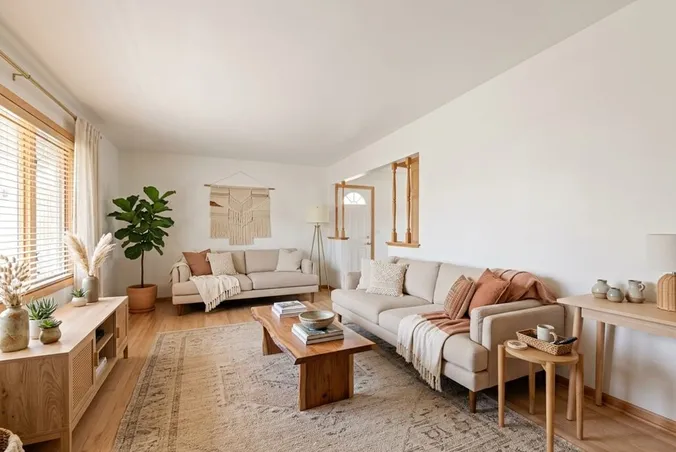
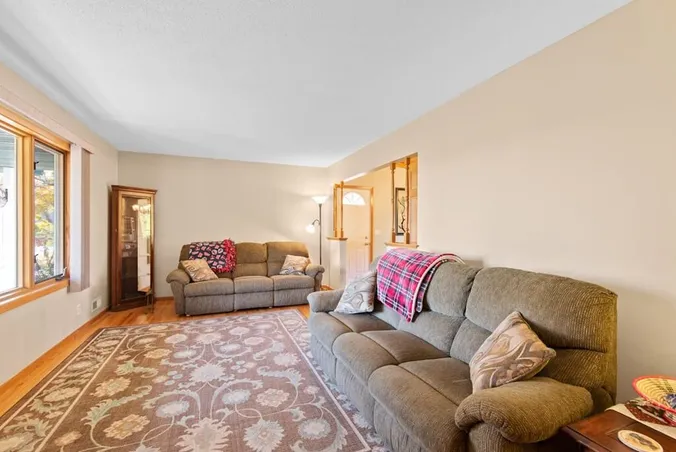
Explore interior room design ideas for your home, a listing or a client presentation.
See how a new style or color palette could look in your room before you shop.
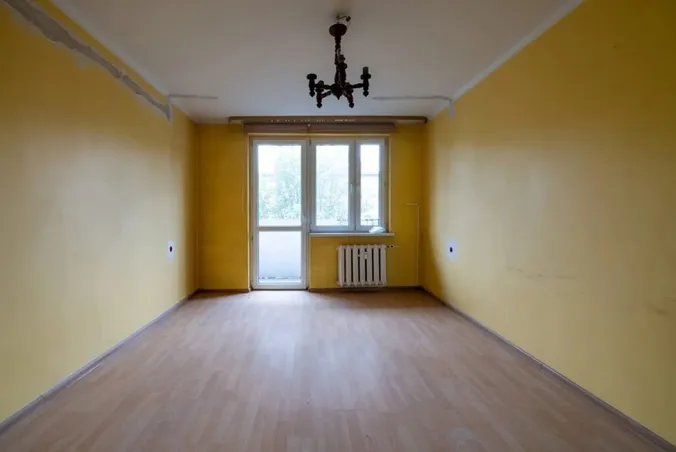
Show how an outdated room could look with new furniture and decor.
Create design options from your client's room photo to discuss the look together.
Get photorealistic room designs in seconds, without learning design software.
See what professionals, creators and homeowners are saying about RoomStaging.
Is very beautyfull app
Good app for meeting people
Perfect...
It looks ok, the 3 staging images look very similar.
The render speed was what first attracted my attention, and I can confirm it is accurate. I have found a handful of styles that work consistently for my projects, and the results are clean and professional. The free trial allows one to verify the quality before any financial commitment, which is entirely how it should be. I use it regularly and have no intention of stopping.
Awesome work! Love the staging idea!
Find answers to the most frequently asked questions about redesigning rooms with AI.
AI interior design turns a room photo into a new design concept. RoomStaging helps you try furniture styles, colors and decor before buying new pieces or updating your space.
Yes. RoomStaging uses your photo to keep the space recognizable while changing furniture, colors and decor. AI can alter details, so review the result.
Incredibly realistic. Our AI creates photorealistic, studio-quality images with accurate lighting, realistic shadows, natural textures, and natural-looking interiors.
Yes. Use the same original photo with different furniture styles, colors or lighting. Generate separate versions to compare the looks. Each new image uses 1 credit.
Use a clear, well-lit photo that shows as much of the room as possible. Phone photos work fine. Upload JPG, PNG or WEBP files up to 10 MB.
Yes! You get 3 free credits after registration – no credit card required. This is enough to generate 3 photos, so you can test the quality and see if it is right for you before upgrading to a paid plan.
Paid plans start at $12/month, billed $144 yearly. Selected annual plans bring the cost to about $0.07 per standard image. See pricing for all options. No hidden fees, no contracts – cancel anytime.
Image generation takes 15-30 seconds. Upload your room photo, select your preferences and click Generate to get your redesigned image.
Yes! All images come with a commercial license for use on websites, social media, presentations, marketing materials, client work, brochures, and more.
It's built for homeowners choosing furniture and decor, real estate agents showing a property's potential, and interior designers preparing design ideas for clients.
Join thousands of homeowners, designers and agents creating photorealistic interior designs with AI.