Renovation
When planning a renovation
Try different wall colors and furniture in your room photo to see what you like before starting the renovation.

Upload a photo of a room, a house, or a yard and see it in a new style. Choose Interior, Exterior, or Garden, and get your design in 15-30 seconds.
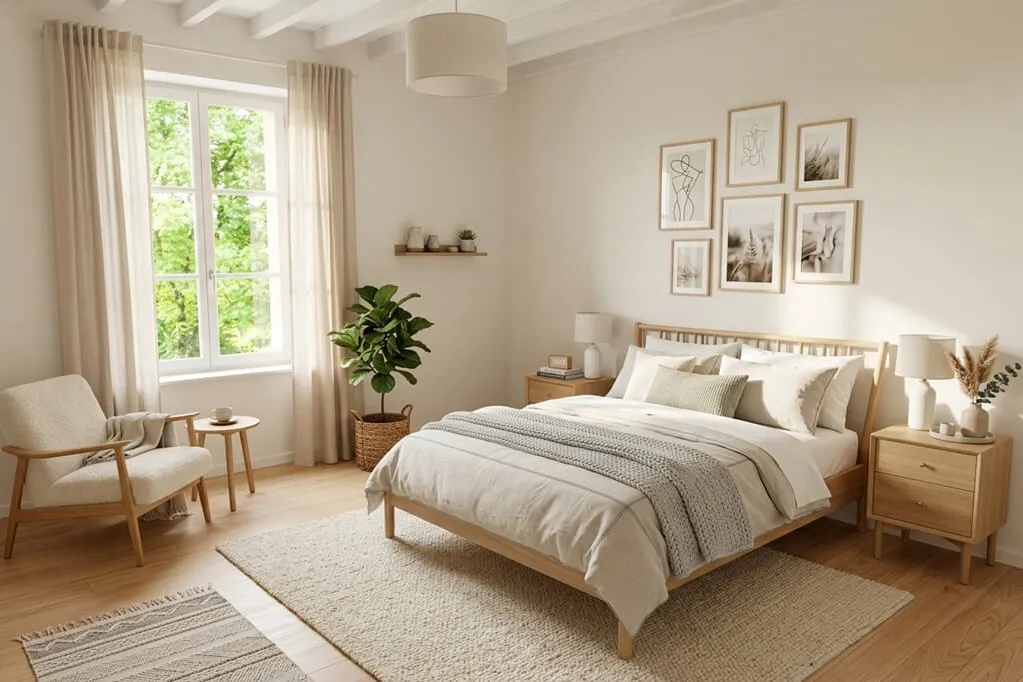
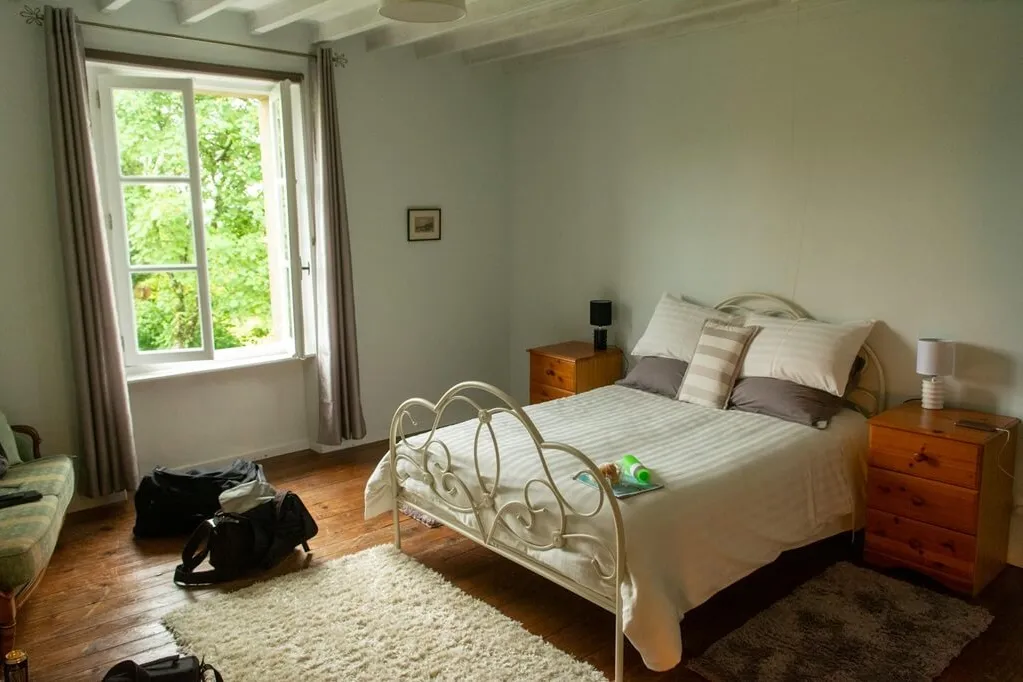


Explore different ways to redesign your home with AI.
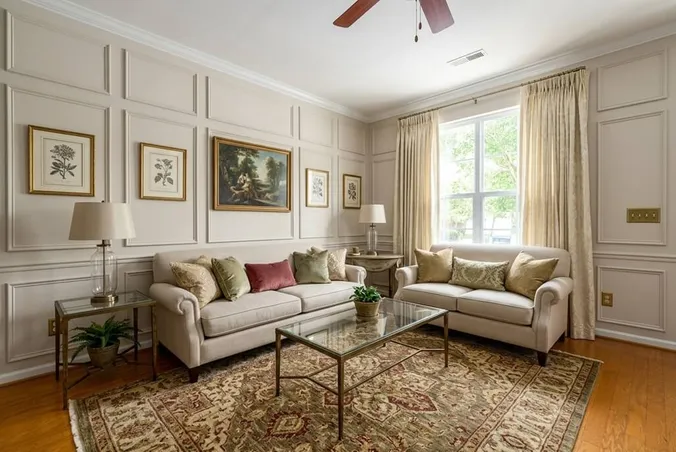
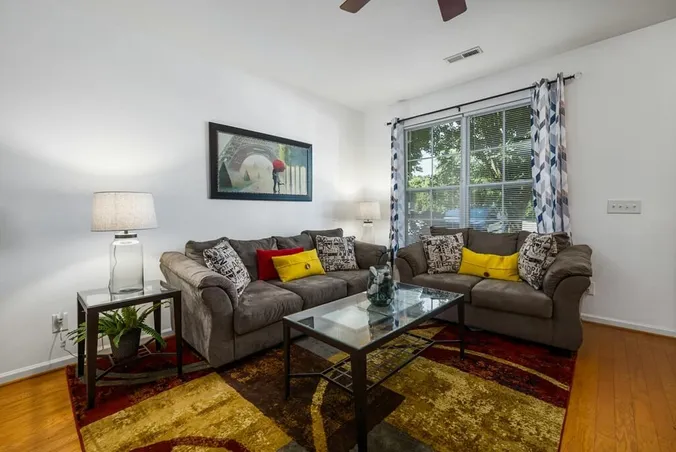
Choose a room type and furniture style. See how different furniture and colors change the look of your room. More in interior design.
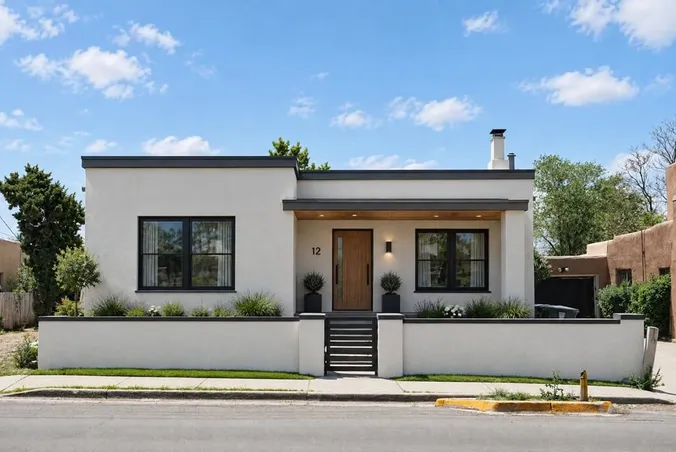
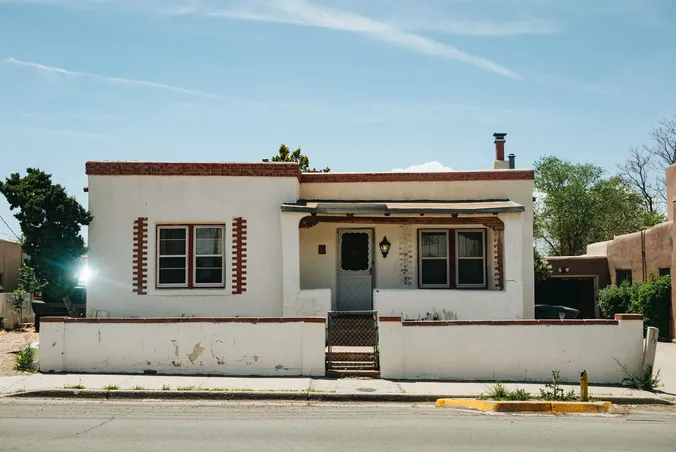
Try a different wall finish or exterior style to see how your house could look with a new design. More in exterior design.
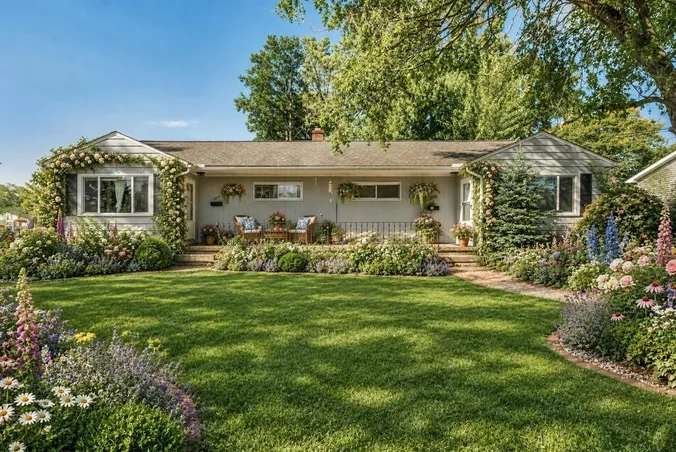
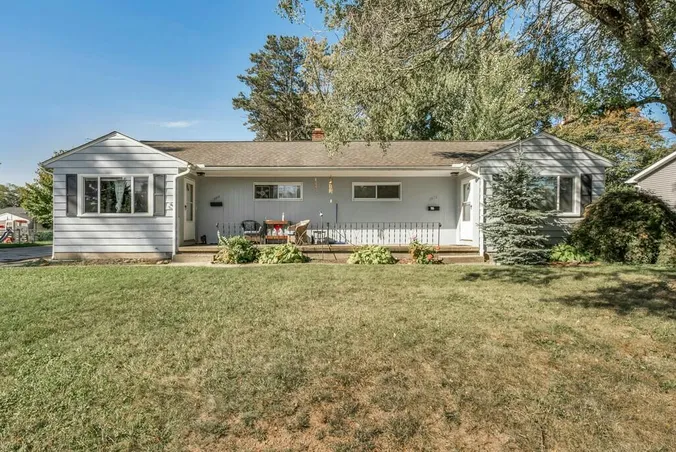
Select a style for your yard and how you will use it. Then add a patio, a path, plants, or grass. More in landscape design.
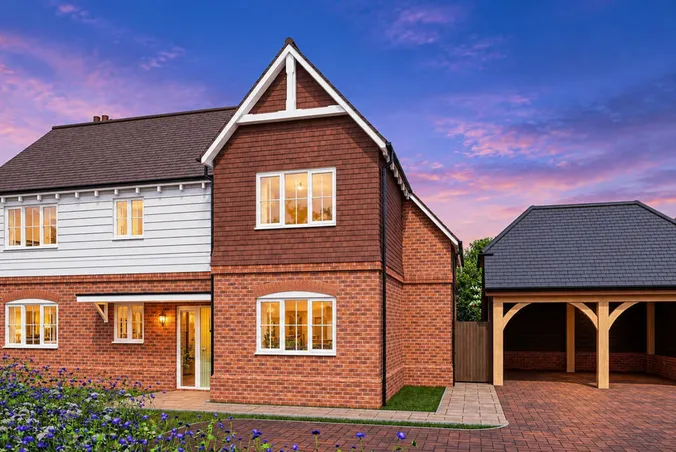
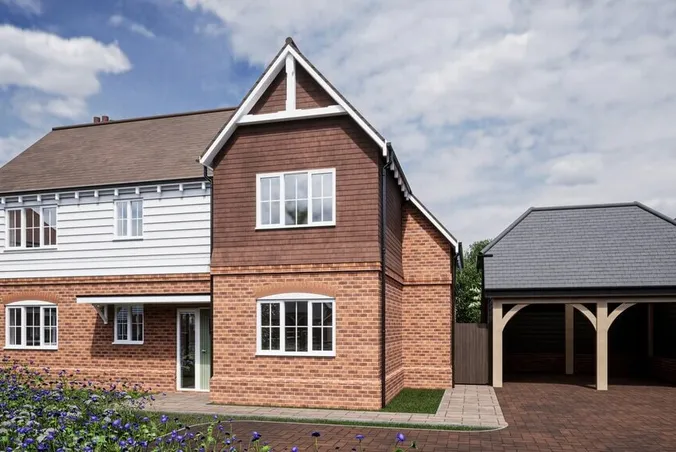
Pick a lighting style for a room, or the time of day and season for a house or yard. See your house at dusk or your yard in winter.
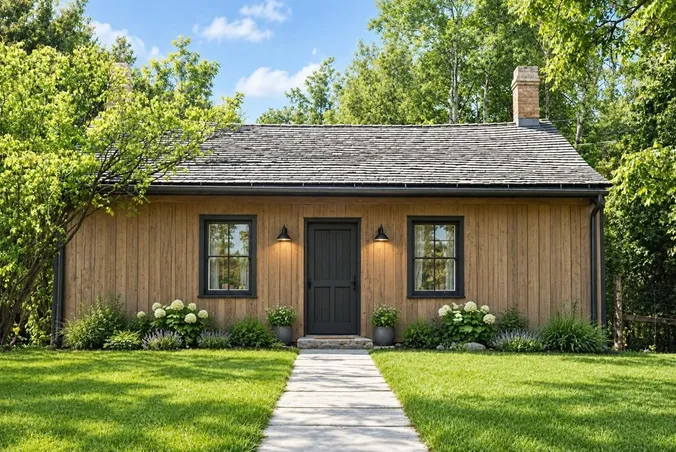
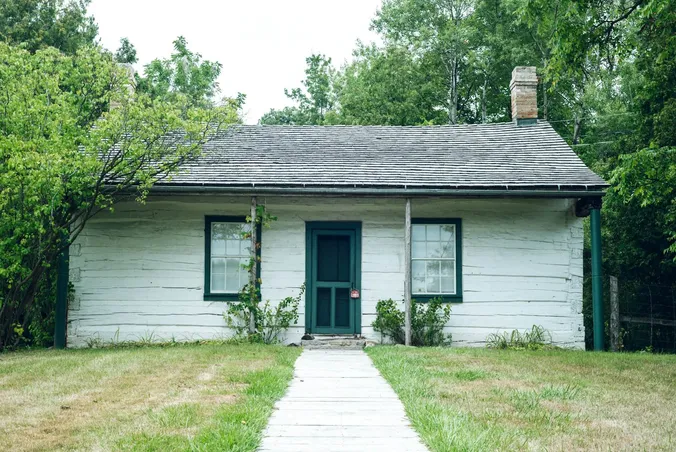
Describe a material in the extra instructions, like "a wood floor" or "a gray stone patio," and combine it with your settings.
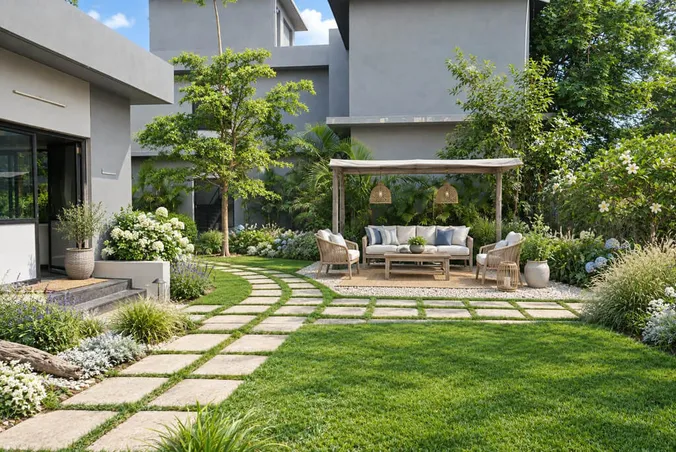
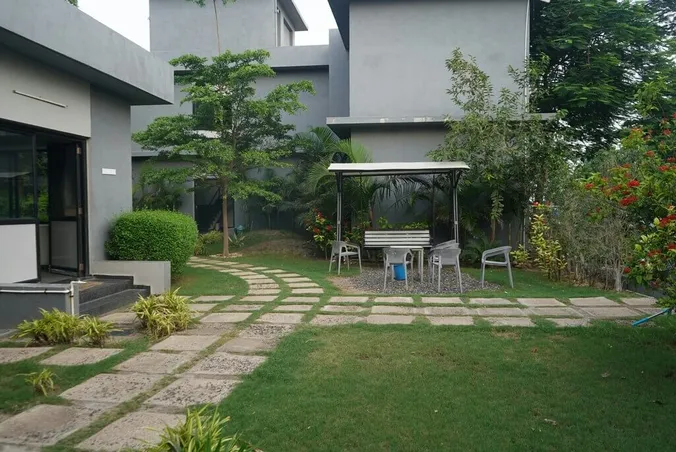
Add small touches like a rug, plants, or lamps to a room, or a fire pit or pergola to a yard, and see how they fit.
Follow three steps to generate an AI home design from a photo.
Upload a photo of the room, house, or garden you want to redesign.
Select the Interior, Exterior, or Garden tab and choose the changes you want to make.
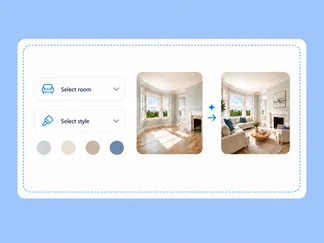
Click Generate image. Your design is ready in 15-30 seconds.
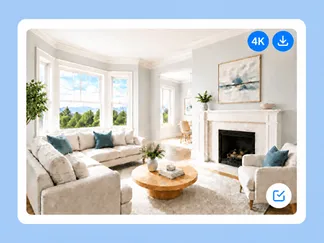
Planning a renovation, updating your facade, or redesigning your yard? AI Home Design lets you see how your ideas could look before you start any work.
Try different wall colors and furniture in your room photo to see what you like before starting the renovation.
It's hard to know how a new wall color will look on a house. Try it on a photo first and see if you like it.
Not sure where to put a patio, path, or flower beds? Add them to a photo of your yard and see how they look.
When you can't decide, look at a few styles on the same photo and pick the one you like best.
Some buyers can't imagine an old room or an empty yard with a new look, so a picture can help them see it.
It can be hard to explain your ideas in words. Showing them a picture can make it easier to discuss what you want.
Explore rooms, houses, and yards redesigned in different styles, shown before and after.
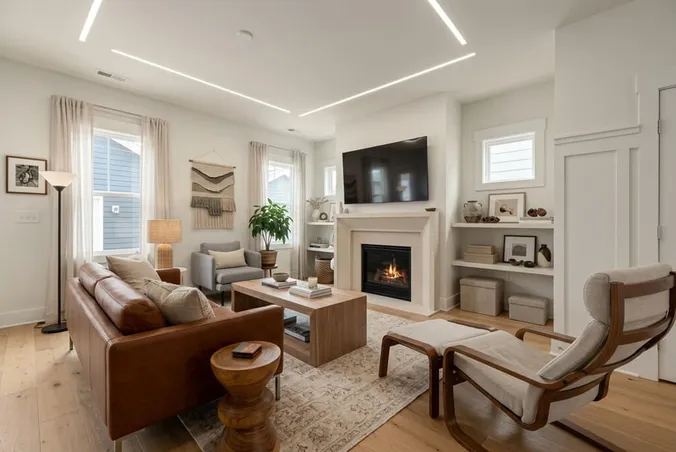
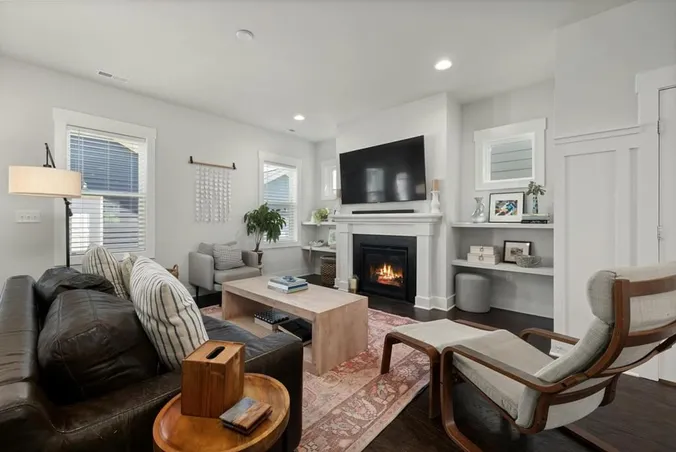
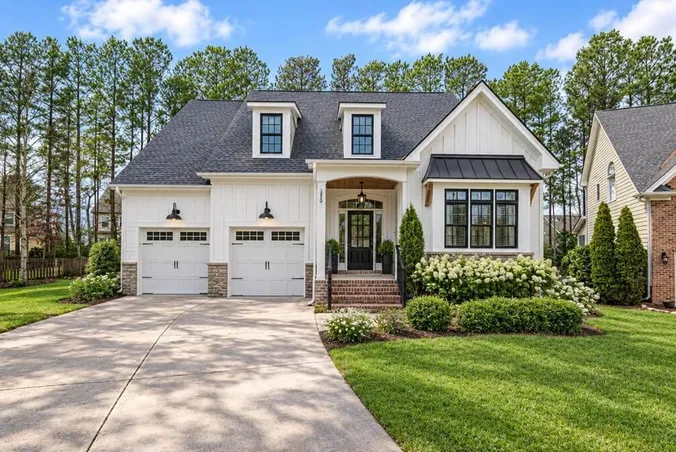
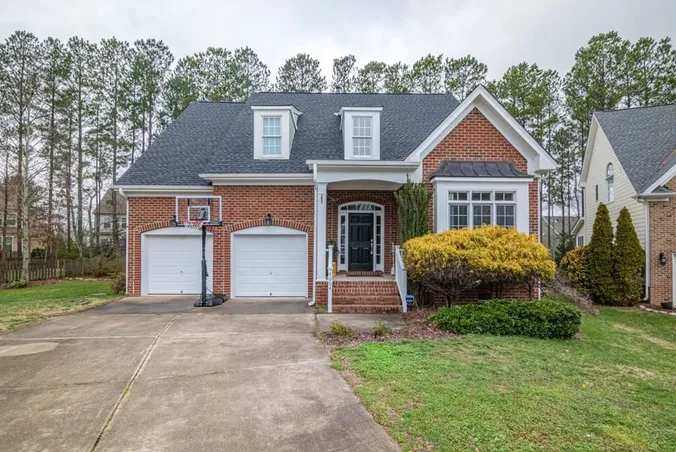
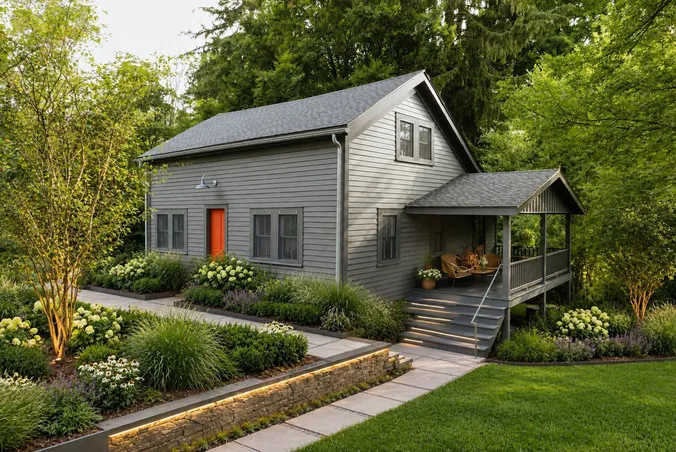
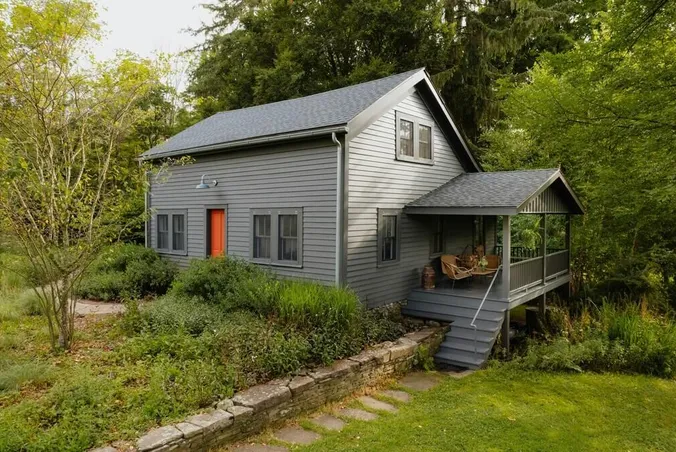
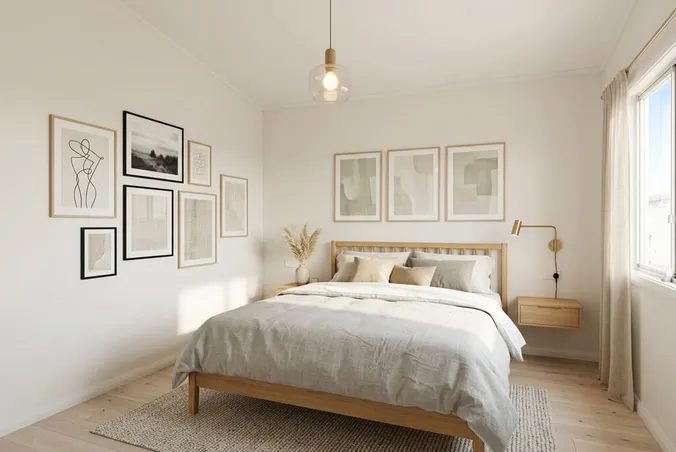
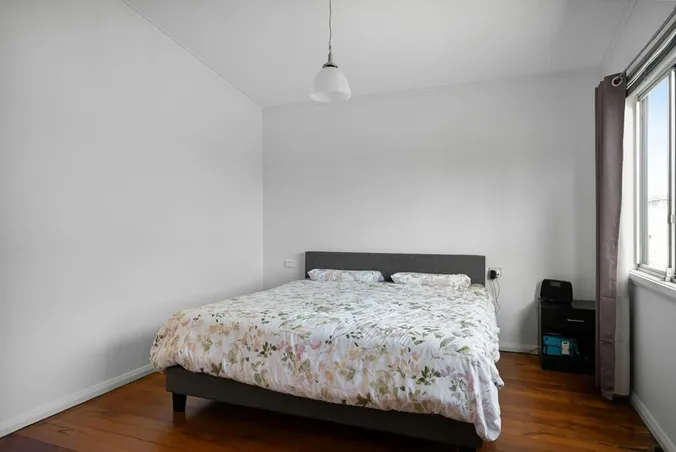
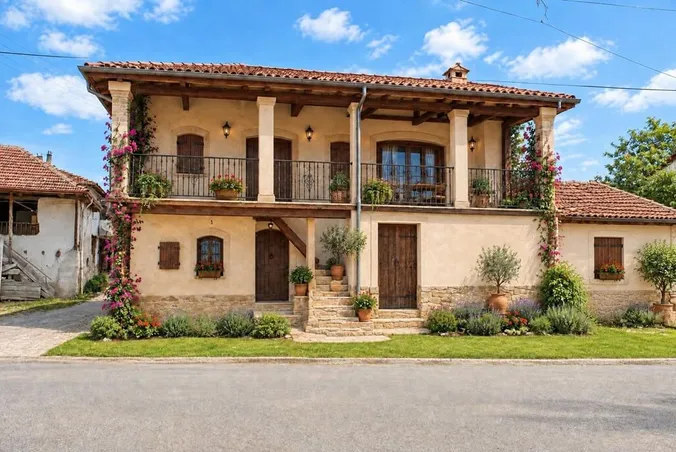
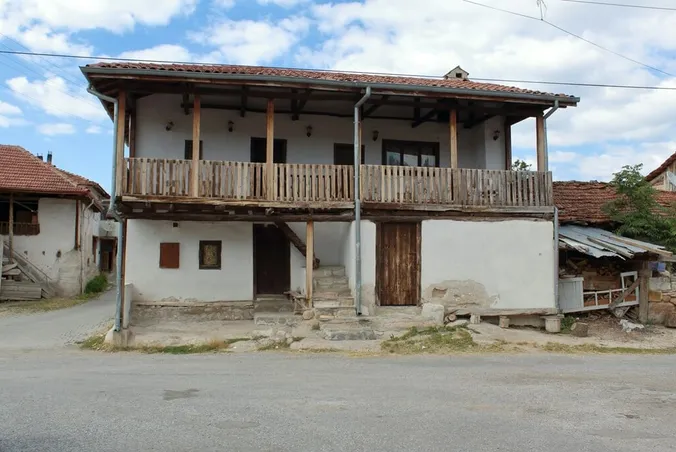
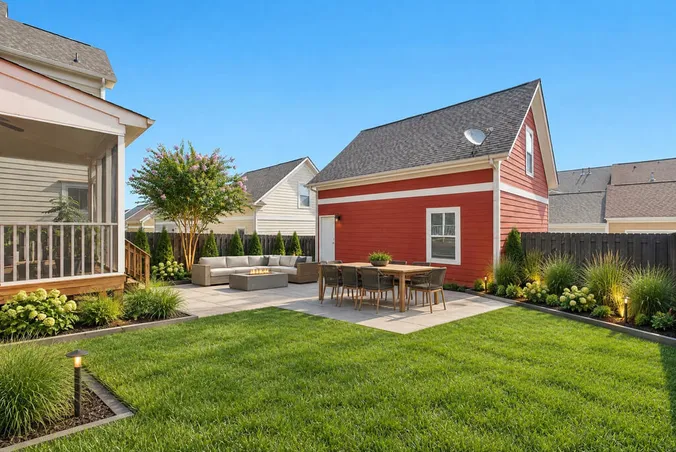
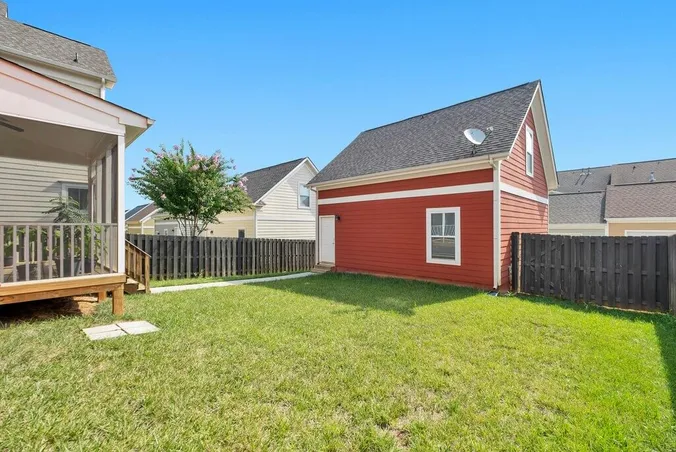
You get one tool to redesign your rooms, house exterior, and yard. You can try it for free.
Below are the answers to the questions people ask most often about AI home design.
AI home design is a tool that shows how your home could look in your photo. You upload a photo of a room, a house, or a yard, and the AI makes a new image with your changes. Want to work on a room? Use Interior Design. Want to change the facade? Use Exterior Design. For the yard, there is Landscape Design.
The AI works from your photo, so the layout of a room or the shape of a house remains recognizable. It changes the elements that belong to the selected style or to your instructions.
Yes. There's an extra instructions box where you type things like "a beige sofa" or "dark window frames."
Virtual staging adds furniture to empty spaces. AI home design redesigns what is already in your photo: a room, the exterior of a house, or a yard.
Use a bright photo that is not blurry. Upload any photo of a room, a facade, or a yard in JPG, PNG, WebP, or HEIC format, up to 10MB.
Yes. When you sign up, you get 3 free credits, and you don't need a credit card. That's enough to design 3 images from your own photos.
Paid plans start at $12/month, billed $144 yearly. Selected annual plans bring the cost to about $0.07 per standard image. See pricing for all options. No hidden fees, no contracts – cancel anytime.
Image generation takes 15-30 seconds. Upload your photo, select your preferences and click Generate to get your redesigned home.
No experience is required. We provide lists of styles and materials to choose from. Alternatively, you can write what you want in your own words in the form.
Yes, paid plans include a commercial license. You can use the images in property listings, on websites, and in presentations for your clients. If an image shows a real property, say that it's a design idea, not the current state.
Try new furniture, change wall colors, redesign rooms, update your facade, or plan your garden with AI. Start with a photo of the space you want to change.