Cloudy shoots
After a shoot in cloudy weather
Gray, rainy weather can ruin a good shot. Change the sky, and you don't have to wait for a sunny day.

Upload a property photo and choose a new sky: clear blue, sunset, golden hour, or twilight. The result is ready in 15-30 seconds.
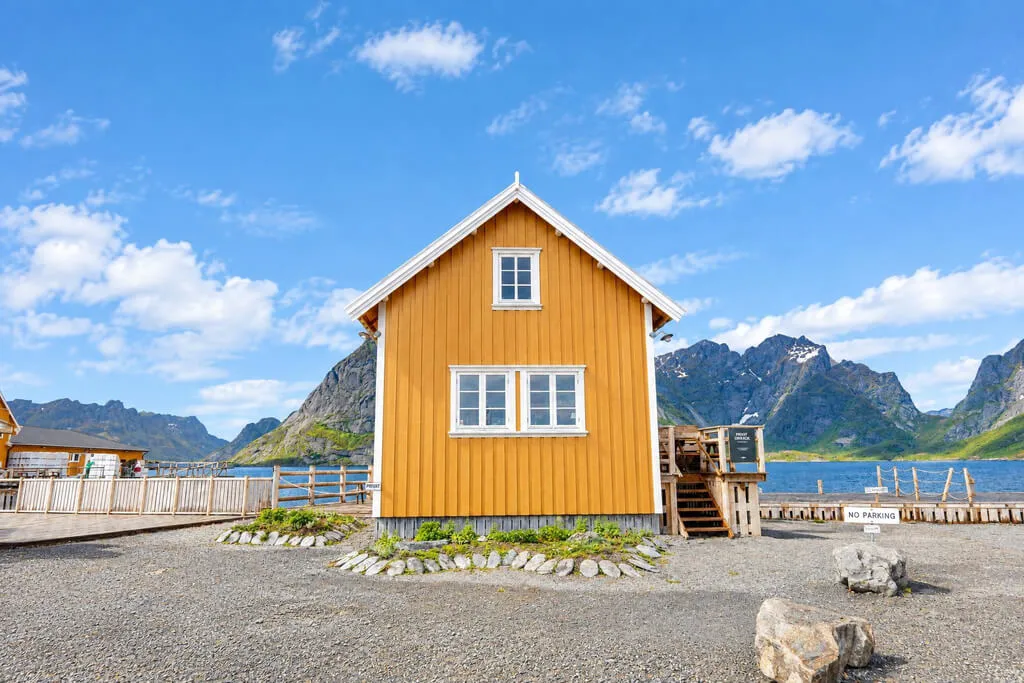
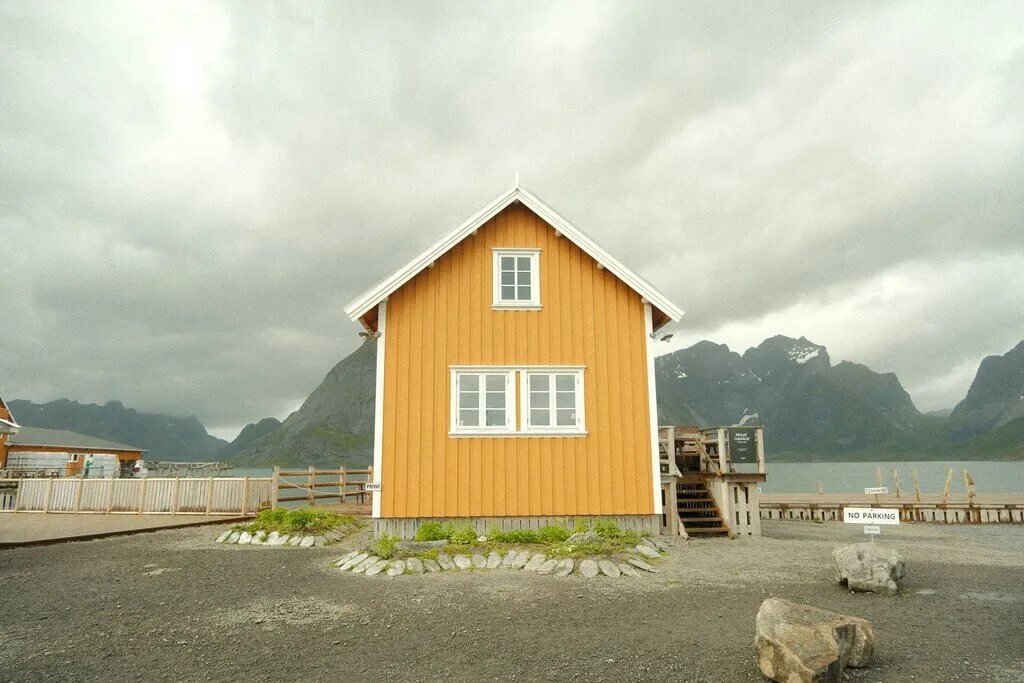


Use this sky changer to replace a dull sky or set a new mood in photos of houses, gardens and terraces.
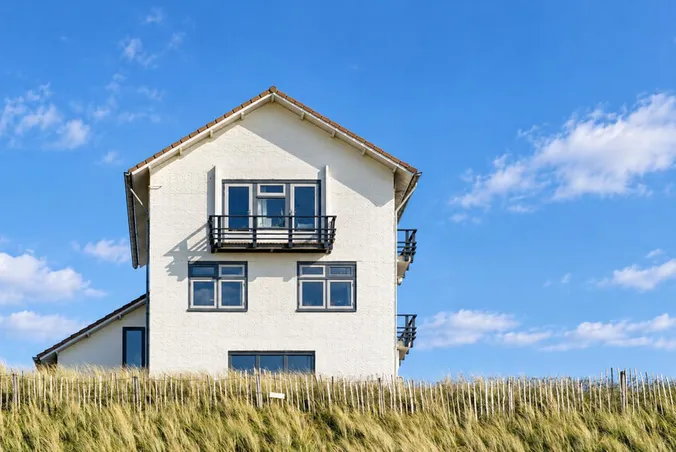
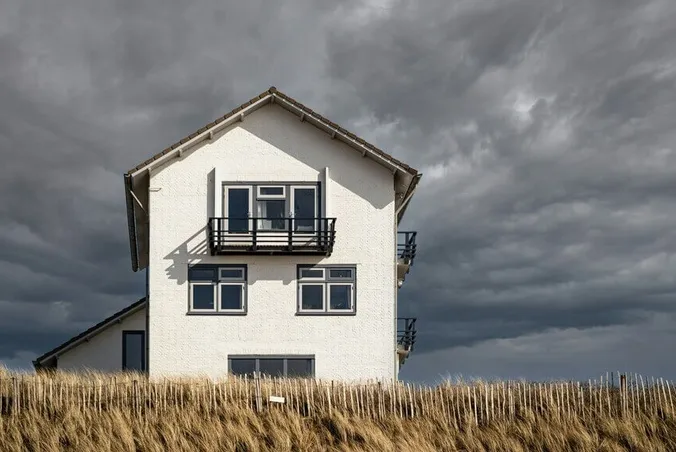
Blue sky replacement gives the property the look of a photo taken on a sunny day, even if the shoot happened in bad weather.

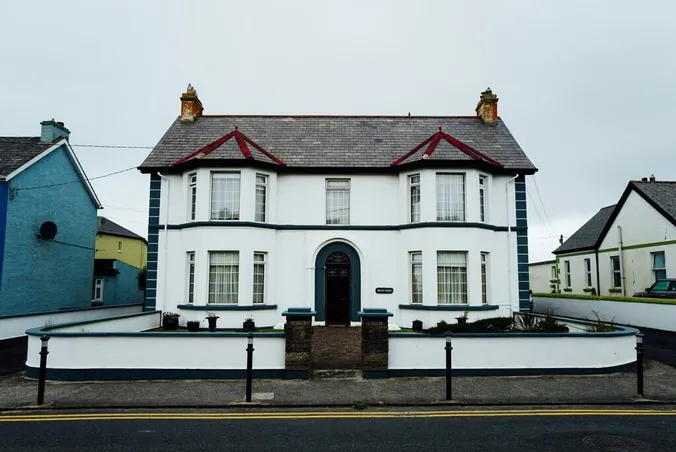
A white sky can make the photo look flat. Try a blue sky or a sunset to give the image more color and balance.
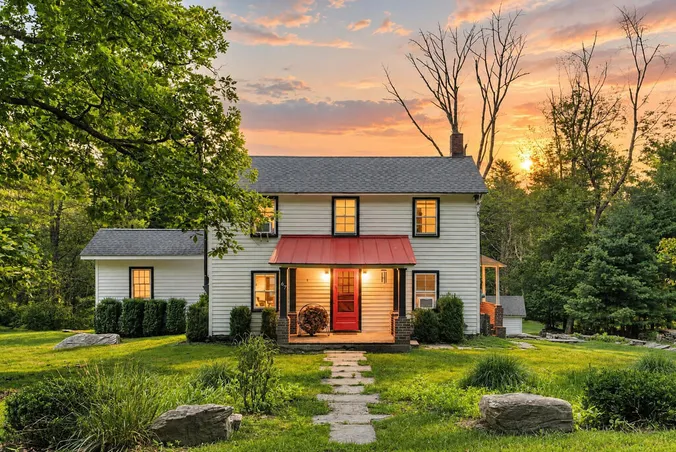
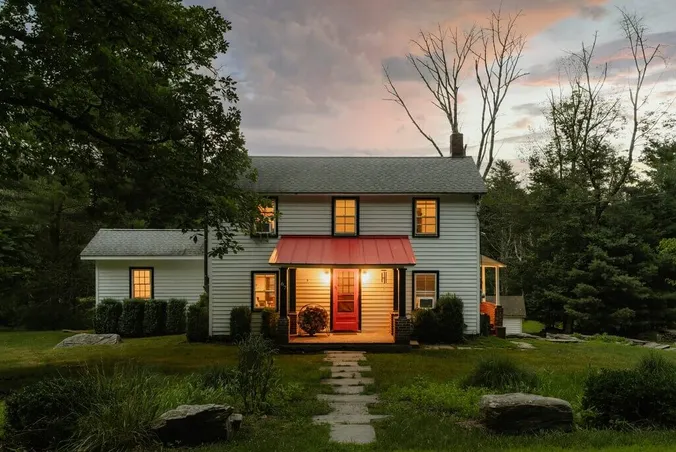
A sunset adds warm orange and pink colors to the sky. Golden hour gives the photo a soft, warm glow.
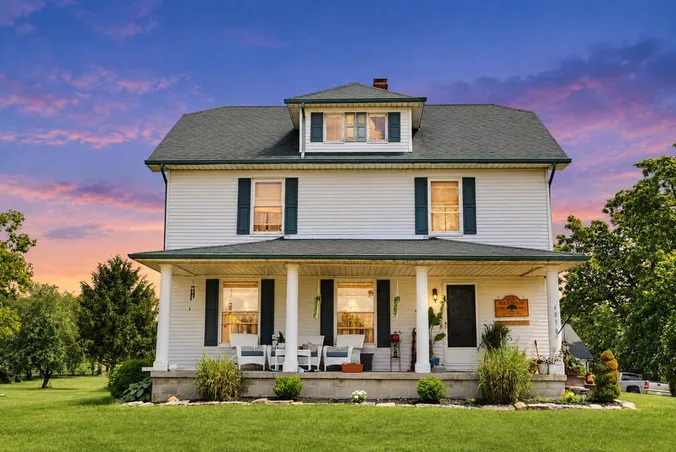
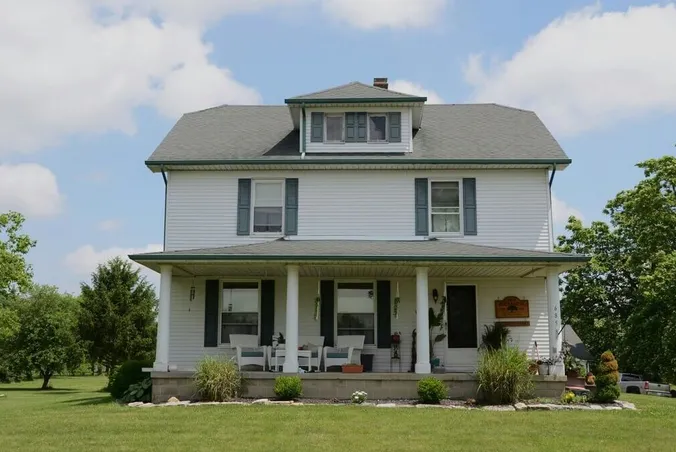
Twilight gives the sky a deep blue color with a soft purple shade. The house itself stays the same.
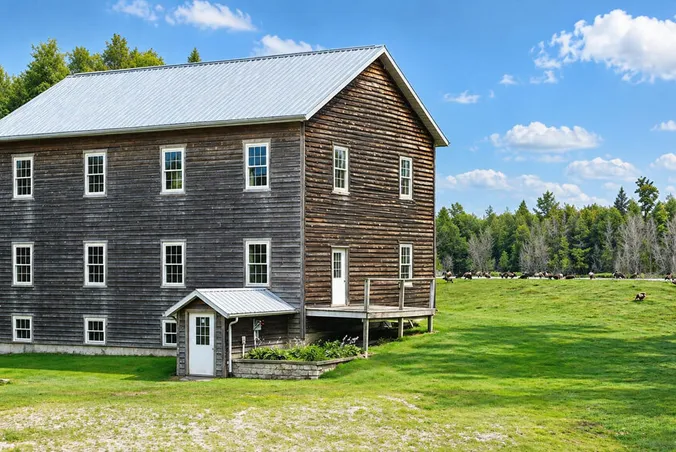
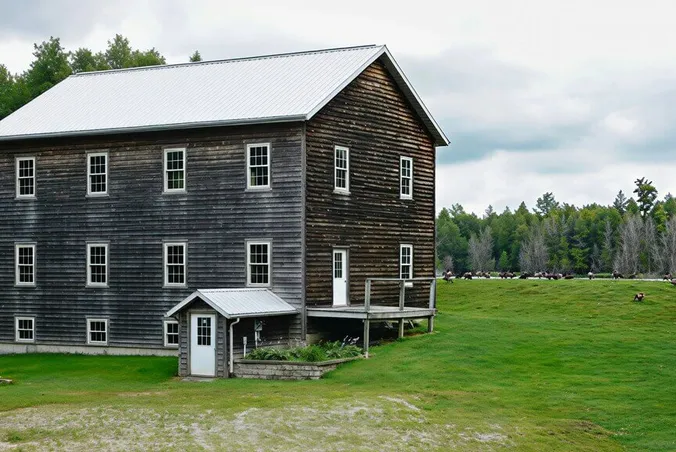
In the extra instructions, describe the sky you want. For example, you can ask for a clear sky, some soft clouds, a lighter blue, or warmer colors.
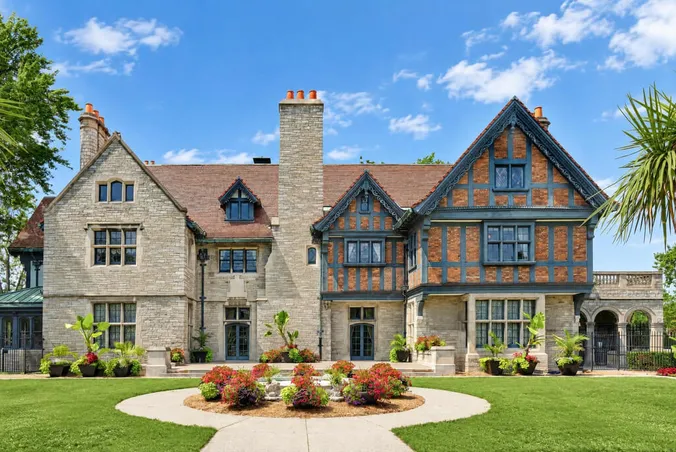
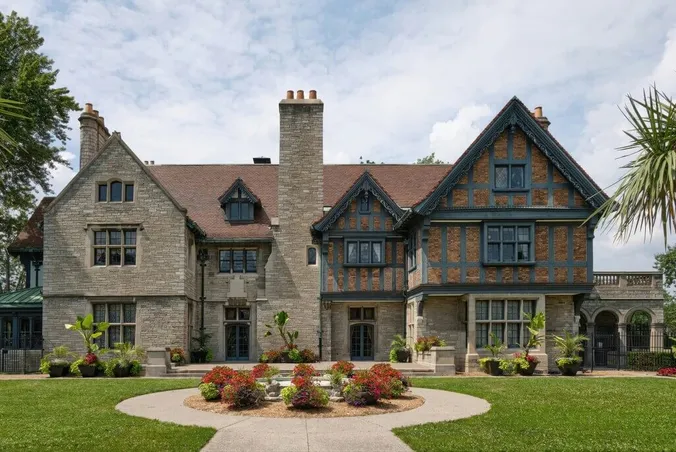
You can change the sky in photos of gardens, terraces, and pool areas too, even if there's no house in the picture.
You can change the sky in three steps, right in your browser.
Upload an exterior photo where the sky is clearly visible.
Choose from four sky options or add your own instructions.
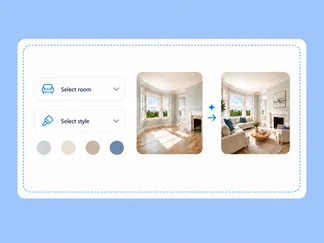
Generate your photo with a new sky in 15-30 seconds, then download the image.

Real estate sky replacement is useful when the sky in a property photo doesn't look good.
Gray, rainy weather can ruin a good shot. Change the sky, and you don't have to wait for a sunny day.
A white, washed-out sky looks flat and a bit fake. A natural sky with a few clouds makes the whole photo look better.
You can show the same house or garden under a sunny sky, at sunset, or in the evening. Pick the mood you like.
Explore examples of houses and gardens with a new sky.
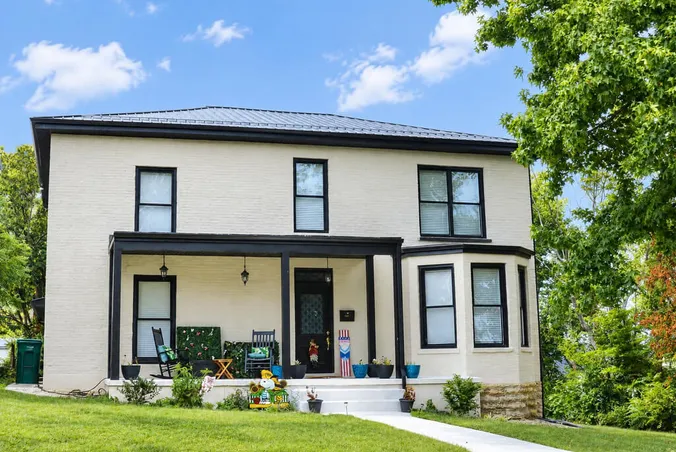
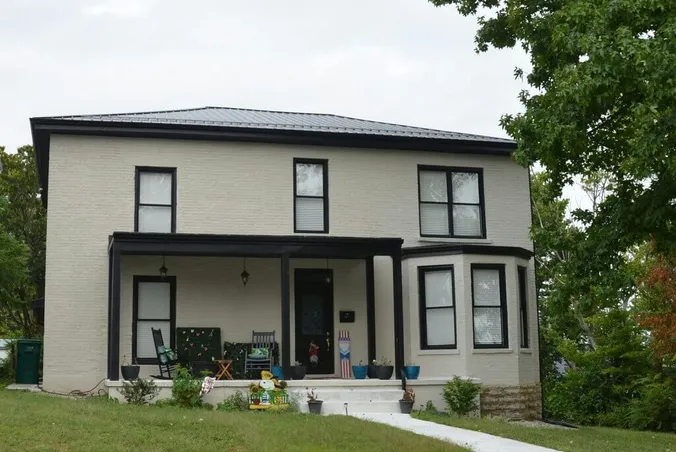
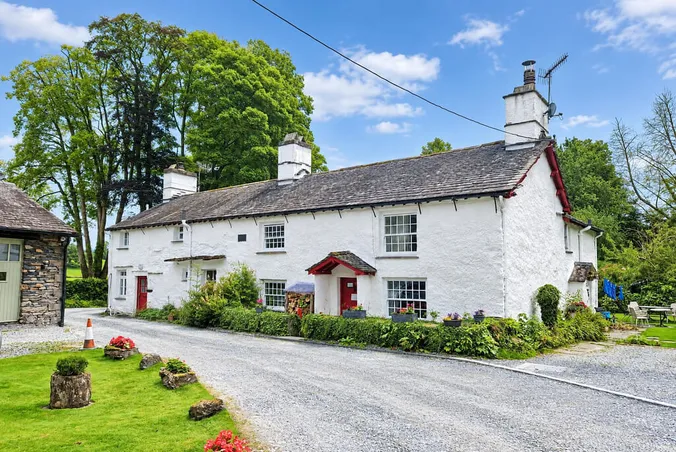

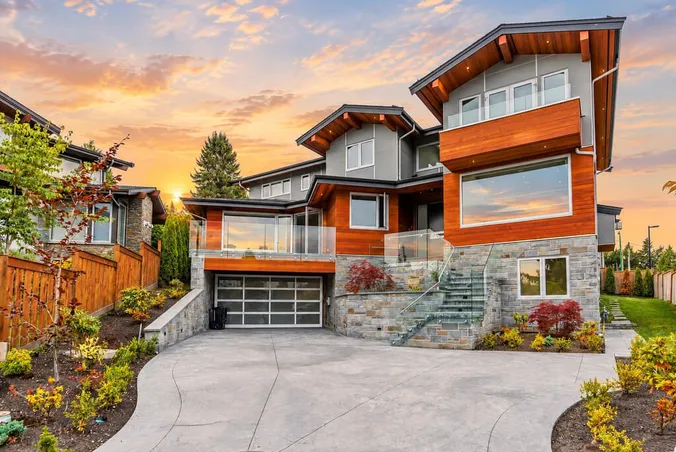
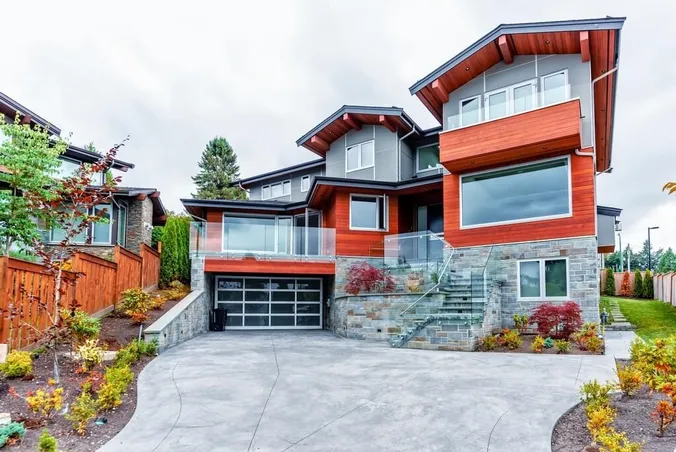

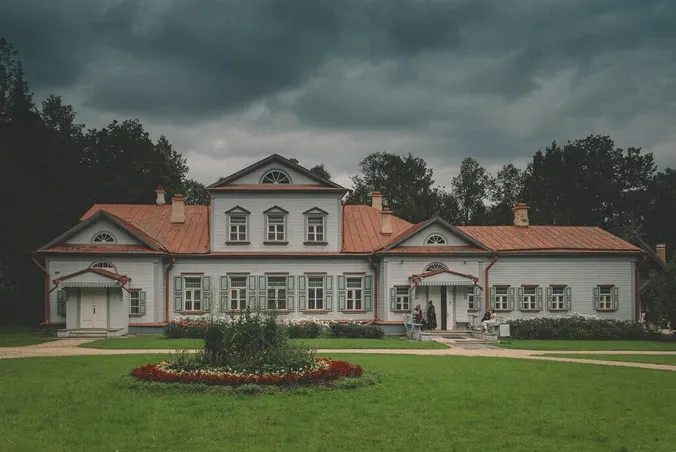
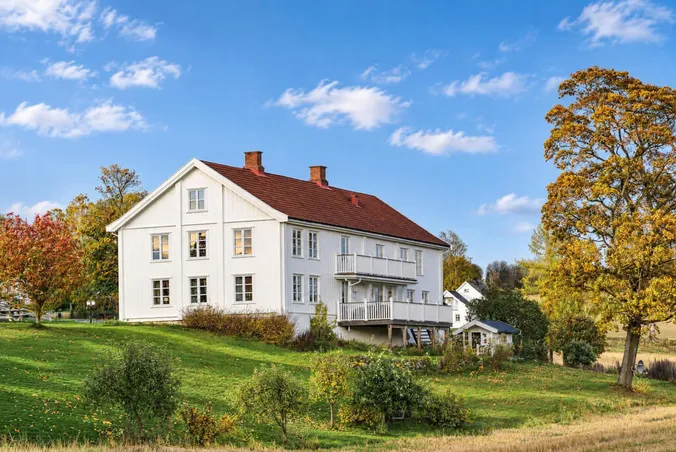
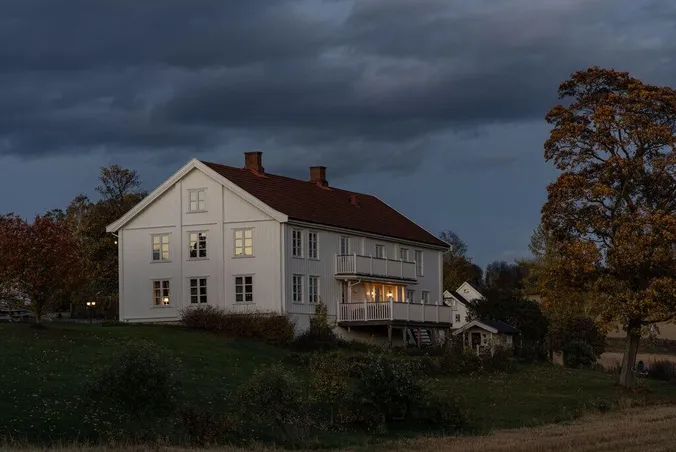
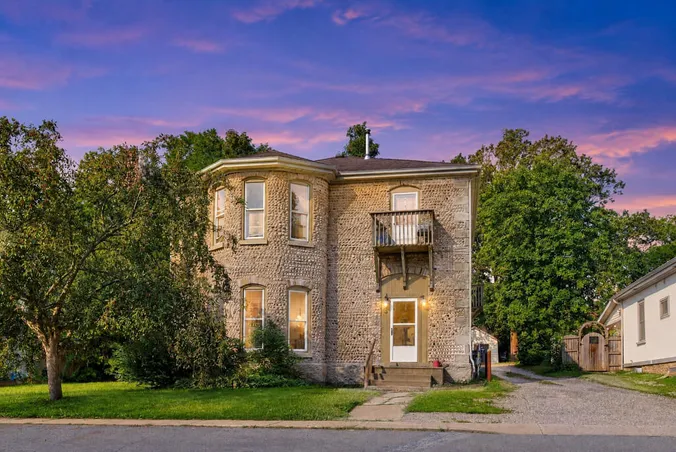
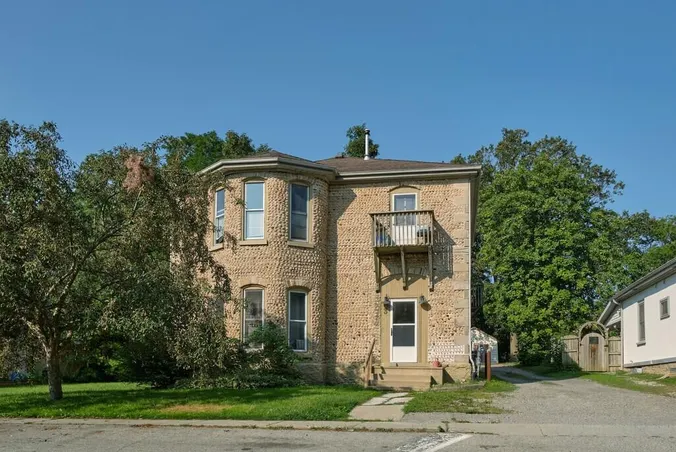
Fix a bad sky in your listing photos before you publish them.
Here are answers to the most common questions about changing the sky in photos with AI.
It is an AI tool that changes the sky in your photo. You upload an outdoor photo and choose a sky, and the AI creates a new image with that sky.
Four: Clear blue sky, Sunset glow, Golden hour, and Twilight. If you want something more specific, such as some soft clouds, write it in the extra instructions.
The house, the windows, and the layout stay as they are in your photo. The light on the walls and the shadows on the ground change to fit the new sky. Windows and water can look different too, so look at the reflections when your image is ready.
The sky changer replaces only the sky. Roof lines, branches, and other edges stay in place, and the new sky fits around them. If you see a rough edge, generate the image once more or try another sky.
Sky replacement is one of the tools in image enhancement, which also works on light, lawns, clutter, and perspective. This page is only about the sky. Day to dusk is different again: it turns the whole photo into an evening scene. Twilight here is just one of the four skies.
Any outdoor photo works if you can see the sky in it, for example, a house, a garden, a terrace, or a pool area. Use JPG, PNG, WebP or HEIC. The file can be up to 10MB.
Yes. When you sign up, you get 3 free credits, and you don't need a credit card. That's enough for 3 sky replacement images from your own photos.
Sky replacement is a PRO feature. It starts on the Standard plan, which costs $21 per month if you pay for a year. One image costs 1 credit. See pricing for all options. No hidden fees, no contracts – cancel anytime.
Yes, you can use AI sky replacement on property photos for online listings and real estate websites. Paid plans include a commercial license and cover business use of edited photos.
Upload an image of your property and try the sky you want today.