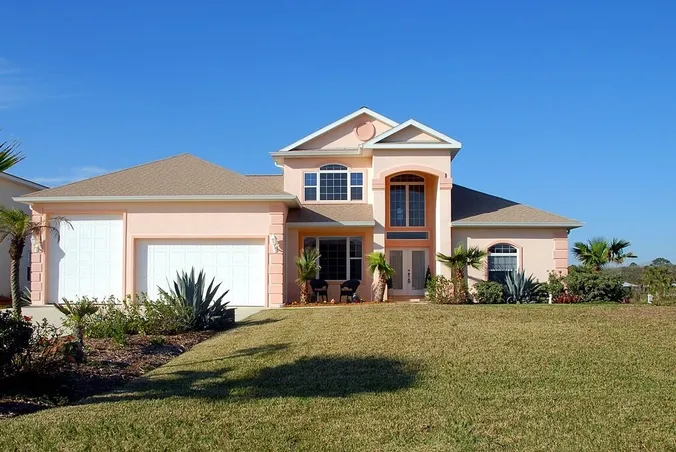
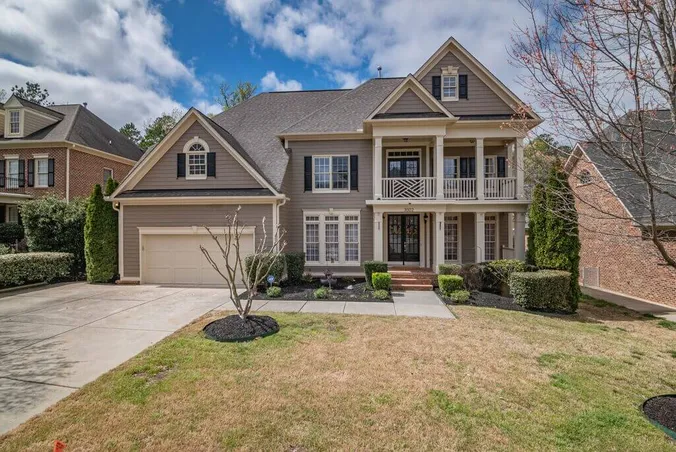
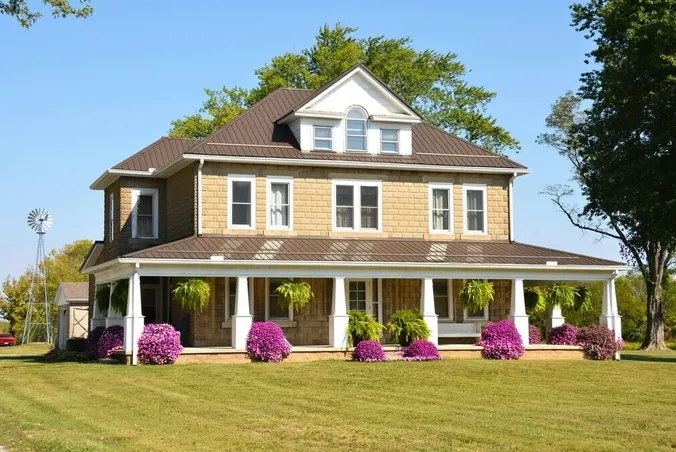
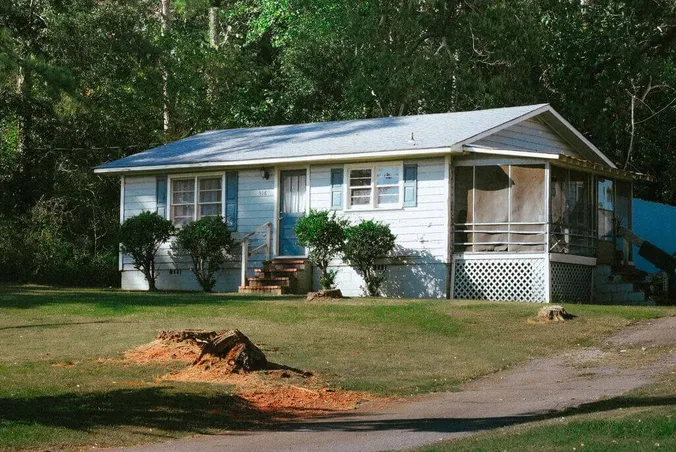
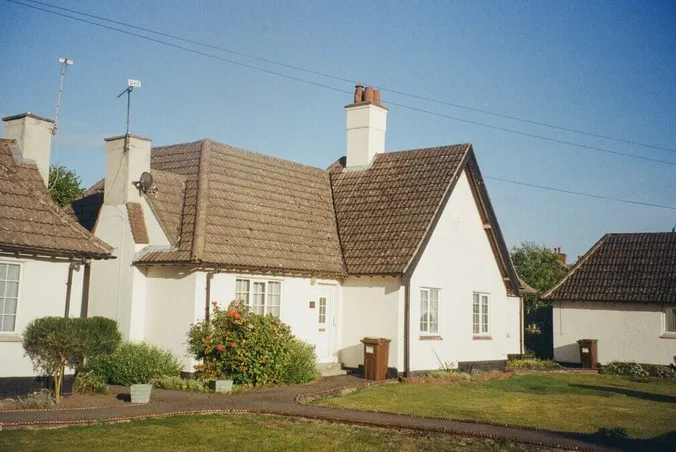
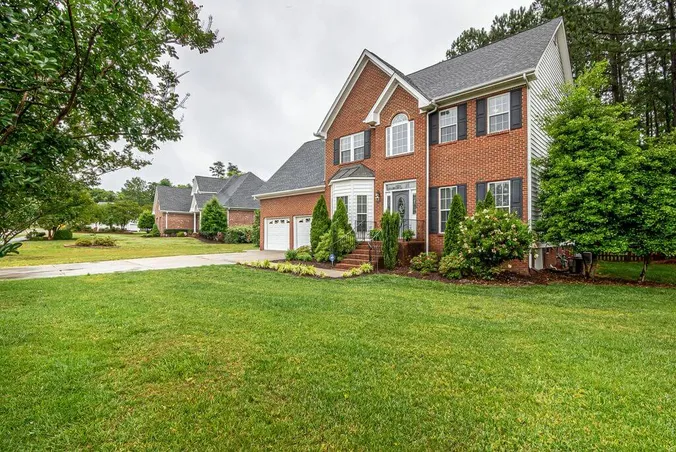
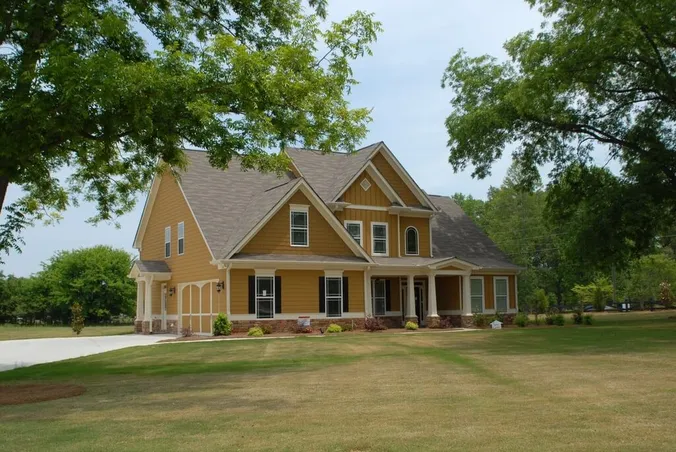
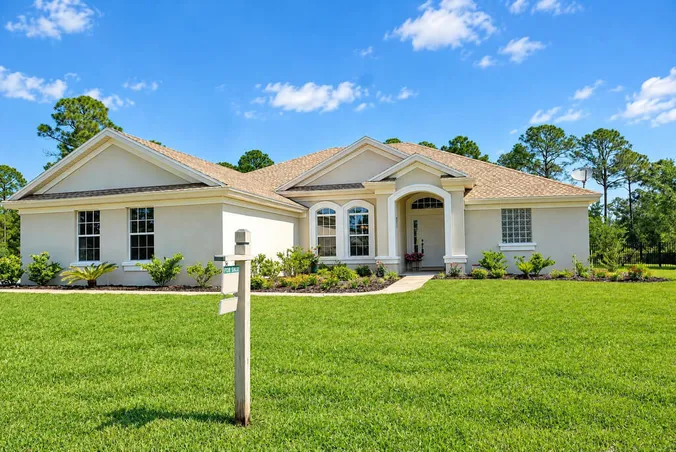
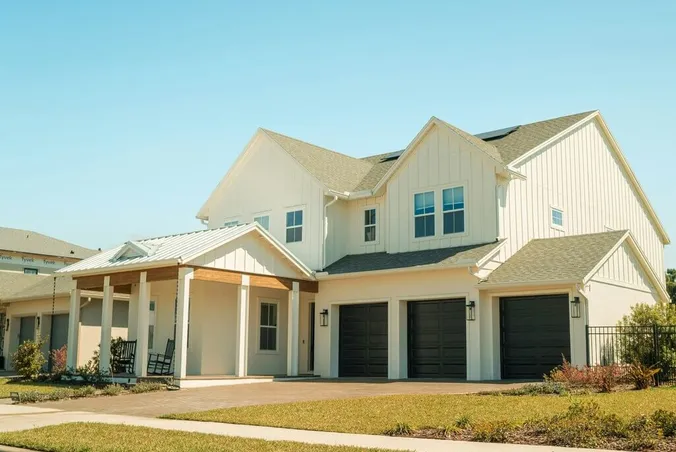
Start with a photo of your yard

Drop your exterior photo here or choose a file

Supported: jpg, png, webp, heic (max 10MB)

Make Any Yard Green with AI Lawn Enhancement

Brown grass in your listing photos? Upload an exterior photo and turn burnt, patchy grass into a healthy green lawn in 15-30 seconds.
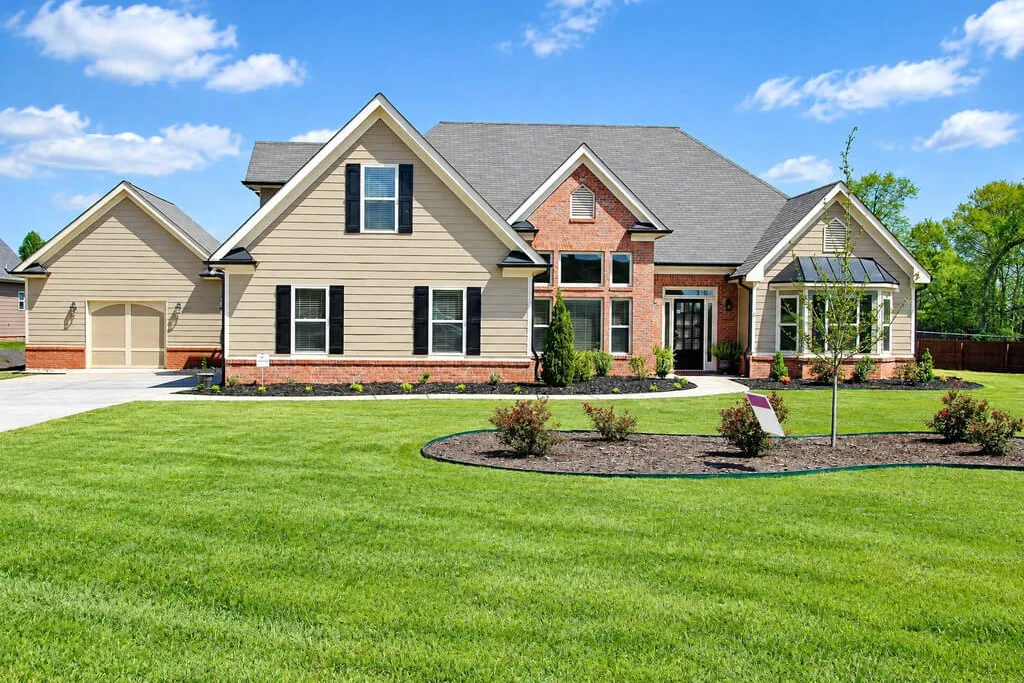
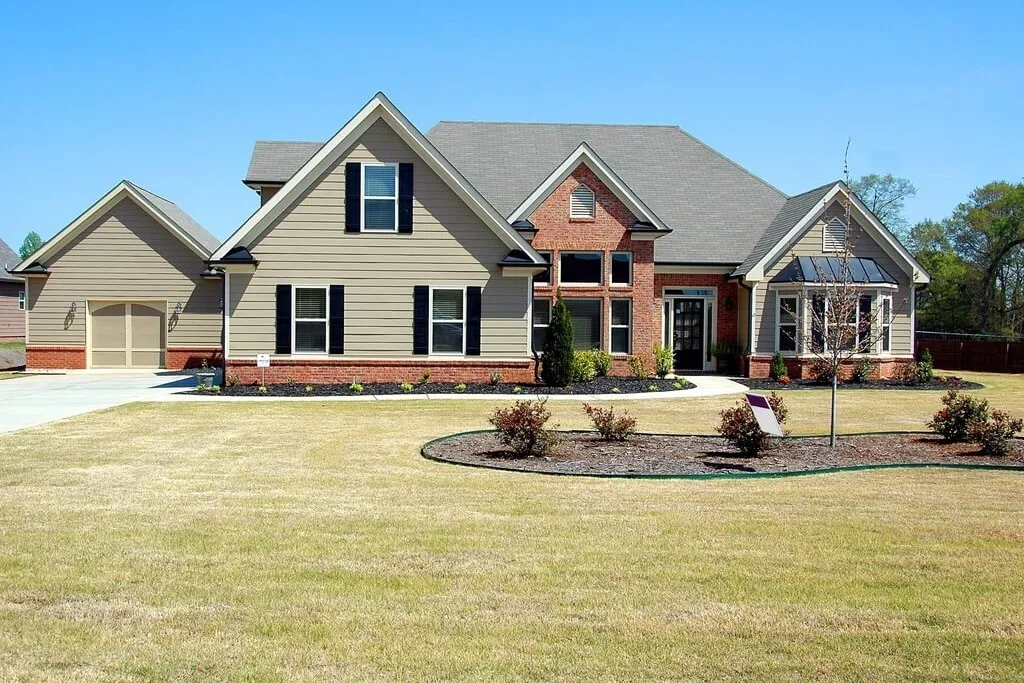
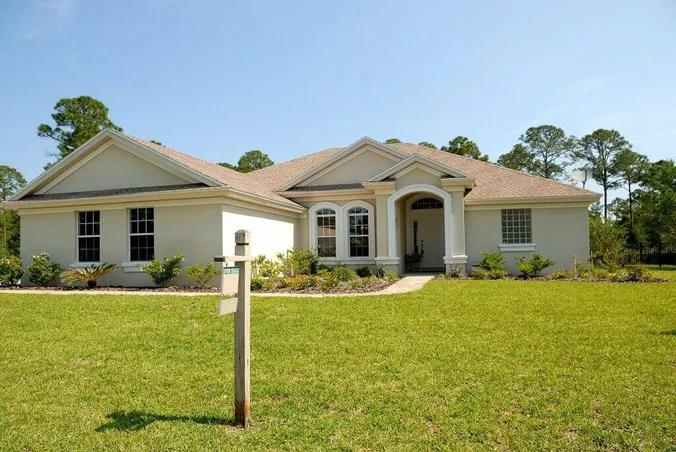
Suburban house with a green lawn after AI lawn enhancement
Green lawn
Suburban house exterior photo with dry grass
Original
Michael
Anna
Anastasiya
Roman
Used by 10,000+ professionals worldwide
4.6/5based on 59 reviews

What can you do with AI Lawn Enhancement?

A new lawn without touching the rest of the photo.
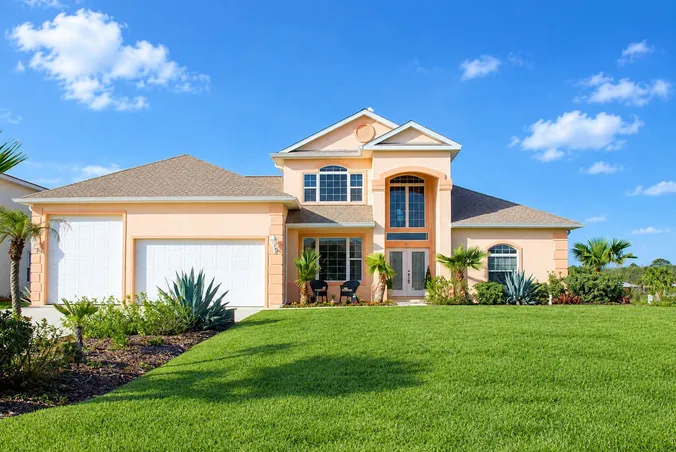
Bring back dry, burnt grass
After
Bring back dry, burnt grass
Before

Bring back dry, burnt grass

Turn straw-colored turf after a drought or watering ban into a yard with curb appeal.
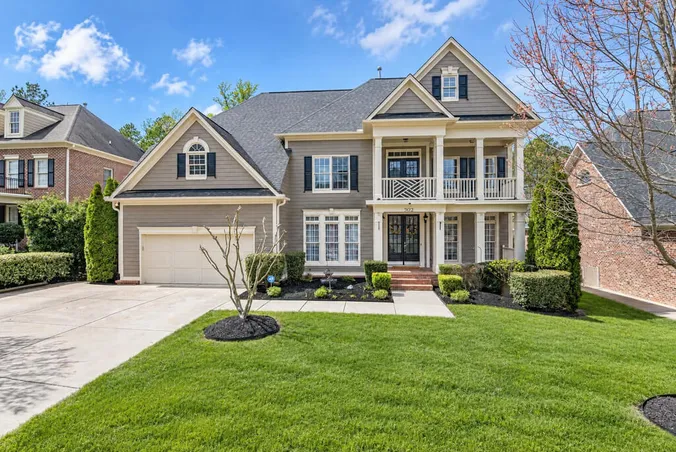
Fix a patchy lawn
After
Fix a patchy lawn
Before

Fix a patchy lawn

Remove brown spots, thin areas and uneven color in one pass.
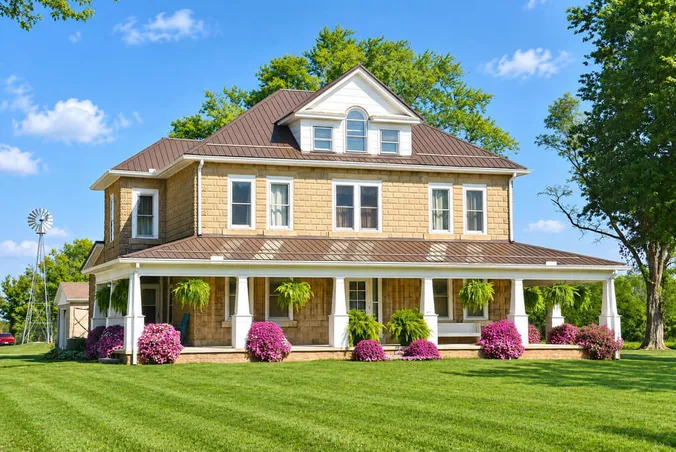
Refresh dormant grass
After
Refresh dormant grass
Before

Refresh dormant grass

Make a dormant lawn in late fall or early spring look like peak season.
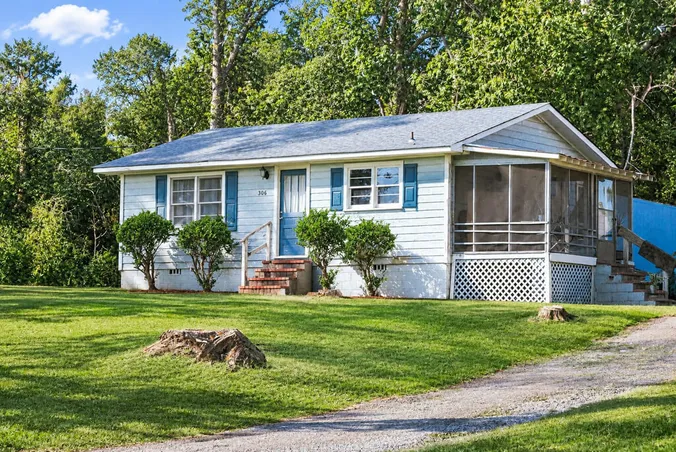
Add grass to a photo with bare soil
After
Add grass to a photo with bare soil
Before

Add grass to a photo with bare soil

The AI fills bare ground with grass, so the yard looks complete.
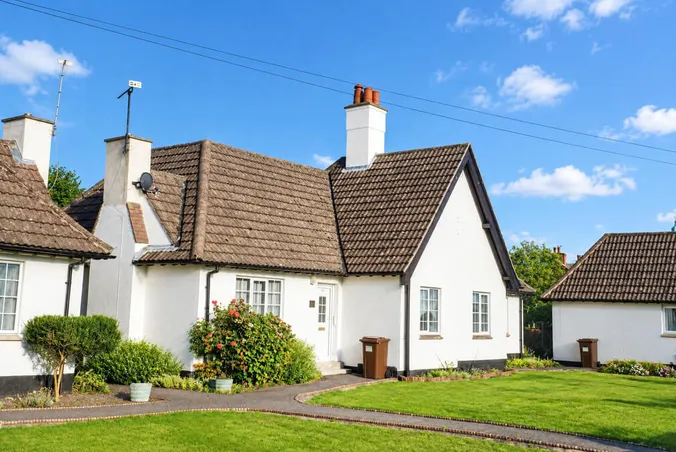
Keep the rest of the yard
After
Keep the rest of the yard
Before

Keep the rest of the yard

Walkways, the driveway, flower beds, trees and shadows stay in place.
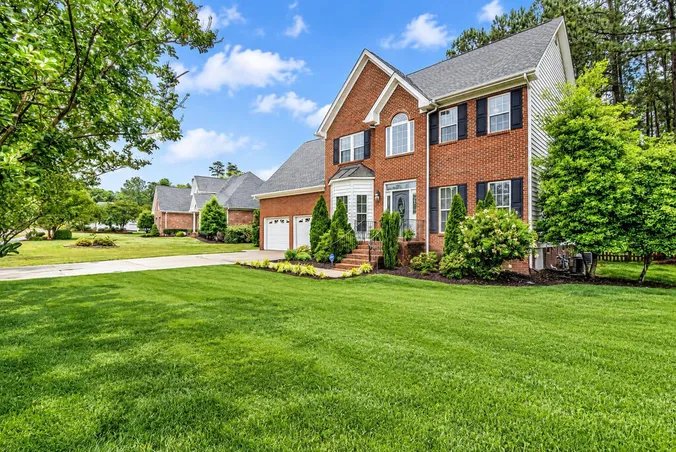
Natural color and texture
After
Natural color and texture
Before

Natural color and texture

The grass follows the light in your photo: darker in the shade, brighter in the sun.

How to add green grass to a photo

A greener lawn in three simple steps, no design skills needed.

  1. 1

    Upload your exterior photo

    Choose a clear shot of the front yard, backyard or garden.

  2. 2

    Pick your preferences

    Add any specific instructions if you want to change something.
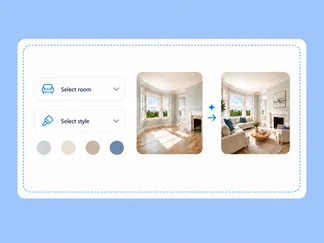
    Pick your preferences
  3. 3

    Generate and download

    Click Generate image. Your photo with a green lawn is ready in 15-30 seconds.
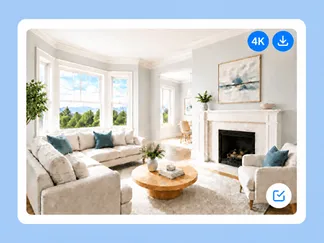
    Generate and download

When to fix the lawn in real estate photos?

Show the yard as it looks in season, without waiting for the grass.

Drought listings

When a drought burned the lawn

A watering ban is not the owner's fault, but buyers see the listing photo first.

  • A better first impression
  • No new sod needed
  • Publish now, not after the rain
Off-season listings

When the grass hasn't grown back yet

The home is listed in late fall or early spring, and the lawn is still dormant.

  • Show the yard as it looks in summer
  • No reshoot of the property
  • 1 credit per photo
Rentals

When the backyard sells the stay

On Airbnb and rental sites, the garden is part of the offer.

  • Fresh backyard and garden photos
  • A lawn around the patio or pool
  • Ready before the booking season

Lawn Enhancement Examples

Compare before and after shots of real yards.
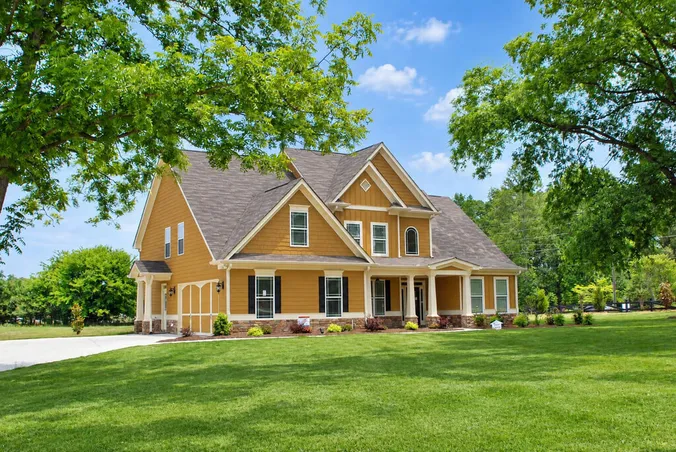
Suburban house with a green lawn after AI lawn enhancement
Suburban house exterior photo with dry grass
Summer drought: suburban front yard
Family home with a green lawn after AI lawn enhancement
Family home exterior photo with patchy grass
Patchy front yard: family home
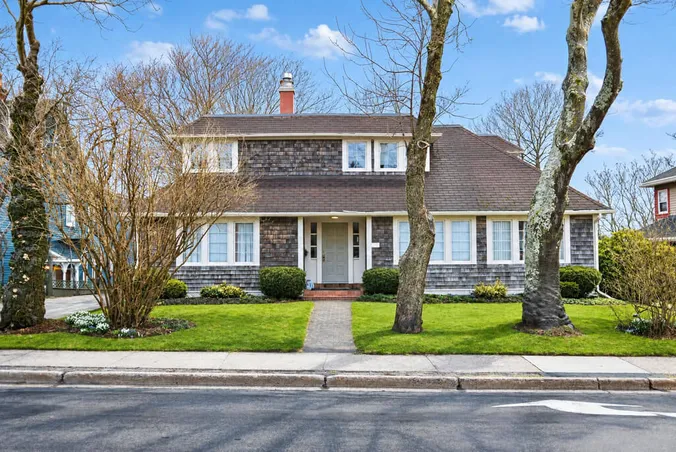
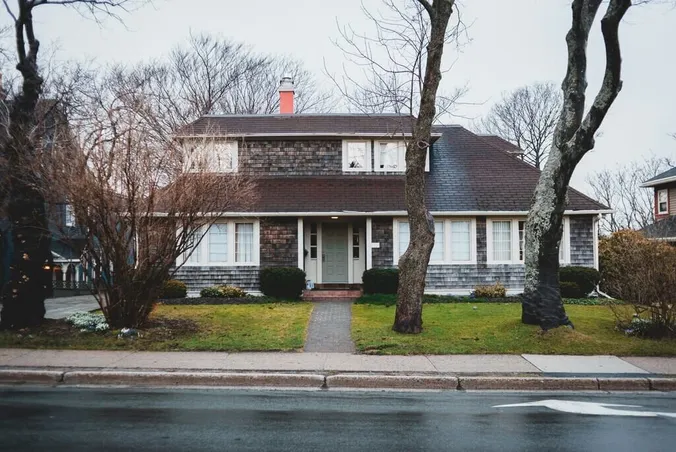
Shingle house with a green lawn after AI lawn enhancement
Shingle house exterior photo with dormant grass
Dormant grass: house in early spring
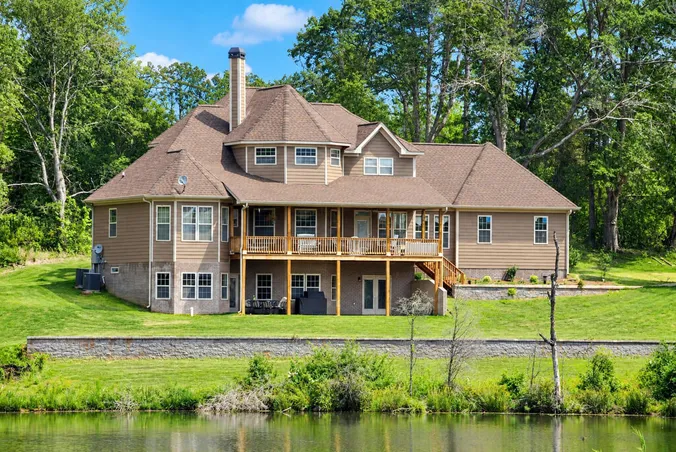
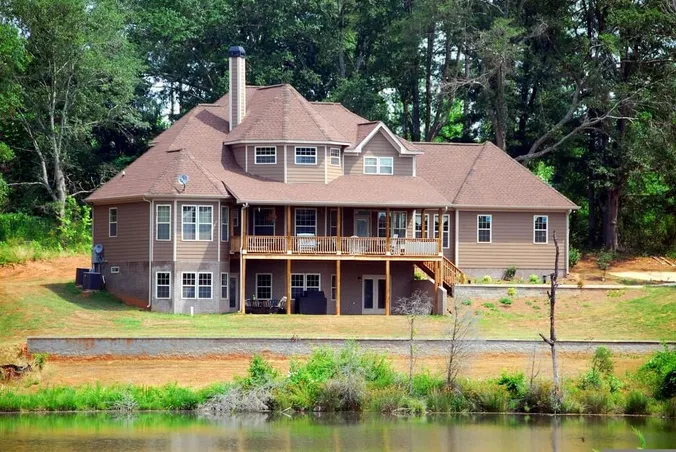
Backyard by a pond with a green lawn after AI lawn enhancement
Backyard by a pond exterior photo with bare soil and patchy grass
Bare soil: backyard by a pond
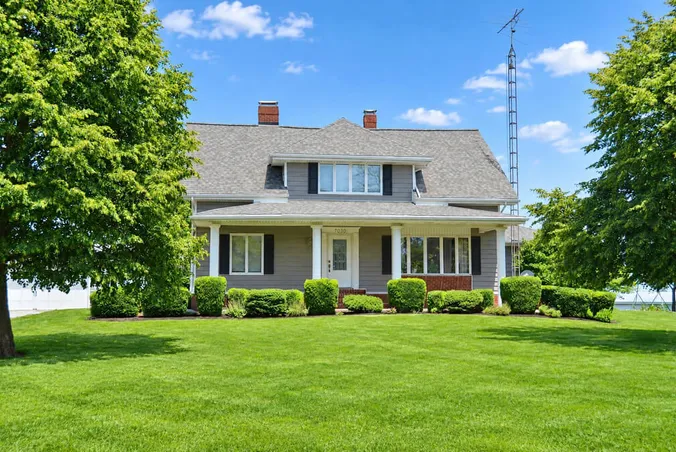
Farmhouse with a green lawn after AI lawn enhancement
Farmhouse exterior photo with dry grass under tree shadows
Lawn with tree shadows
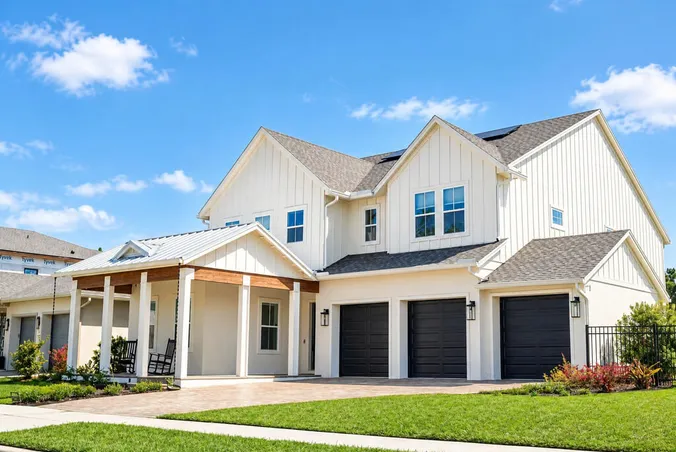
New-build home with a green lawn after AI lawn enhancement
New-build home exterior photo with patchy grass
Thin grass: new-build home
Our Advantages

Why Choose RoomStaging for Lawn Enhancement?

Growing a new lawn takes weeks. A green lawn on your photo takes seconds.

  • Budget Friendly1 credit per photo instead of reseeding, laying sod or booking a reshoot.
  • Instant ResultsYour photo is ready in 15-30 seconds, not after weeks of waiting for the grass to recover.
  • Professional QualityGrass that looks like it grew there. The color follows the light, and the edges along paths stay sharp.
  • Easy to UseUpload a photo, add your wishes and download the result. No Photoshop skills needed.
FAQ

Got questions?

Find answers to the most frequently asked questions about fixing grass in photos.

What is AI lawn enhancement?

It is an AI tool that turns dry or patchy grass in your photo into a green lawn. You upload a photo of your yard, and the AI creates a new image where only the grass has changed.

How do I add grass to a photo online?

Upload a yard photo, add optional instructions and click Generate image.

Can it fix brown, dry or patchy grass?

Yes. Brown spots and dead grass turn into an even lawn. Grass burnt by a long drought comes back green, not yellowish.

Will the house, paths or flower beds change?

No. The house, walkway, driveway, flower beds, trees and camera angle stay the same. Lawn edges along paths stay clean.

How is this different from a season change?

Season changer changes the whole photo, including snow, leaves and sky. This tool fixes only the grass.

Can it add grass where there is bare soil?

Yes. The AI adds grass to bare patches of ground.

Which photos work best for lawn replacement?

Clear shots where the lawn is fully visible. Upload JPG, PNG, WebP or HEIC files up to 10MB.

Can I try it for free?

Yes. You get 3 free credits after registration, no credit card required.

How much does it cost?

It is part of AI Image Enhancement, available on Standard plans and above. Each image uses 1 credit, and selected annual plans bring the cost to about $0.07 per image. See pricing for all options. No hidden fees, no contracts – cancel anytime.

How long does it take to fix the grass?

Just 15-30 seconds. Upload your photo, add your preferences and click Generate image.

Can I use photos with an enhanced lawn on MLS listings or in marketing?

Yes, paid plans include a commercial license. Rules depend on the MLS and platform. Label edited photos as "digitally enhanced" and never hide the real condition of the property.

Show the yard at its greenest

Upload an exterior photo and let AI green the lawn in seconds – no reseeding, no reshoot.