
5 Best Virtual Staging Software Tools Compared (2026)

Compare the best AI virtual staging tools for real estate in 2026. Learn how they differ in speed, pricing, image quality, furniture removal, editing options, commercial use, and which type of solution fits agents, teams, and property marketing workflows best.
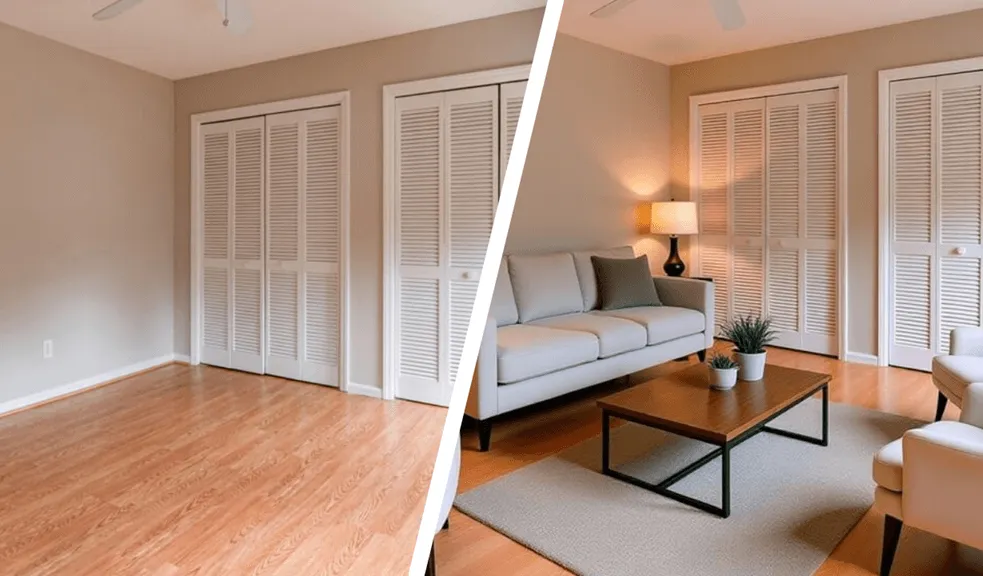
Table of Contents
- How we compared them
- 1. RoomStaging.net
- 2. ReimagineHome
- 3. AI HomeDesign
- 4. Virtual Staging AI
- 5. Apply Design
- 6. BoxBrownie
- 7. Styldod
- Final verdict
- FAQ
AI virtual staging stopped being an experiment somewhere around 2024. Now it's just part of the job for a lot of real estate teams. Upload a photo, pick a style, wait ten seconds – done. Human editors still earn their keep on luxury shoots and tricky angles, but for everyday listing work, AI is fast enough and cheap enough to actually use.
This guide puts RoomStaging next to six others: ReimagineHome, AI HomeDesign, Virtual Staging AI, Apply Design, BoxBrownie, and Styldod. There's no single winner here. Speed matters to some people. Others want to push furniture around manually. A few need a full editing service they can hand off and forget about.
How we compared them
We focused on what actually comes up in real listing workflows. Turnaround time, price per image, output quality, furniture removal, room variety, ease of use, commercial licensing, high-res downloads, revisions, and whether each tool holds up for solo agents, teams, brokerages, or high-end projects.
One thing worth knowing upfront – AI output quality still swings based on the source photo. Lighting, clutter, mirrors, weird angles, the style you picked – all of it affects how realistic the result looks. Test a few shots before you commit an entire listing set to any of these tools.
1. RoomStaging: The Best Overall AI Virtual Staging Solution
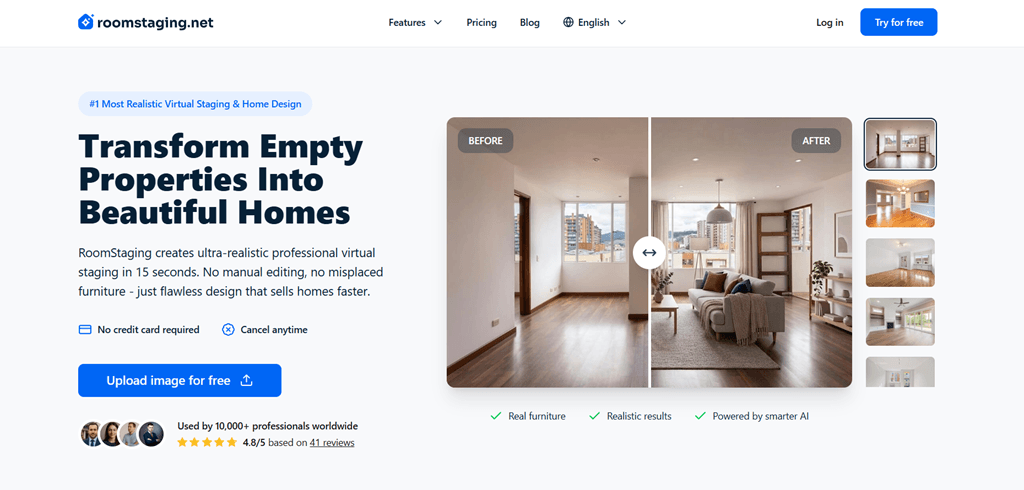
RoomStaging.net is built for agents, property managers, and real estate teams who need to move fast. Upload a room photo, choose the room type and style, pick a generation model – results come back in 15 to 30 seconds. It's designed for repeatability, not for people who want to hand-place every chair.
For anyone processing a steady stream of vacant rooms, the math is hard to argue with. Effective cost per photo can drop to around $0.07 on higher plans. Exports on paid plans are watermark-free and commercially licensed. And the interface doesn't require any design background – most agents figure it out in minutes.
RoomStaging isn't flawless. But it covers the most common listing-photo problems in one place, keeps costs down, and doesn't slow anyone down. For most teams, that combination is enough.
Features
- AI virtual staging – furnishes empty rooms.
- Interior redesign – refreshes spaces that already have furniture.
- Furniture removal – clears out distractions before staging.
- Interior renovation – changes the visual feel of a room.
- 50+ room types and styles – bedrooms, kitchens, offices, dining rooms, and more.
- Commercial photo licensing – marketing-ready on paid plans.
Pros & Cons
Pros
- Results come back in 15 to 30 seconds.
- Effective cost per photo can drop to around $0.07 on higher plans.
- Paid plans include watermark-free, commercially licensed exports.
- The interface doesn't require any design background.
- The proportions, scale, and geometry of the rooms remain unchanged, and the tool takes all details.
- Covers common listing-photo problems in one place.
Cons
- Credits don't roll over.
- Not built for users who want to hand-place every chair.
Pricing
- Basic: $19/month for 100 credits.
- Standard: $39/month for 250 credits.
- Professional: $79/month for 550 credits.
- Enterprise: $149/month for 1250 credits plus API access.
- 1 credit per photo.
- Free credits: New users get 3 free credits – no card required.
2. ReimagineHome: Design decisions and real products
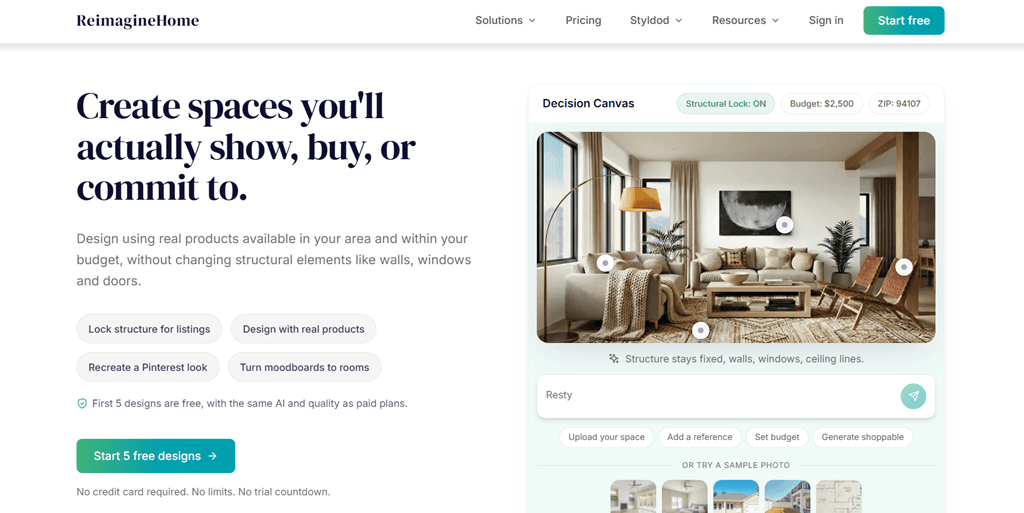
ReimagineHome is positioned somewhat differently. Instead of focusing only on producing staged images, it is mainly used to preview possible design directions and see how a room might look.
That makes it genuinely useful in certain situations. Sellers exploring renovation ideas. Designers presenting directions to clients. Agents who want to show buyers what a dated space could become. It's a creative planning tool that happens to do staging too.
Use ReimagineHome when the image is meant to start a conversation. Skip it when all you need is a fast, clean result.
Features
- Virtual staging – standard furnished-room visuals.
- Interior redesign – reimagines existing spaces.
- Landscaping and exterior edits – curb appeal, patios, outdoor updates.
- Reference photos – match a visual direction from an inspiration image.
- Shoppable product discovery – connects room concepts to real purchasable items.
Pros & Cons
Pros
- Useful for sellers exploring renovation ideas.
- Useful for designers presenting directions to clients.
- Useful for agents who want to show buyers what a dated space could become.
- Shoppable product discovery connects concepts to real purchasable items.
- Landscaping and outdoor visualization are clear differentiators.
Cons
- Extra layers can feel like noise for straightforward listing work.
- The tool’s patterns often distort the room’s geometry and calculate the scale incorrectly.
- Credits get used up faster when exploring multiple directions.
- Straightforward bulk staging costs more per image than on RoomStaging.
Pricing
- Plans: Essential, Pro, Advanced, and Agency tiers.
- Price range: Roughly $14 to $99/month.
- Monthly credits: About 30 to 900 depending on the plan.
- Free designs: New users get 3 free designs.
3. AI HomeDesign: Tool for staging plus real estate photo editing
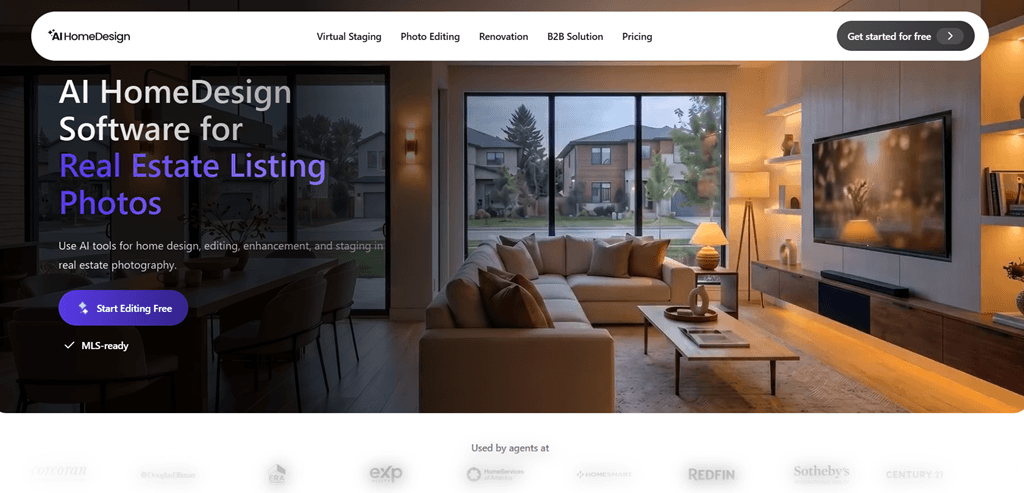
AI HomeDesign includes features for editing different types of real estate photos. Staging, cleanup, enhancement, renovation concepts, and human editing when the AI isn't cutting it – it's all in one place.
For teams that currently juggle three or four tools to get a full listing ready, that consolidation has real value. For agents dealing with mixed photo sets – some vacant rooms, some furnished, some just dull and underexposed – AI HomeDesign handles more in one workflow than most alternatives.
If your work goes beyond simple staging, AI HomeDesign is worth a serious look. If it's mostly empty rooms at volume, RoomStaging is simpler and cheaper.
Features
- AI virtual staging – furniture and decor for vacant rooms.
- Furniture removal – clears existing items before restaging.
- Image enhancement – brightness, color, sharpness, and clarity fixes.
- Day-to-dusk editing – twilight-style exterior photos from daytime shots.
- Interior design – generates redesigned room looks.
- Human editing when the AI isn't cutting it.
Pros & Cons
Pros
- Handles staging, cleanup, enhancement, renovation concepts, and human editing in one place.
- Useful for mixed photo sets.
- Human editing is a safety net for rooms where AI struggles.
Cons
- Heavier than many solo agents need.
- Plan limits matter because each plan has a photo cap.
- For mostly empty rooms at volume, RoomStaging is simpler and cheaper.
- Due to the way the algorithm works, the tool often hallucinates when processing large rooms, changing their geometry.
Pricing
- Pro: $35/month for 30 photos, or $19/month billed yearly.
- Pro Plus: $59/month for 80 photos, or $29/month billed yearly.
- Enterprise: $99/month for 200 photos, or $49/month billed yearly.
- Manual virtual staging: Starts at $13.99 per photo.
- AI turnaround: Seconds or up to 30 seconds.
4. Virtual Staging AI: Tool for simple one-click AI staging
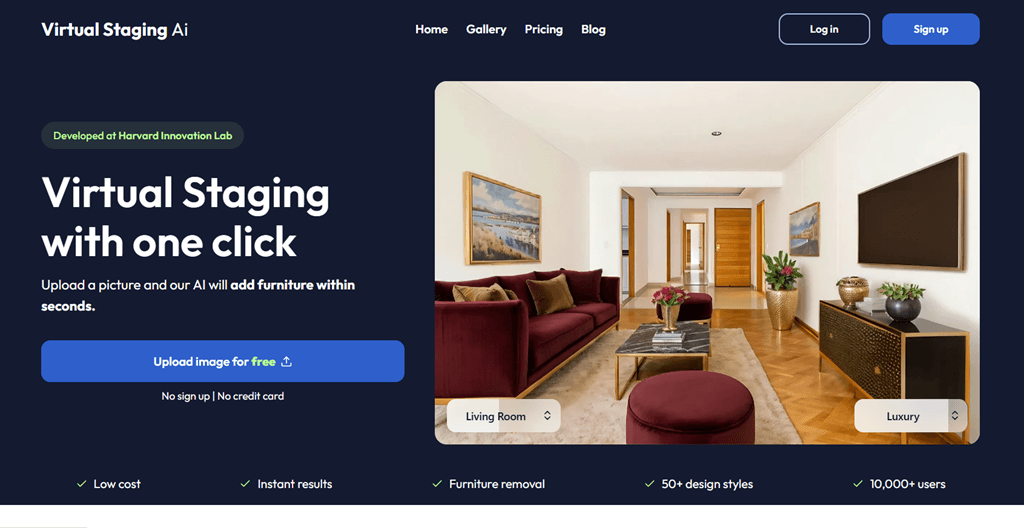
Virtual Staging AI doesn't try to do everything. It stages rooms. That's the job, and it does it without making you think too hard.
Upload a photo, let the AI furnish it, download the result. The workflow has no extra steps unless you want them.
For quick, uncomplicated staging, it works well. Don't expect more than that.
Features
- AI virtual staging – furniture and decor added automatically.
- Furnished and unfurnished support – works with empty or partly filled spaces.
- Furniture removal – clears existing items before restaging.
- Unlimited renders and downloads – experiment without burning through a quota.
- Long-term storage on Standard and higher plans.
- Enterprise API access for integrated workflows.
Pros & Cons
Pros
- Simple one-click workflow.
- Unlimited regeneration lets users try again with different styles and outcomes.
- Unlimited downloads.
- Long-term storage on Standard and higher plans.
- Enterprise API access is available.
Cons
- No ultra-realistic quality.
- No enhancement tools.
- No renovation visuals.
- No day-to-dusk editing.
- Smaller plan limits are tight.
Pricing
- Basic: $16/month billed yearly for 6 photos.
- Standard: $19/month billed yearly for 20 photos.
- Professional: $39/month billed yearly for 60 photos.
- Enterprise: $79/month billed yearly for 150 photos.
5. Apply Design: Tool for customizability and DIY control
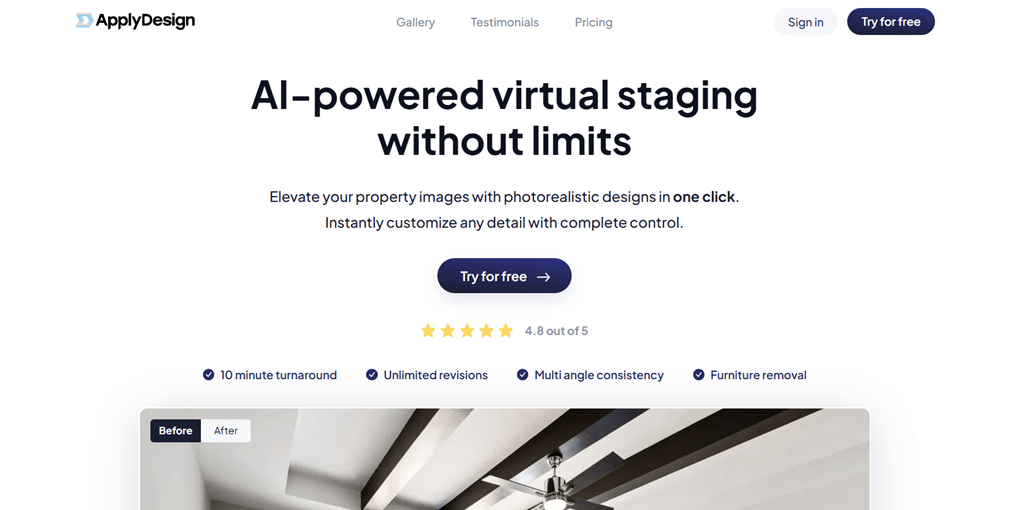
Apply Design is the choice for people who find AI staging results frustrating because they can't control what goes where. It gives users an actual editor – drag-and-drop furniture placement, manual adjustments, real revisions.
Speed is not the priority here. Control is. Apply Design earns its place on high-stakes listings. For everyday volume staging, it's the wrong tool.
Features
- One-click Auto Staging – generates a starting point automatically.
- DIY drag-and-drop editor – adjust furniture position and composition manually.
- 2D image support – standard listing photos.
- 360 image support – immersive property visuals.
Pros & Cons
Pros
- Gives users control over what goes where.
- Manual adjustments and real revisions are available.
- Useful for premium listings where "close enough" won't do.
- Multi-angle shoots can benefit from the manual editor.
- Supports 360 images.
Cons
- Speed is not the priority.
- Auto staging takes about 15 minutes.
- Coins add up for bulk work.
- If precise placement is not needed, users pay for tools they may not use.
Pricing
- Coins: $10 each for up to 9, $8 each for 10–19, and $7 each for 20+.
- Auto staging: 1.5 coins for 2D images and 2.5 coins for 360 images.
- DIY staging: 1 coin for 2D images and 2 coins for 360 images.
- Turnaround: Auto staging takes about 15 minutes.
6. BoxBrownie: Tool for human-edited virtual staging
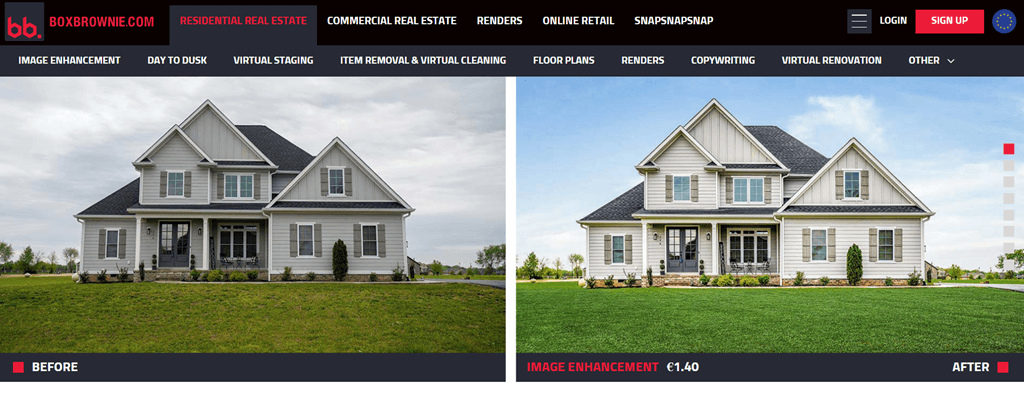
BoxBrownie is not an AI platform. It's a team of editors. That distinction matters depending on what you're trying to accomplish.
If a room has difficult lighting, unusual geometry, a fireplace that always trips up AI tools, or a seller with very specific expectations – a human editor can handle it in ways no algorithm reliably can.
BoxBrownie makes sense when the listing justifies the cost and timeline. Most listings don't.
Features
- Virtual staging – professionally selected furniture and decor.
- 360 virtual staging – staged immersive images.
- Image enhancement – brightness, color, and sharpness corrections.
- Day-to-dusk edits – twilight-style exterior photos.
- Floor plan redraws – clean versions from rough originals.
Pros & Cons
Pros
- Human editors can handle difficult rooms more reliably.
- Results are more consistent in difficult rooms.
- Revisions are handled by actual people.
- Wide service menu reduces the need to use different vendors.
Cons
- Standard turnaround is up to 48 hours.
- At $24 per image, a 10-room shoot costs $240.
- Cost becomes a problem for brokerages doing 50 listings a month.
Pricing
- Virtual staging: Starts at $24/photo.
- 360 virtual staging: $48/photo.
- Image enhancement: Starts at $1.60.
- 360 enhancement: Starts at $5.
7. Styldod: Human-service alternative for bulk staging
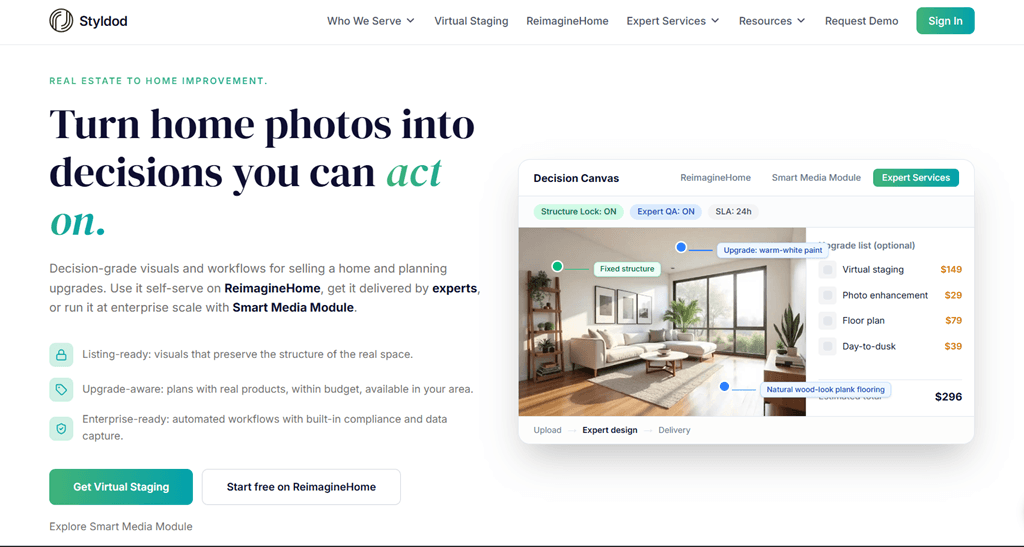
Styldod operates on the same model as BoxBrownie – human editors, service workflow, no instant results – but its bulk pricing makes it a more realistic option when you have several images to stage at once.
At $16/photo for 8+ images, it's not cheap, but it's not as painful as per-image pricing from premium services.
For teams that prefer sending work out rather than generating it themselves, and who regularly need 8+ rooms staged at once, Styldod is a reasonable fit. The cost is still higher than any AI tool, and the timeline is still measured in hours rather than seconds.
Features
- Virtual staging – furnished rooms from vacant photos.
- Occupied-to-vacant editing – removes belongings and existing furniture.
- Object removal – clears distracting items.
- Image enhancement – visual polish and corrections.
- Floor plans – listing materials.
- Virtual renovation – shows potential updates to the property.
Pros & Cons
Pros
- Bulk pricing makes it more realistic for several images at once.
- Unlimited revisions reduce the risk of paying for something unusable.
- Money-back guarantee on first orders.
- Reasonable fit for teams that prefer sending work out.
Cons
- No instant results.
- Standard turnaround is 24 to 48 hours.
- Rapid delivery adds $6/photo; twelve-hour delivery adds $12/photo.
- Cost is still higher than any AI tool.
- Not ideal for a single urgent room or high-volume workflow.
Pricing
- Fewer than 8 staged images: $23/photo.
- 8+ staged images: $16/photo.
- Rapid 24-hour delivery: Adds $6/photo.
- Twelve-hour delivery: Adds $12/photo.
- Standard turnaround: 24 to 48 hours.
Final verdict
Each tool here has a real use case. ReimagineHome works when staging is part of a design conversation. AI HomeDesign makes sense when a team needs staging alongside enhancement, cleanup, and renovation visuals. Virtual Staging AI does its job cleanly for anyone who just needs a quick furnished-room image. Apply Design earns its place when placement precision actually matters. BoxBrownie and Styldod remain the right answer when human editing, revision support, and service-based delivery are worth paying for.
For most teams doing regular listing work – vacant rooms, fast turnarounds, reasonable budgets – RoomStaging is the default. Fast output, low cost per image, commercial-ready exports, and a toolset that handles the most common photo problems in one place. It may not be the best option for every situation. But it's the one most agents will actually use every week.
FAQ
What is the best virtual staging software for most real estate teams?
RoomStaging is the strongest default for regular listing work because it is fast, affordable, commercially licensed on paid plans, and covers common needs like staging, redesign, furniture removal, and renovation visuals.
Which tool is best for design ideas, not just staging?
ReimagineHome is better when the goal is to explore design possibilities. It supports redesigns, exterior updates, reference photos, and shoppable product discovery.
Which option is best for simple one-click staging?
Virtual Staging AI is the simplest choice. It focuses on staging rooms quickly, with unlimited renders and downloads within the plan. But this generates not entirely realistic results.
Which tool gives the most manual control?
Apply Design is built for users who want to adjust furniture placement themselves. It includes a drag-and-drop editor and supports both 2D and 360 images.
When should you use a human-edited service?
BoxBrownie or Styldod make sense when a listing needs more consistent editing, human revisions, or help with difficult rooms. They cost more and take longer than AI tools.
Which tool is best for mixed real estate photo sets?
RoomStaging is useful when a photo set needs more than staging. It also covers furniture removal, image enhancement, day-to-dusk edits, interior design, interior renovation.
Are AI staging tools always realistic?
Not all virtual staging services deliver realistic results, but RoomStaging is built to produce more natural-looking interiors and leads in accuracy and design consistency.